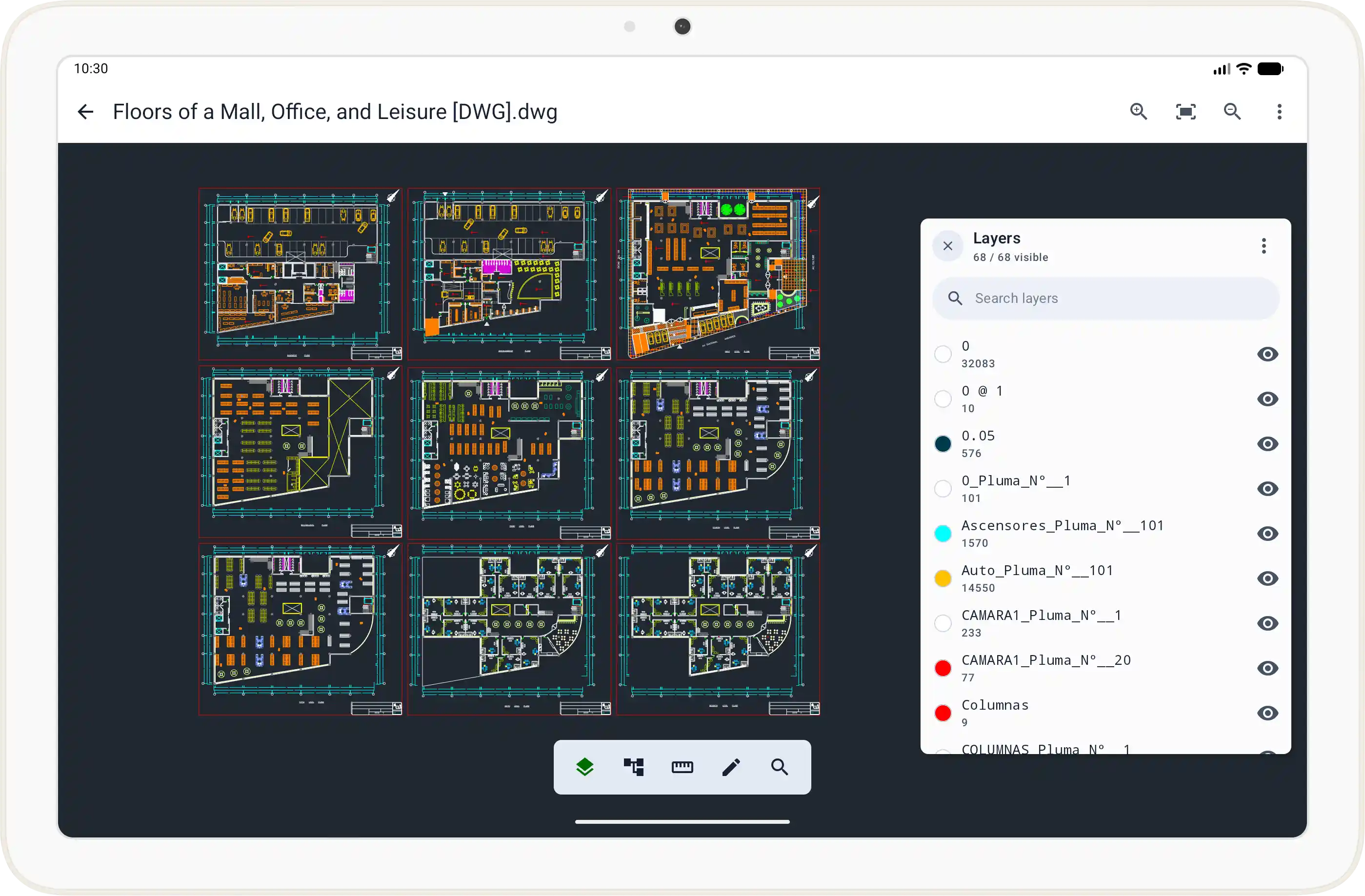
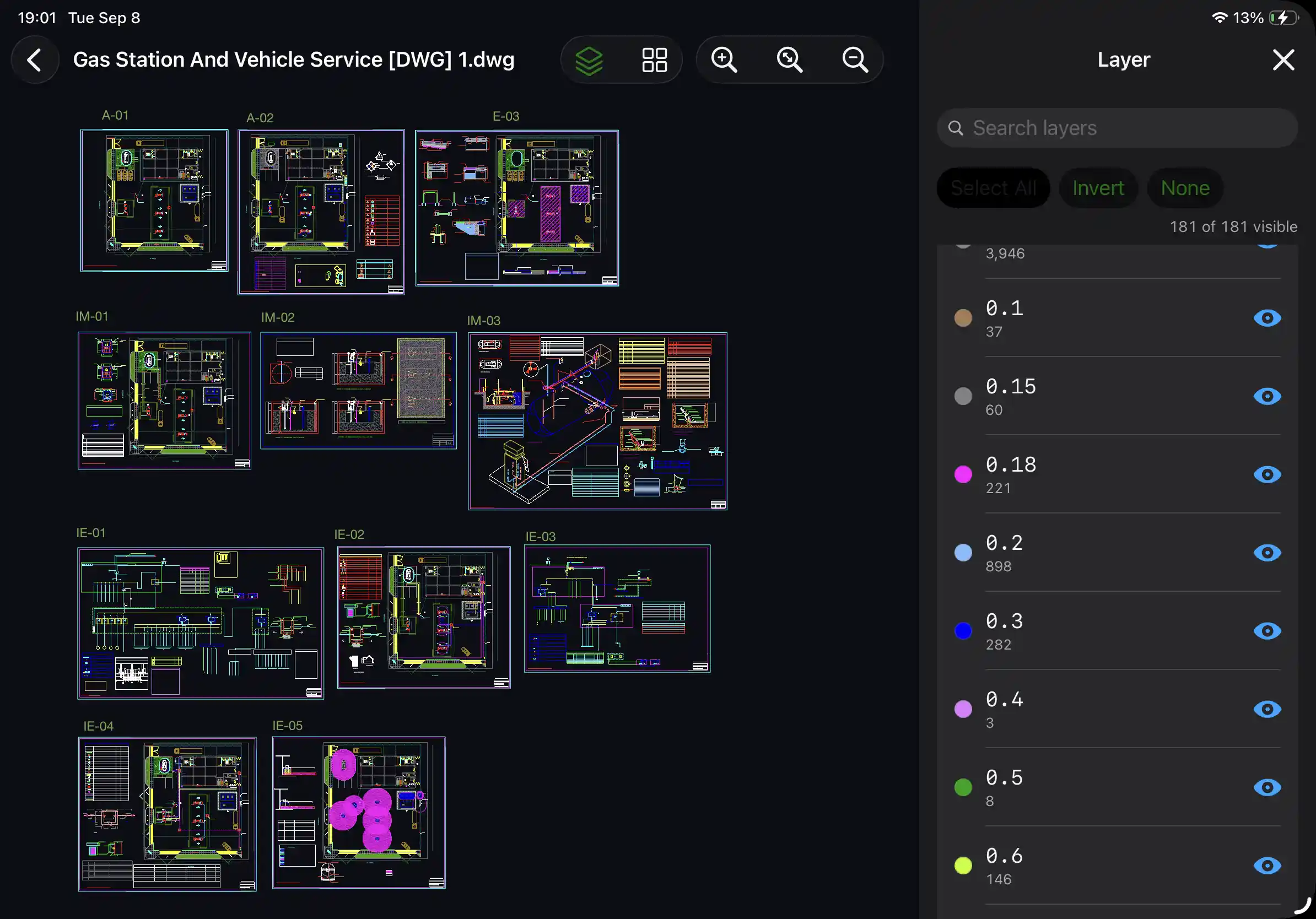
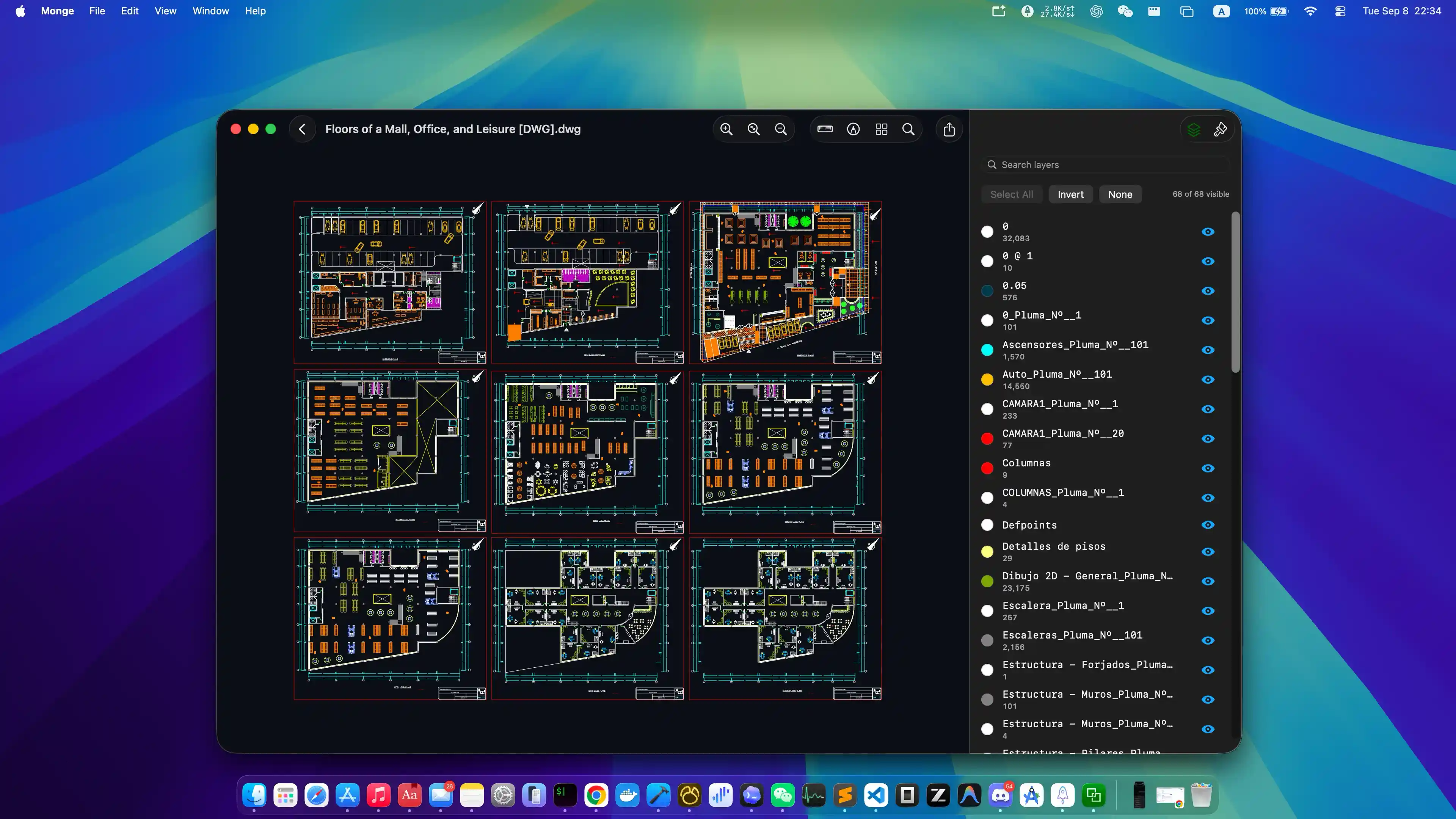
Layer Control
Focus on the layers you need.
Show, hide, and manage layers to focus on the content you need.
- Toggle layers on or off
- Focus on specific drawing information
- Reduce visual clutter in complex files
Open and review DWG and DXF files directly on your device with faithful rendering, smooth navigation, and a clean, efficient viewing experience. No cloud upload or account required.


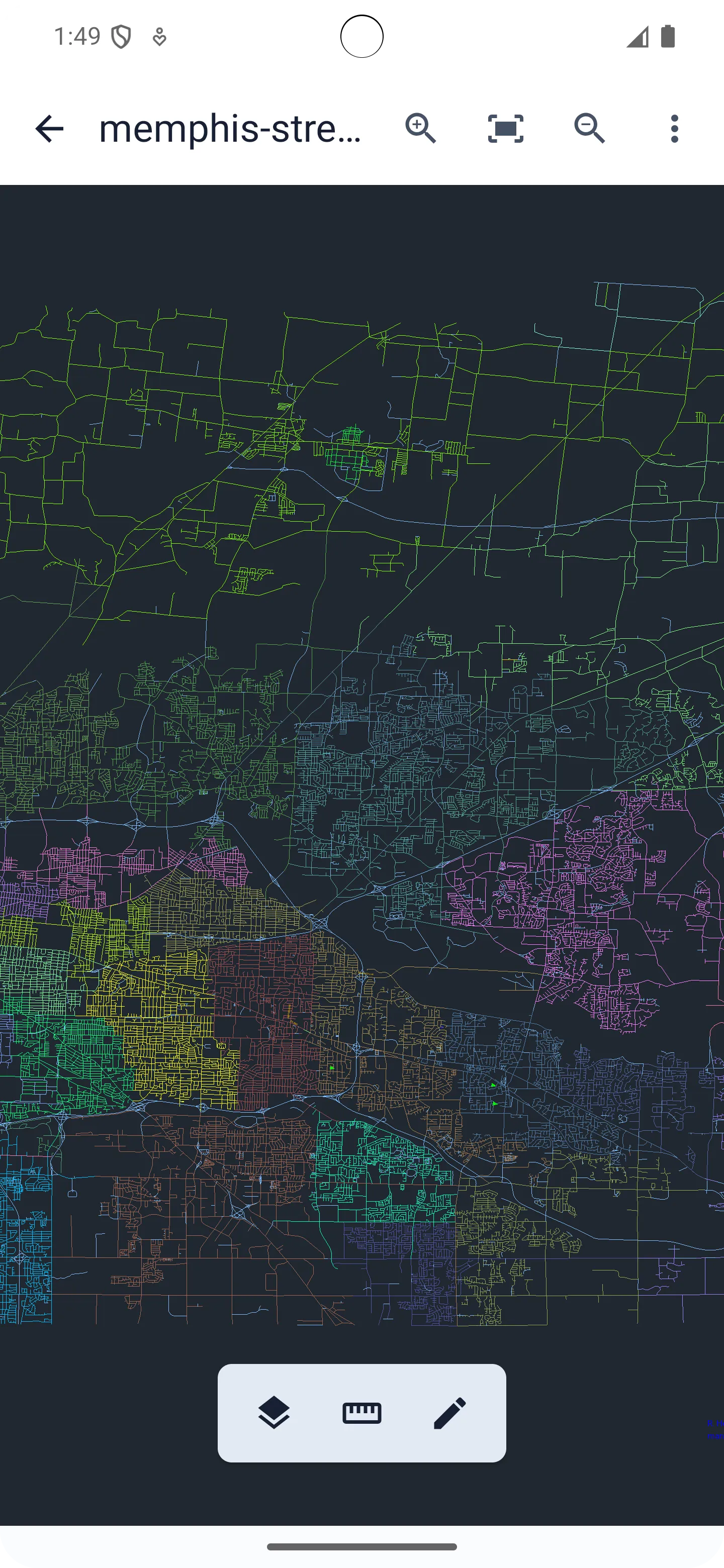
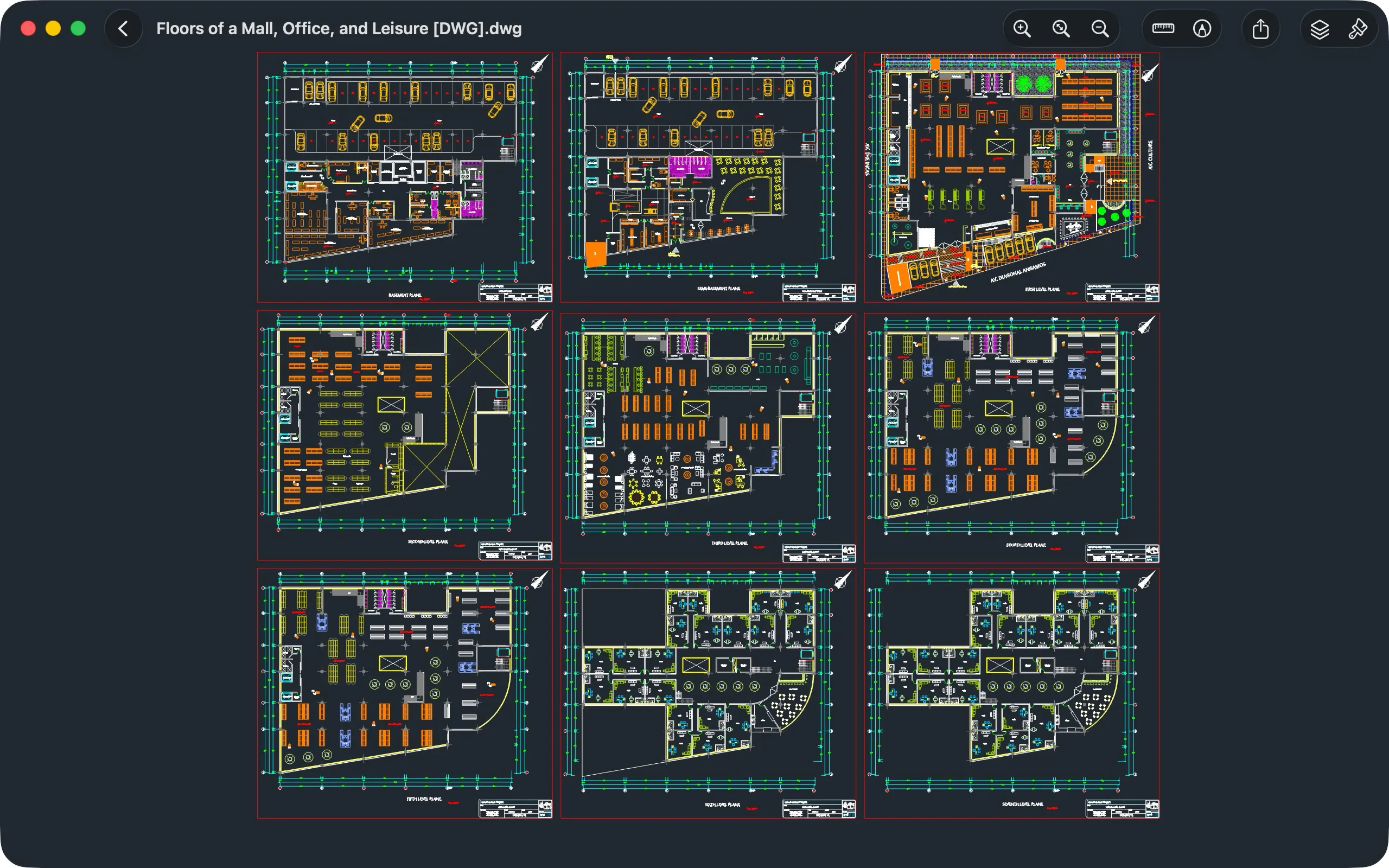
Layer Control
Show, hide, and manage layers to focus on the content you need.
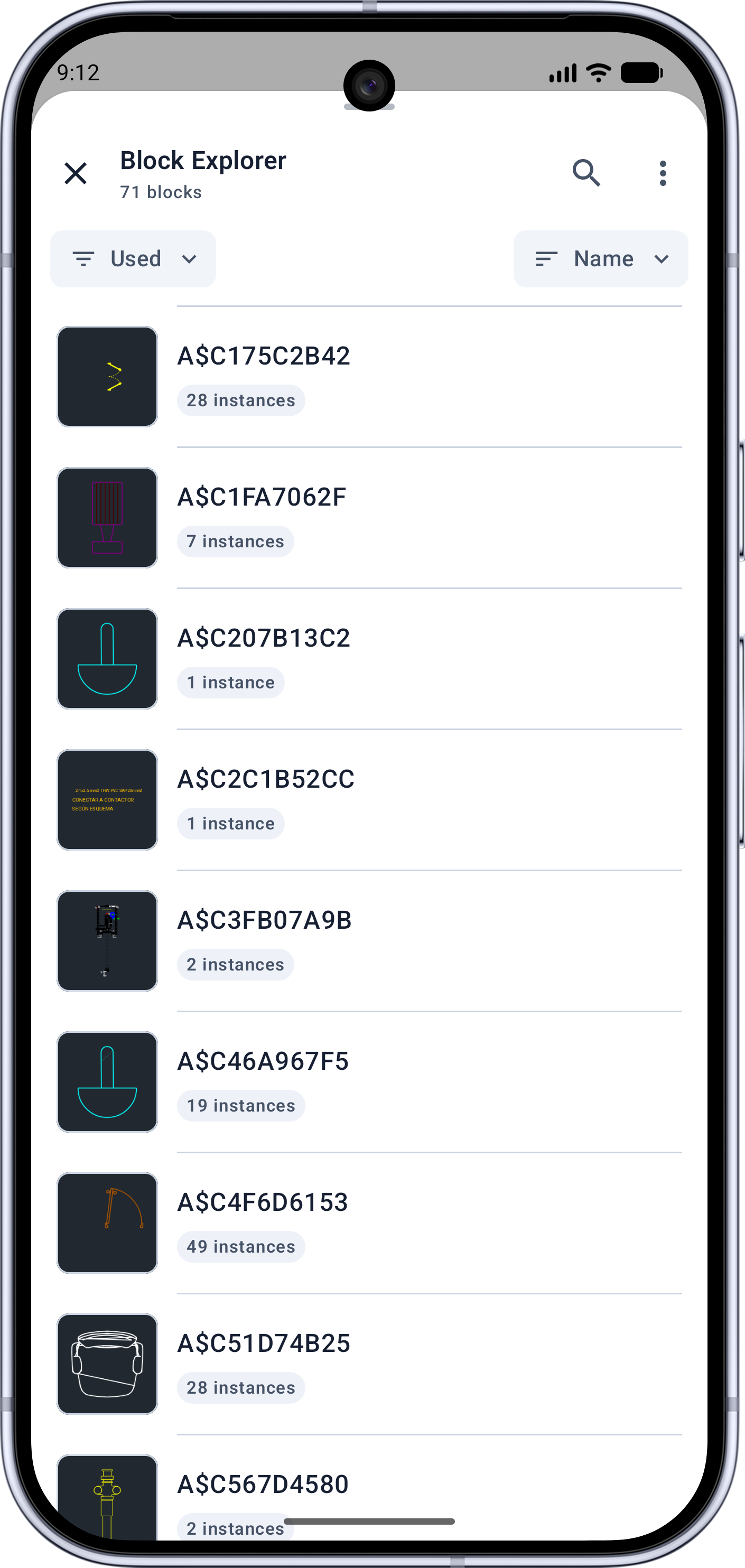
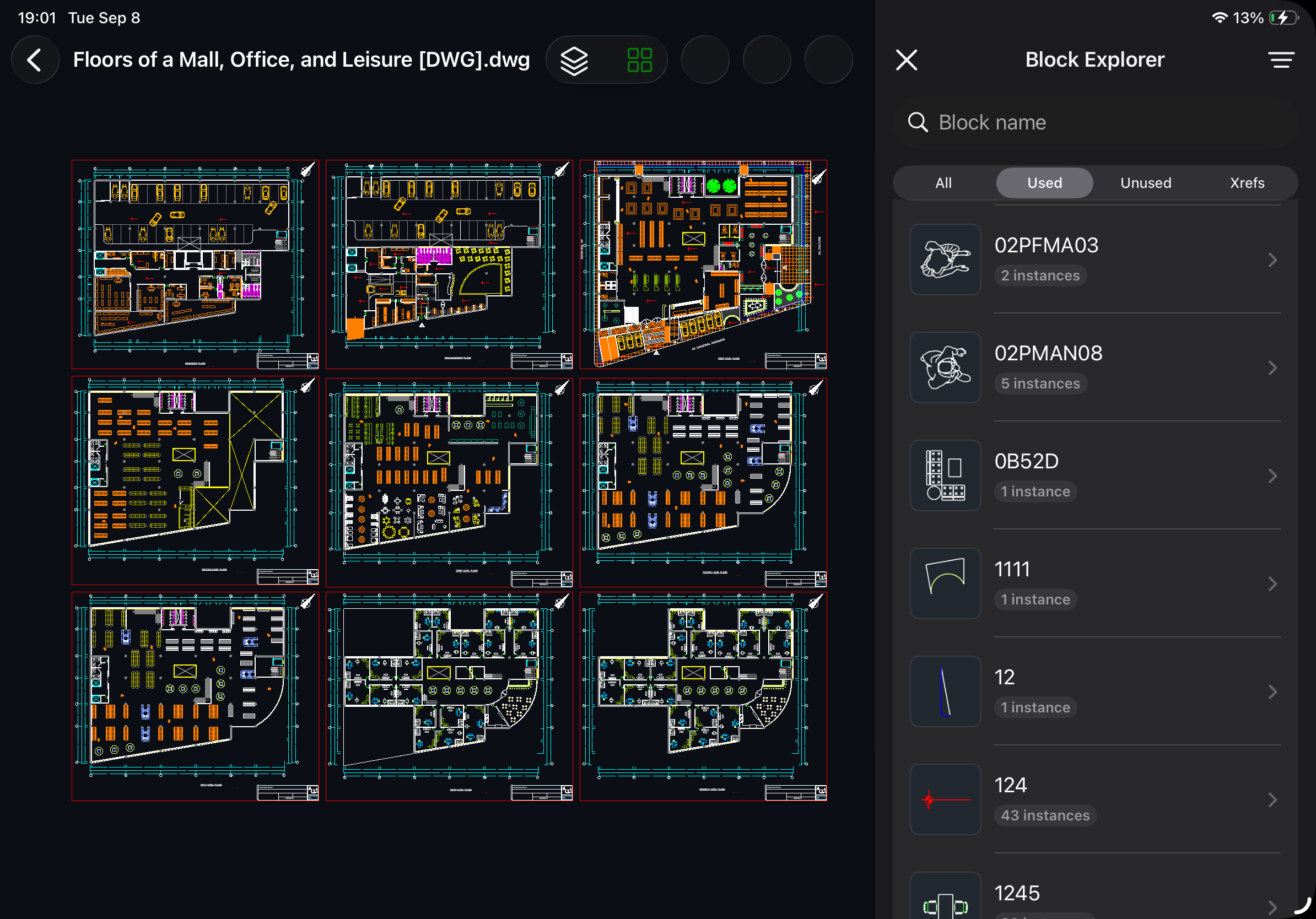
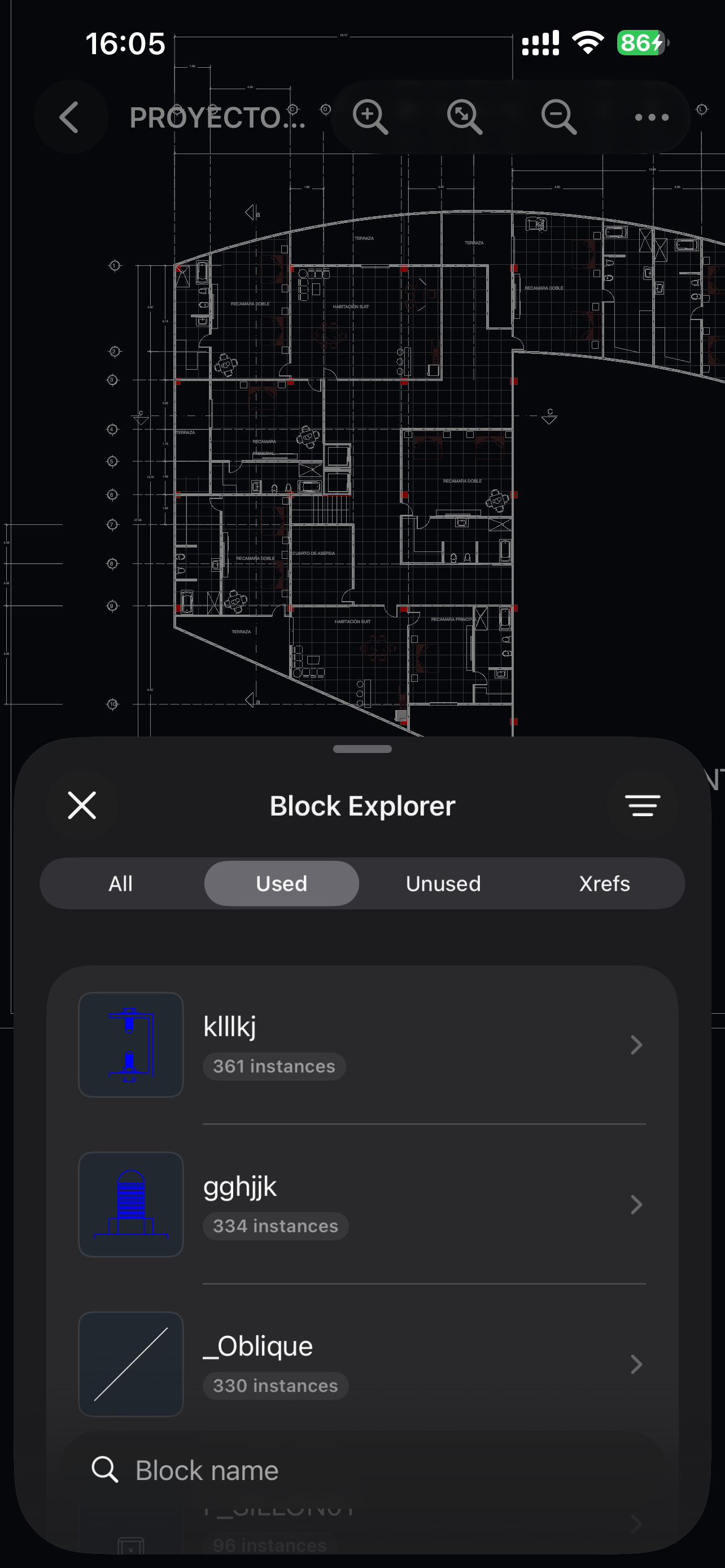
Block Explorer
Browse block instances and export block attributes to Excel or ODS.
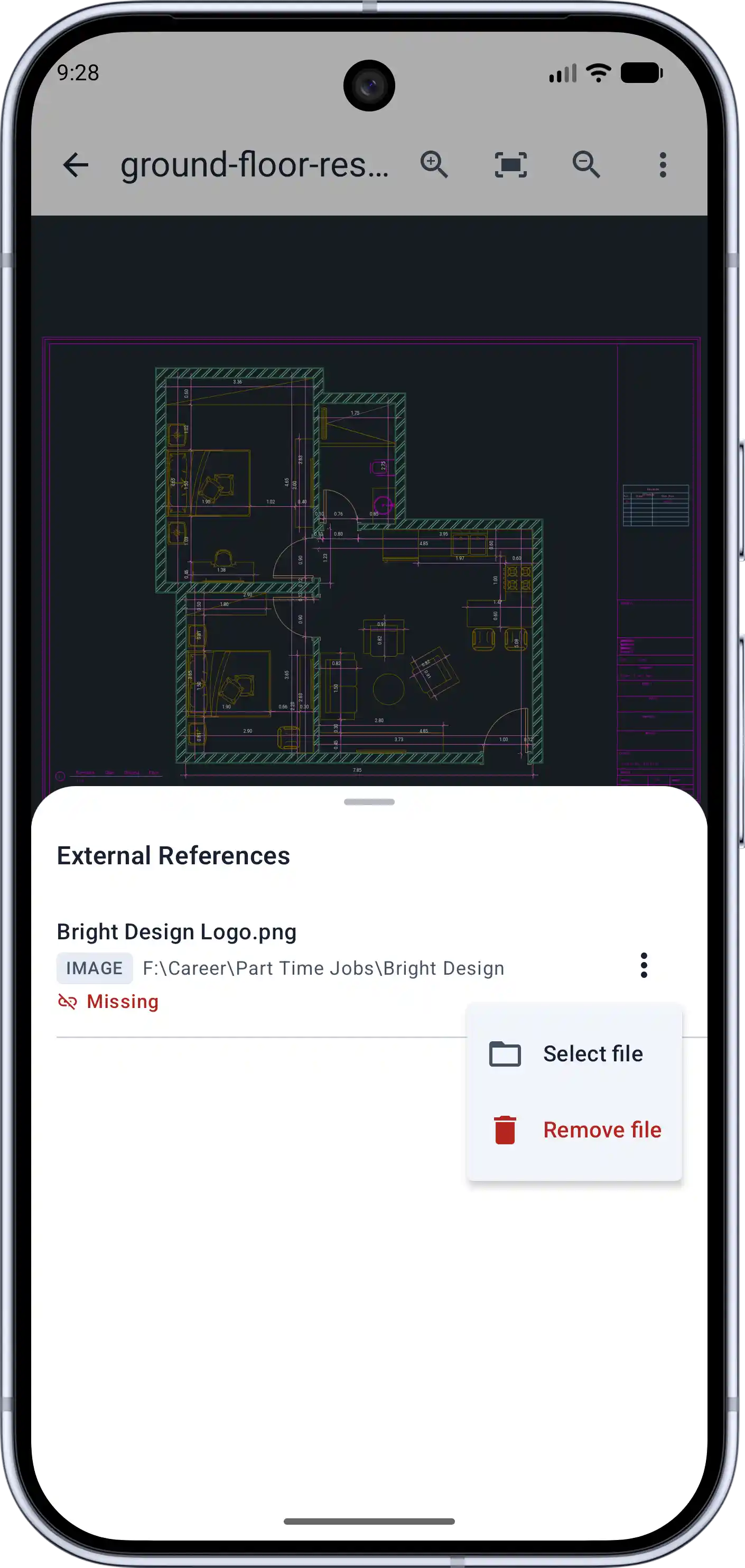
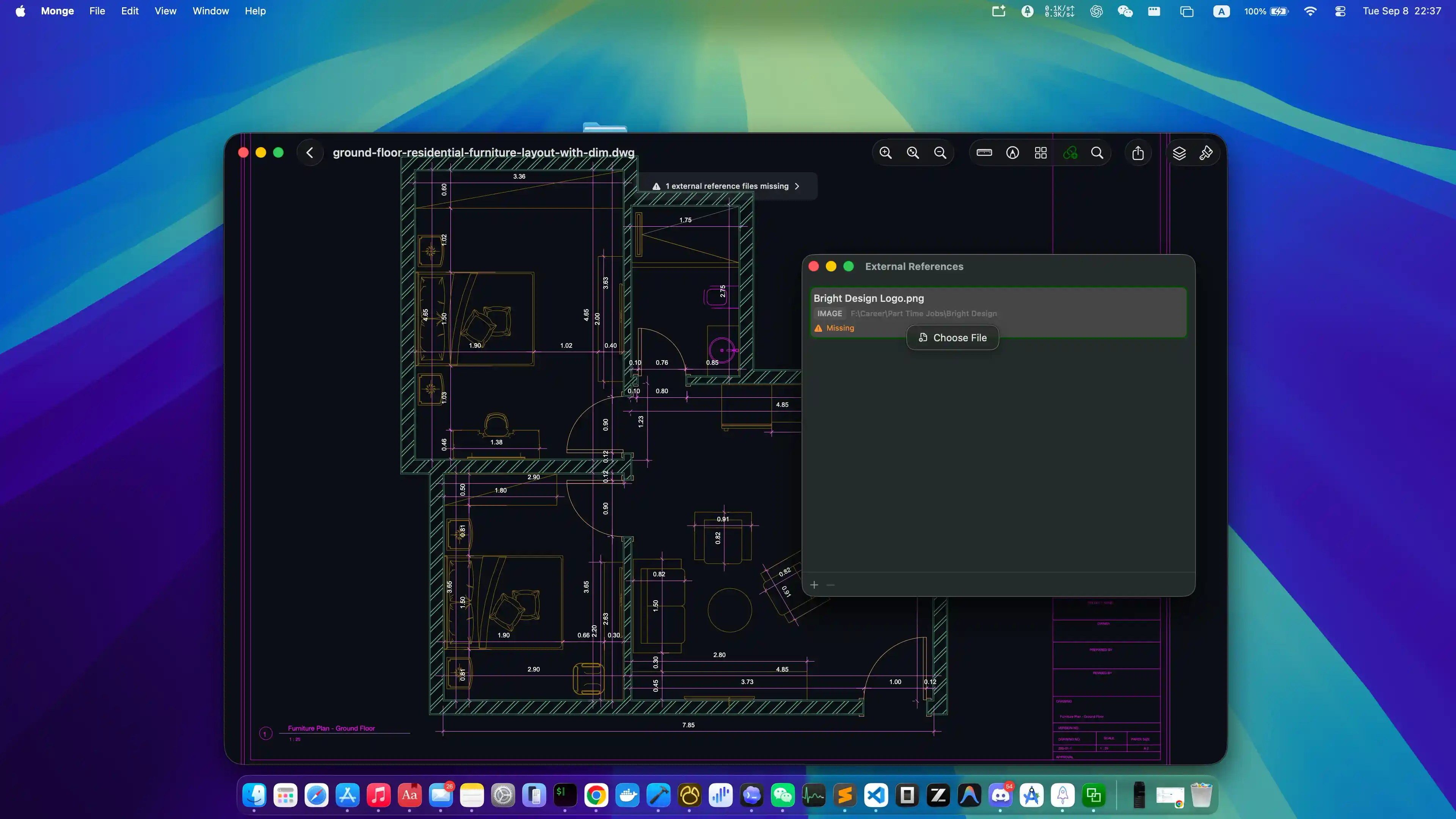
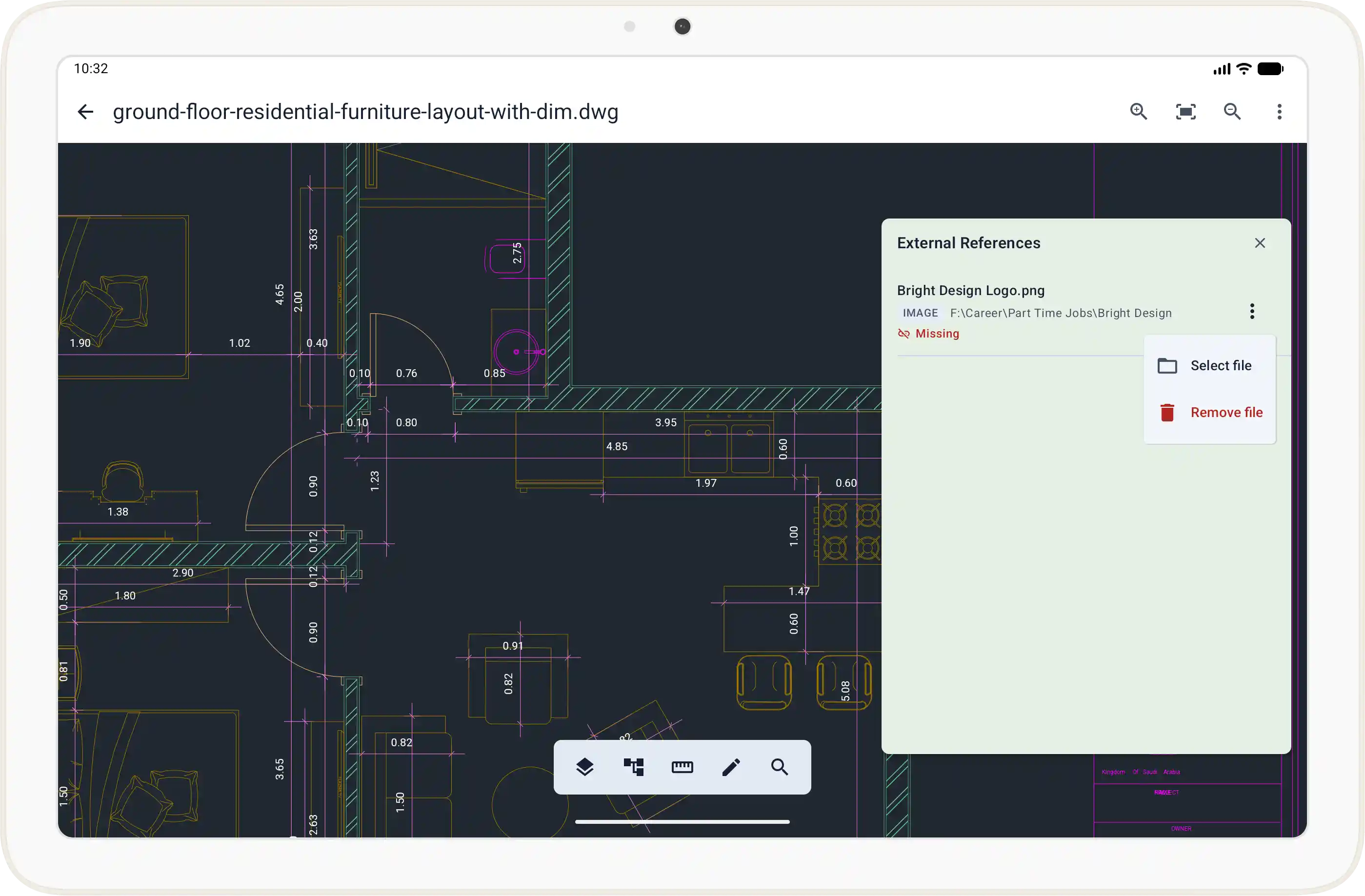
External References
View referenced DWG files, PDFs, images, and other external content within the drawing.
Markup Tools
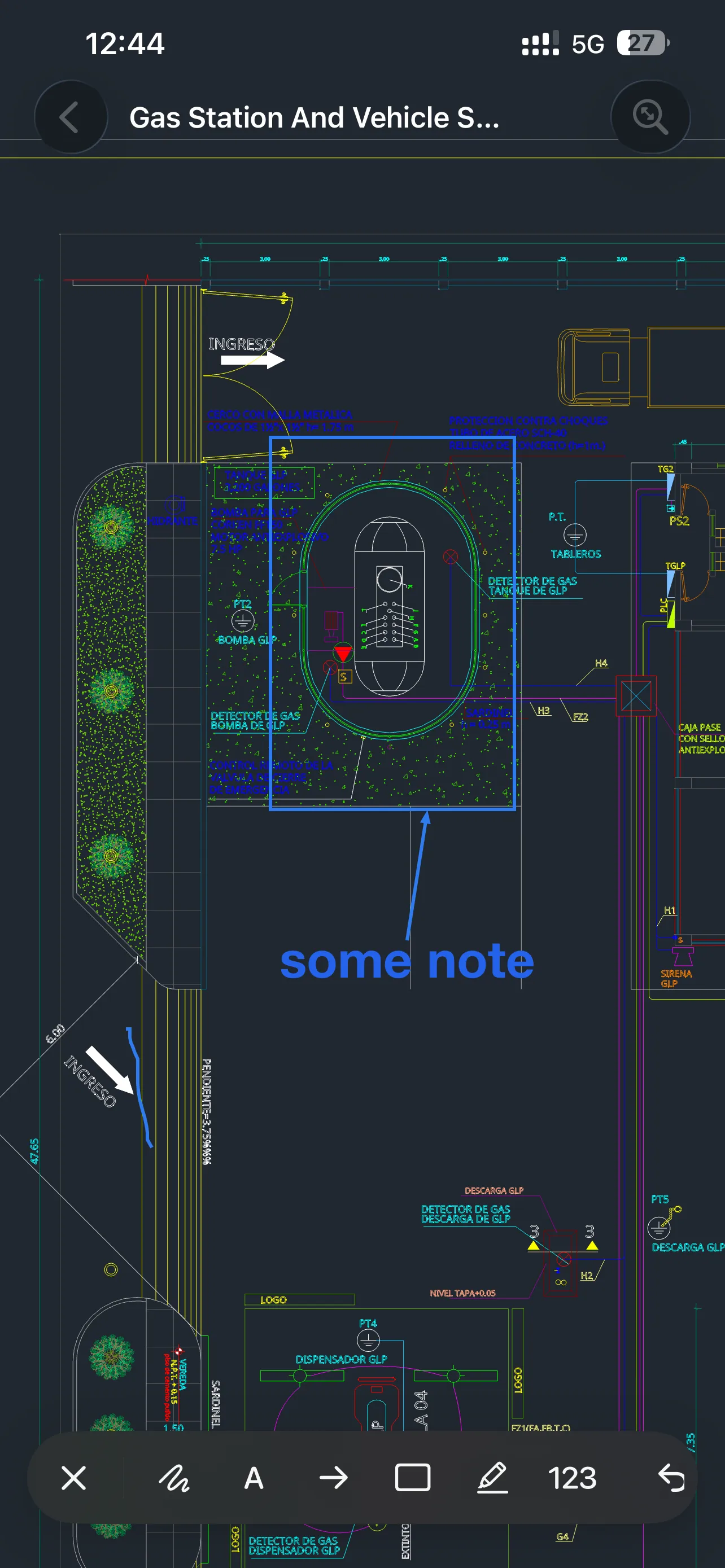
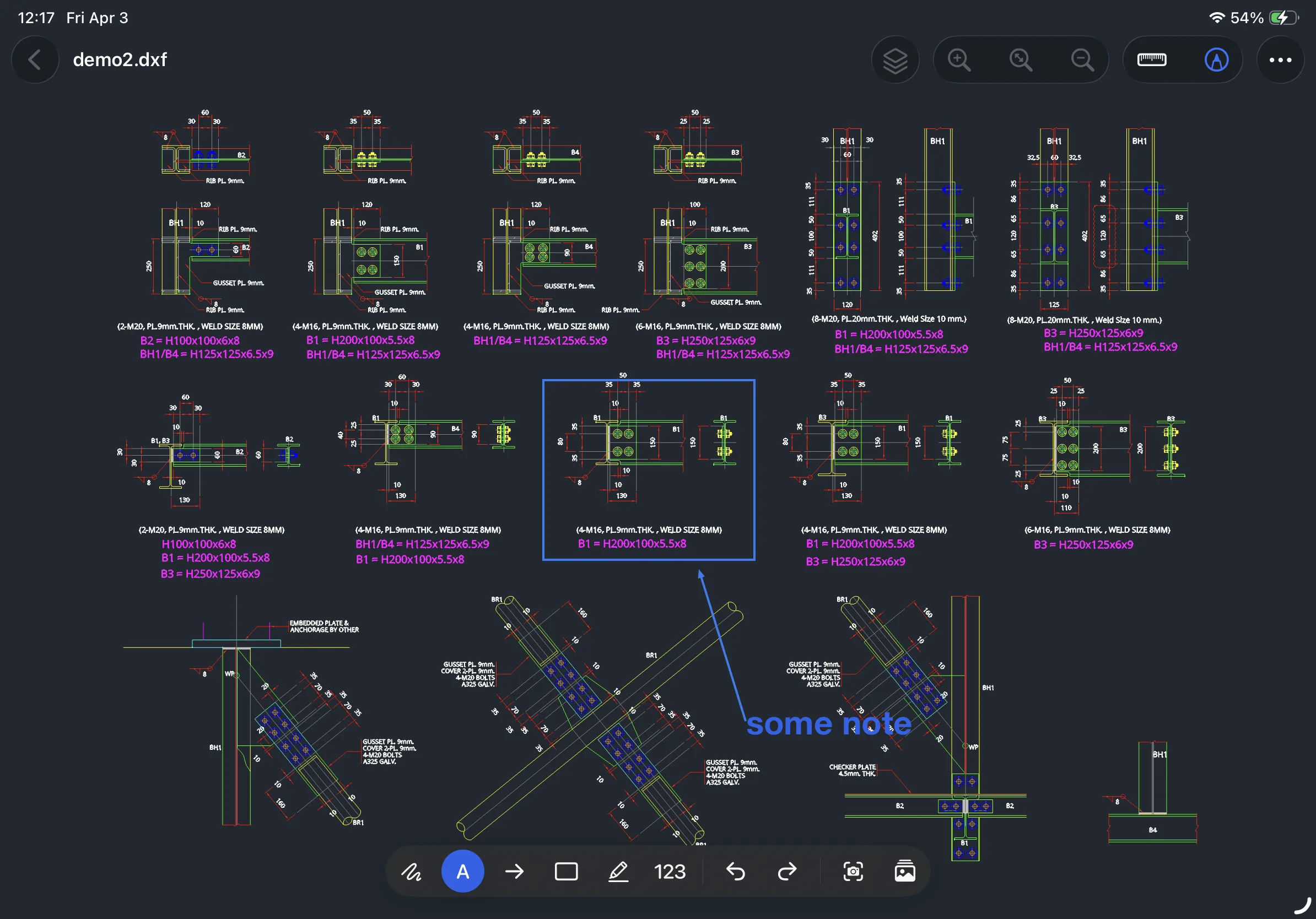
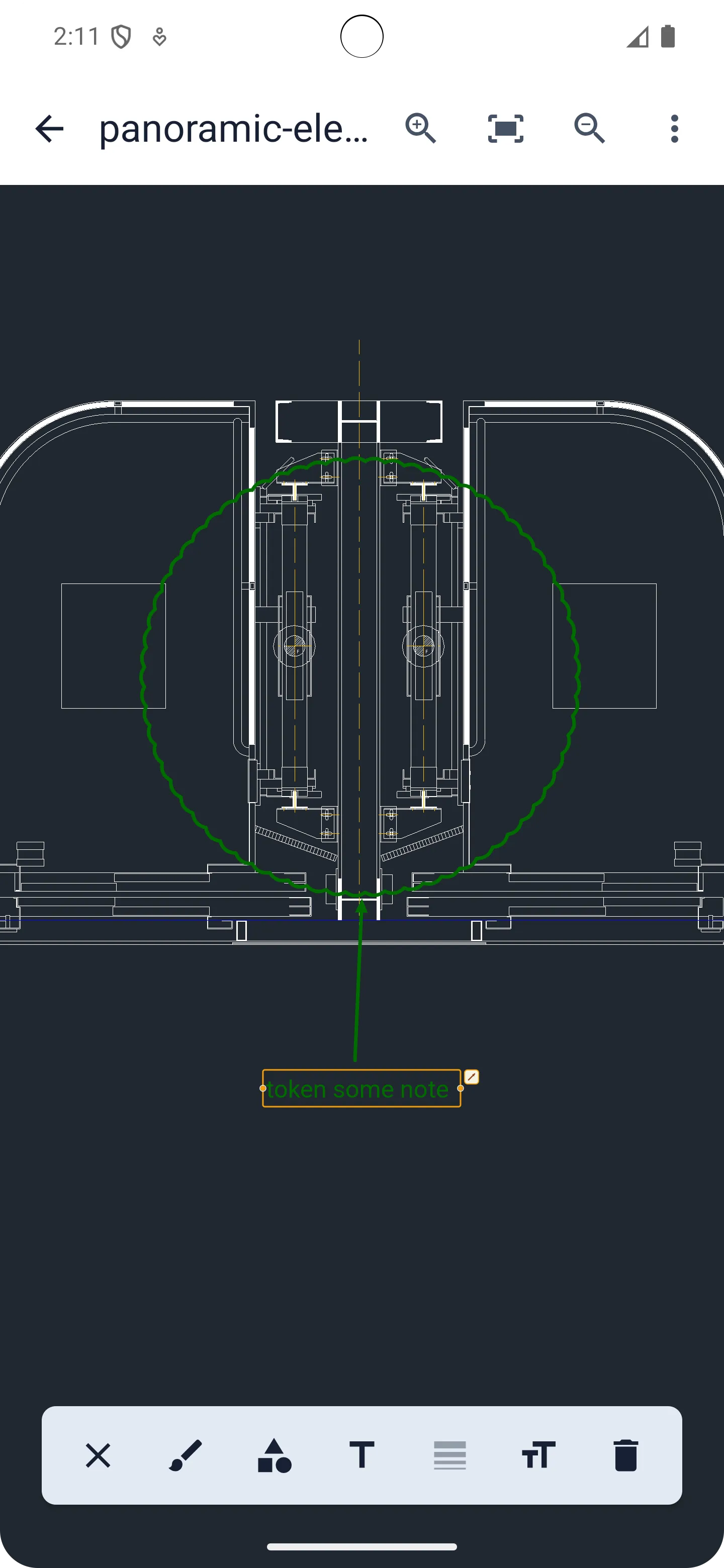
Add text, shapes, and annotations for review, comments, and collaboration.
Precise Measurement
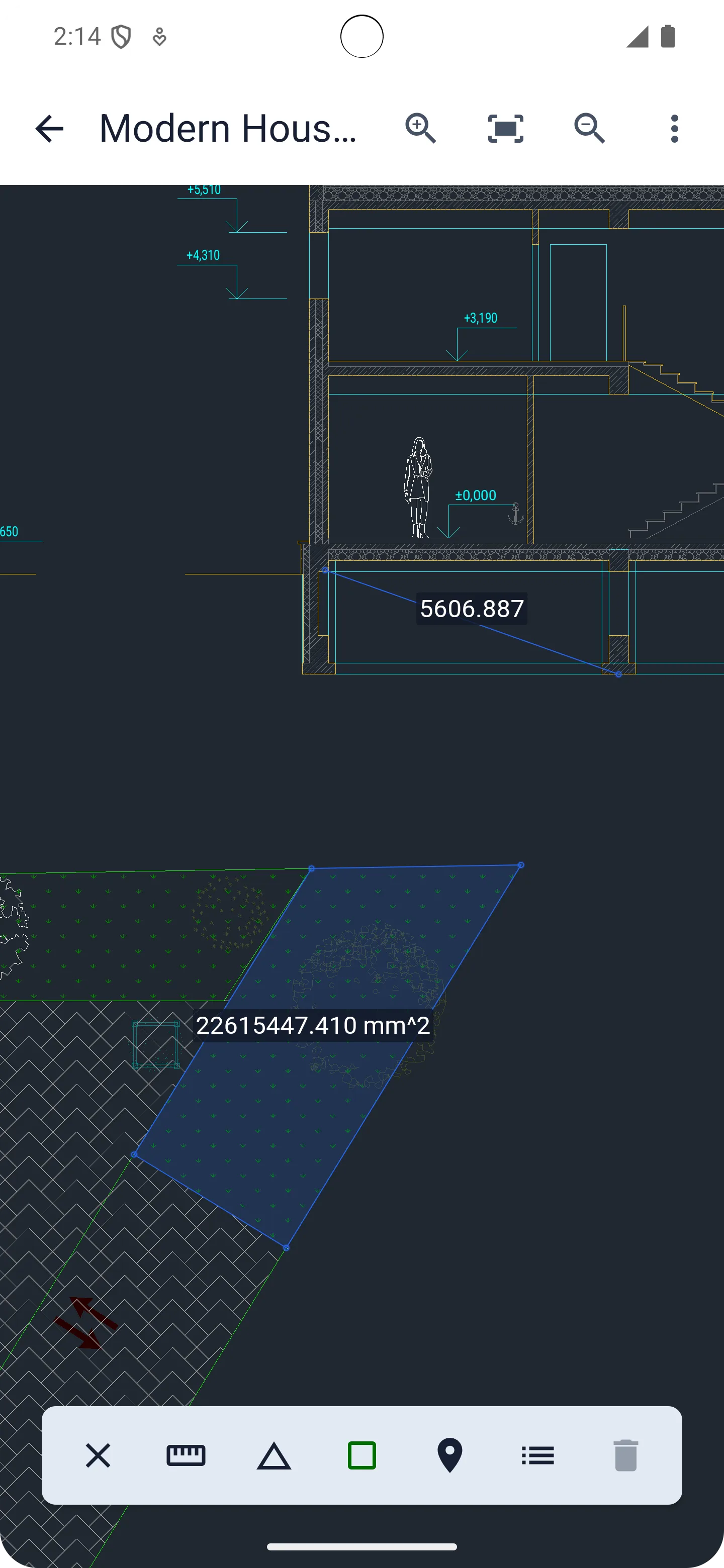
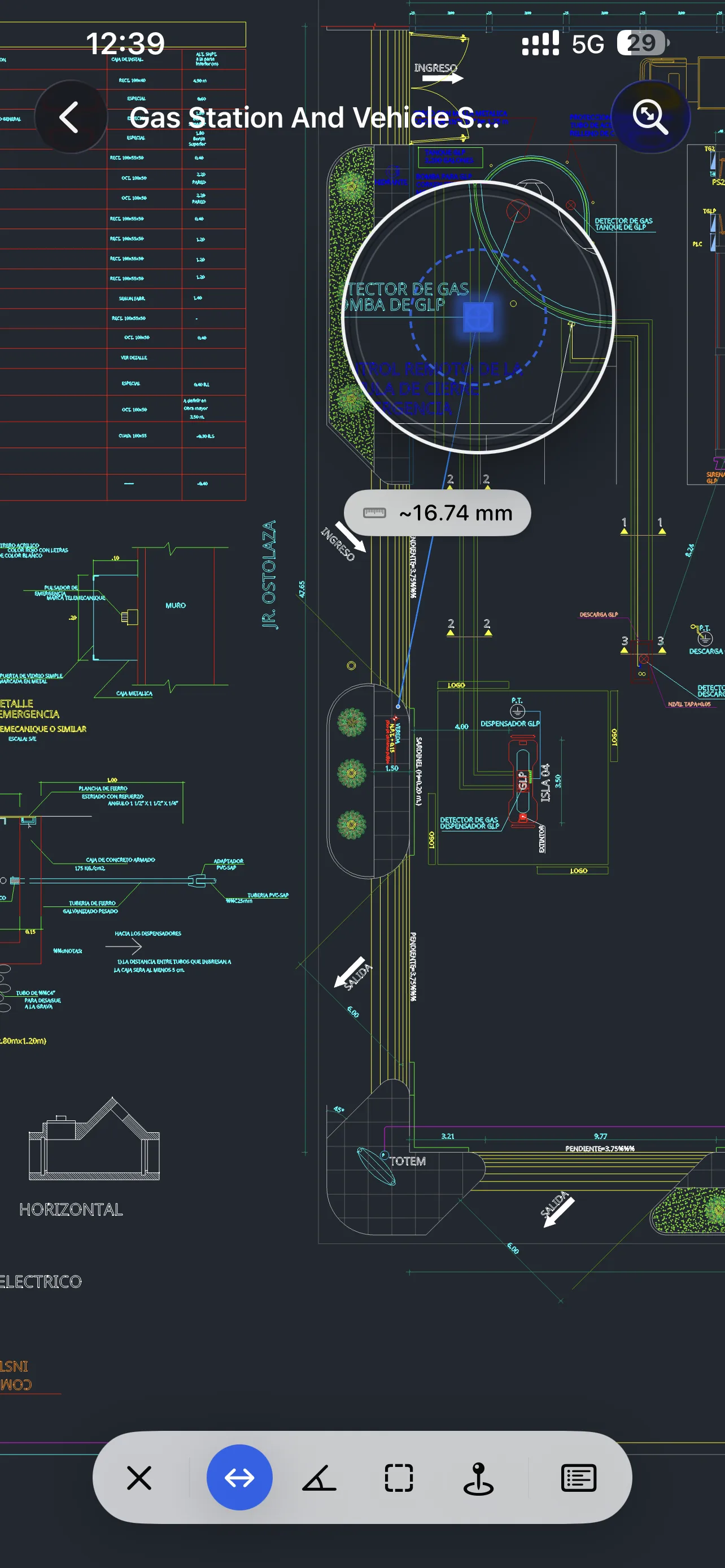
Measure distance, angle, area, and coordinates with object snapping for precise point selection.
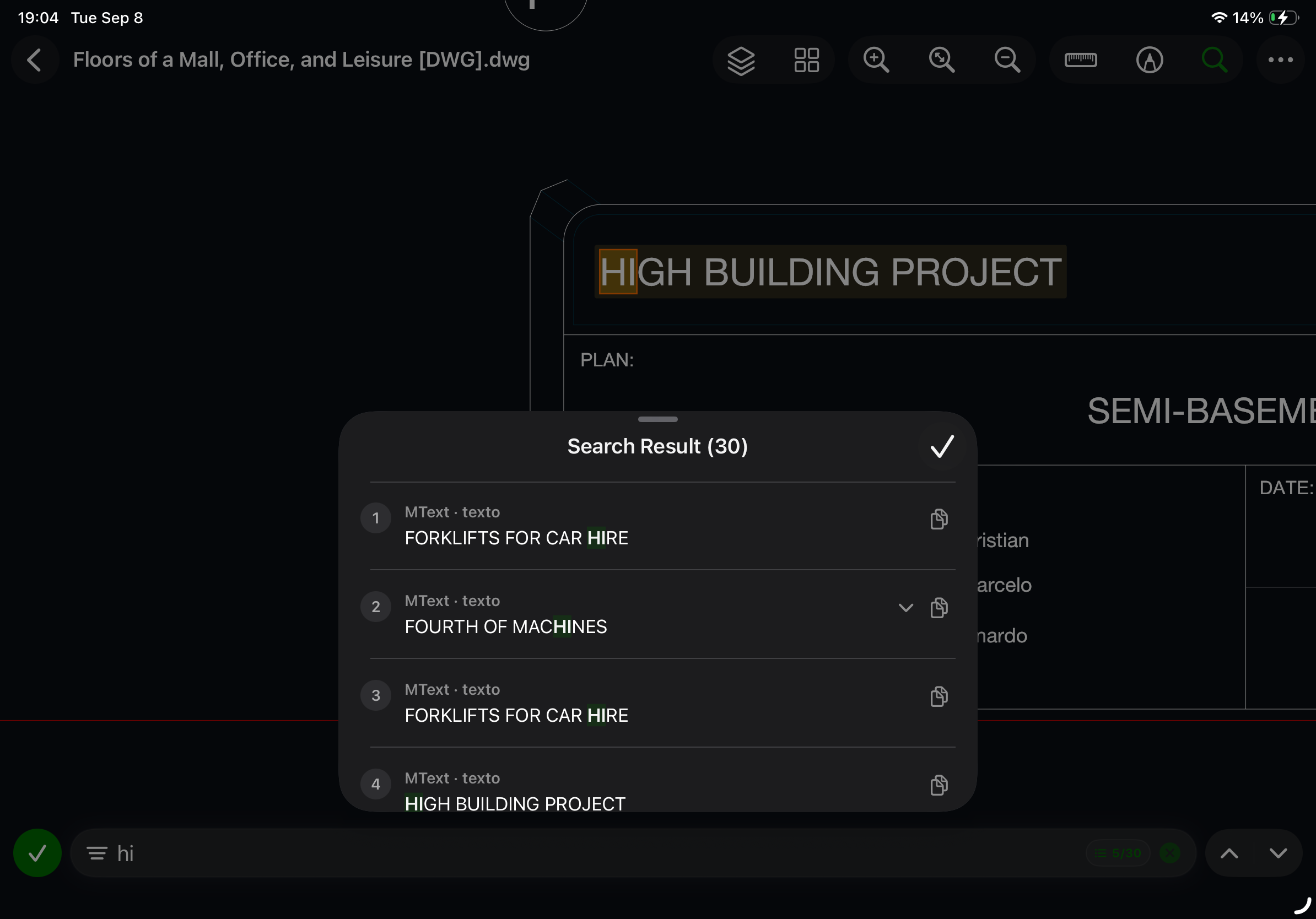
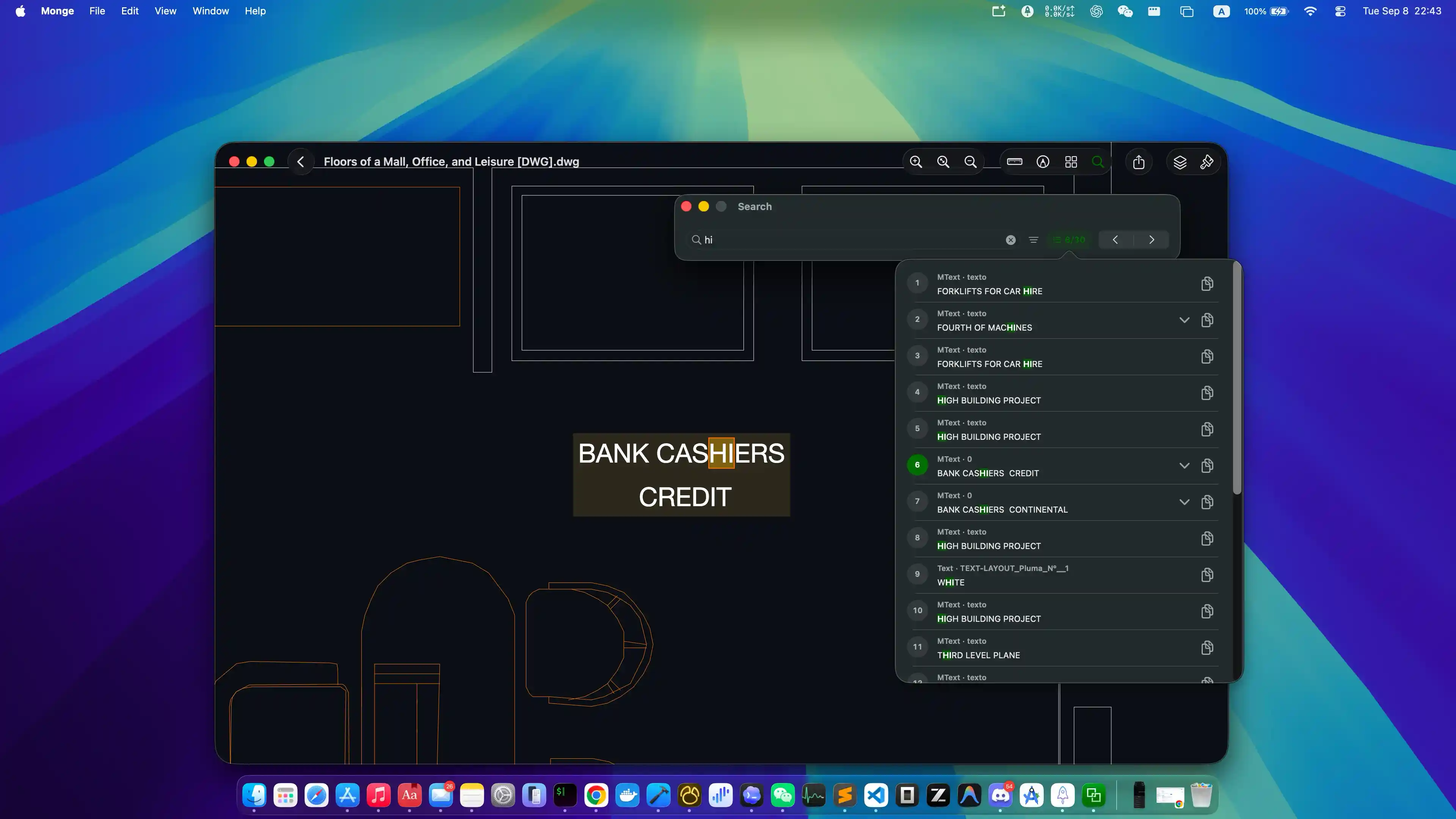
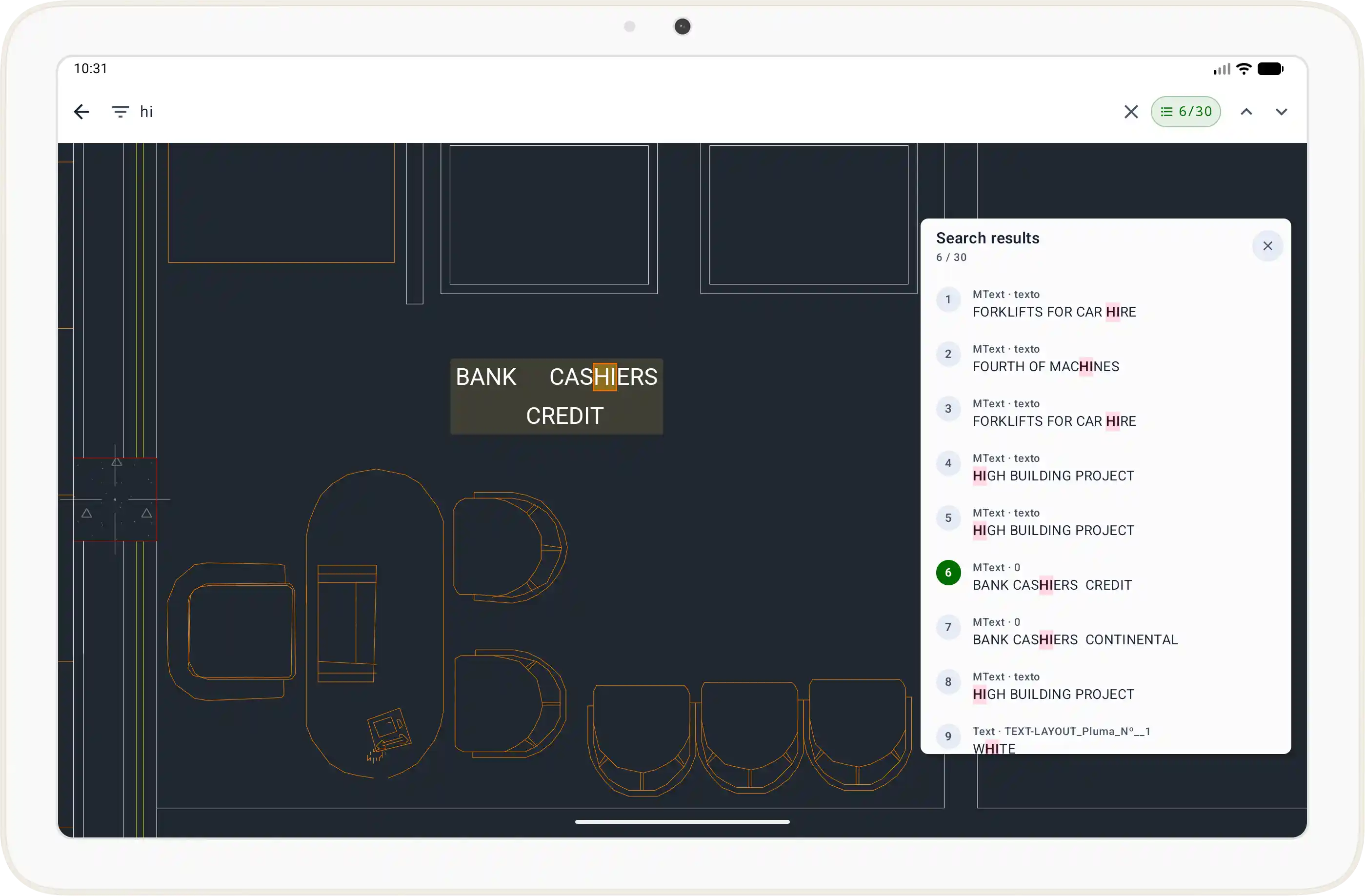
Text & Attribute Search
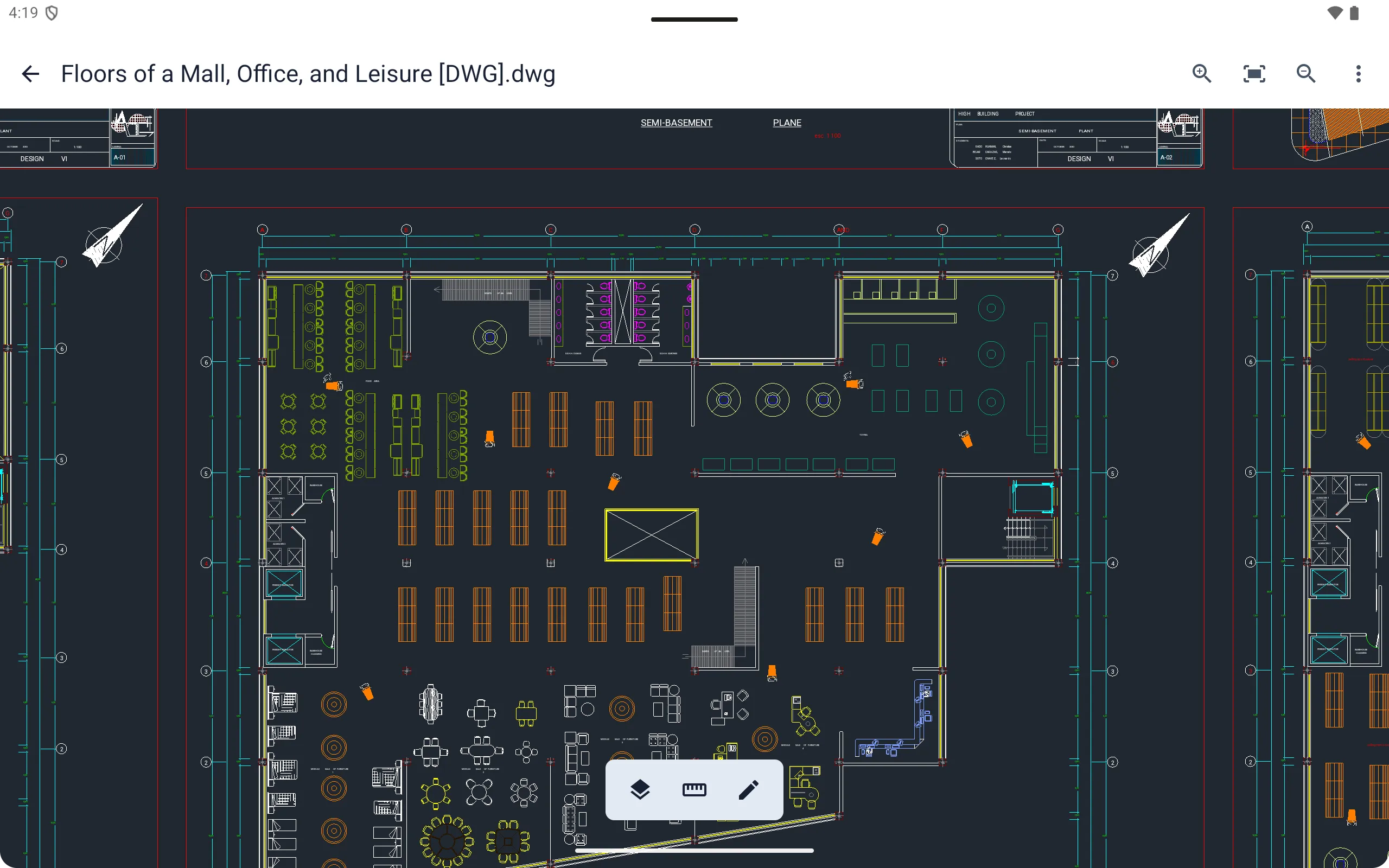
Search drawing text and block attributes, then jump directly to highlighted results.
Export Options
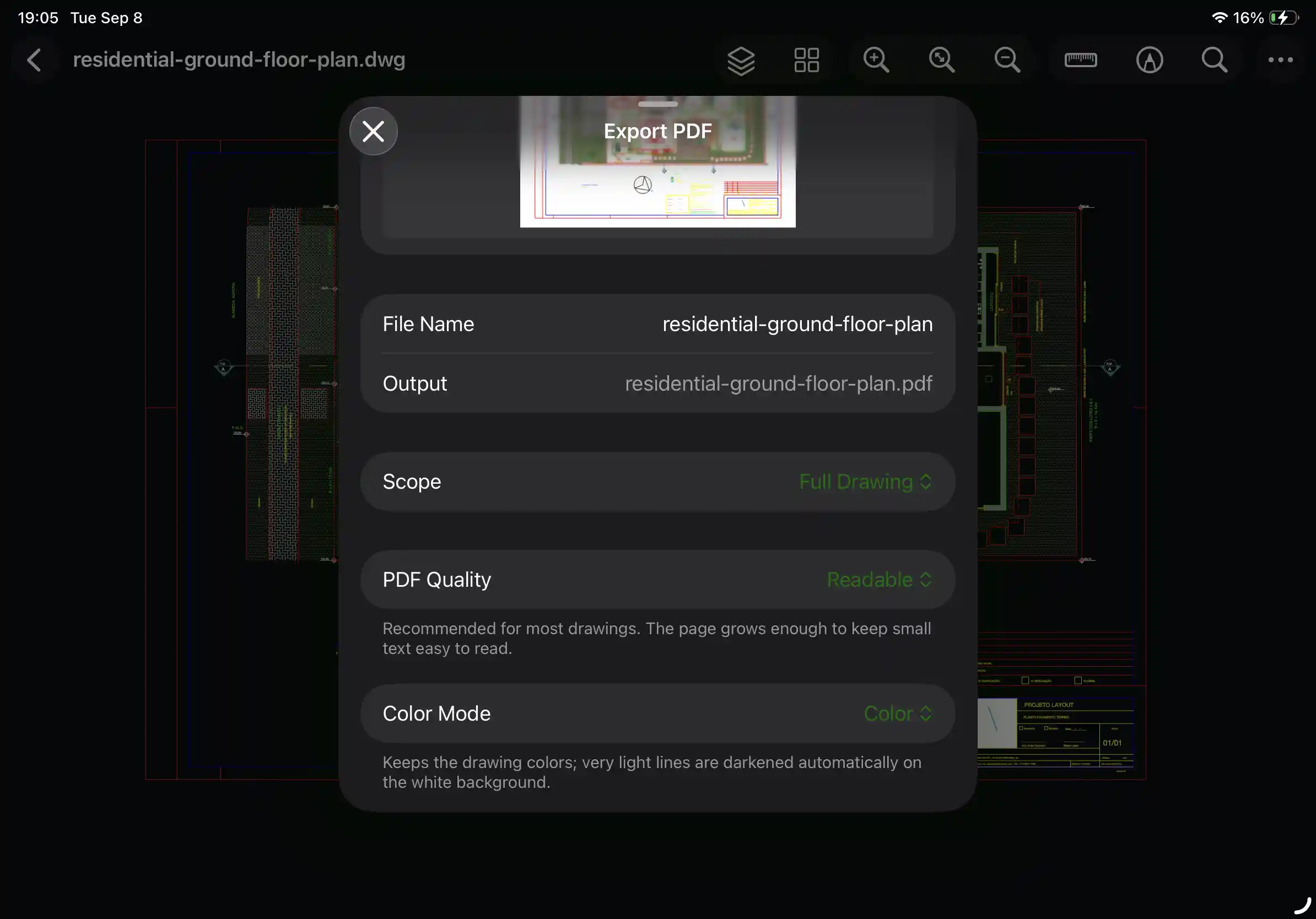
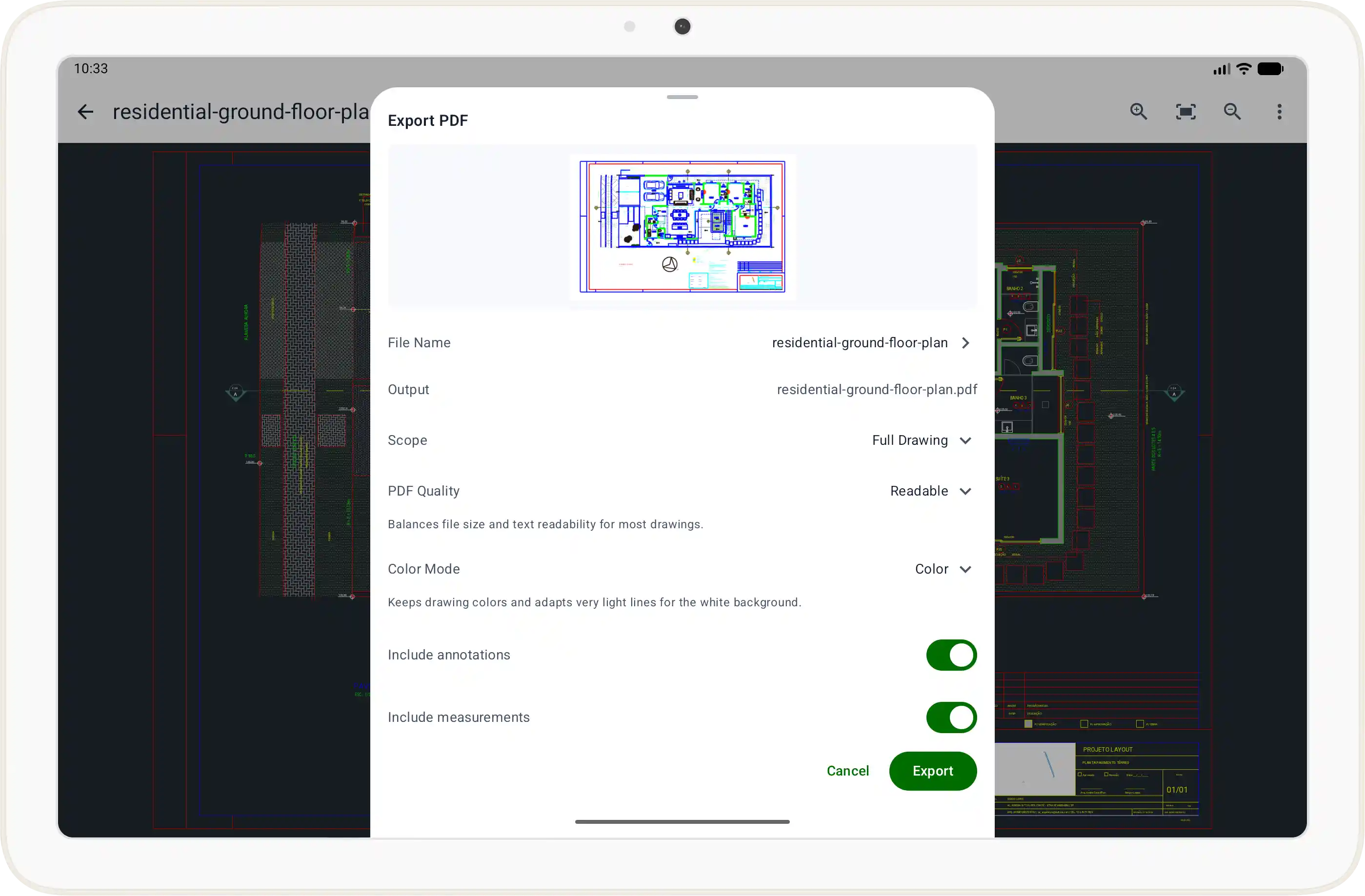
Export drawings to PDF, PNG, and JPG for sharing, printing, and documentation.
Monge is free for viewing files. Advanced features require Pro access, available through an App Store or Google Play subscription, or as a lifetime Pro purchase.
Monge is available on iOS, macOS, and Android.
Yes. Monge supports local viewing for DWG and DXF drawing files.
No. Drawings are opened locally on your device, with no account required and no cloud upload.
Yes. Files already on your device can be opened and reviewed locally. Downloading files or accessing external services may still require a network connection.
Monge includes layer and block tools, external reference viewing, markup, precise measurement, text and attribute search, and PDF or image export.
Monge is designed for viewing, annotation, layer control, and measurement. It is not a full CAD drafting or editing tool.
Visit Support to contact us by email or join the Discord community.
Download Monge for fast, secure CAD drawing review.