Local and Secure
Keep project data on your device.
Open IFC files locally with no account or cloud upload required, so sensitive project data stays under your control.
- Local IFC file opening
- No account required
- No cloud upload
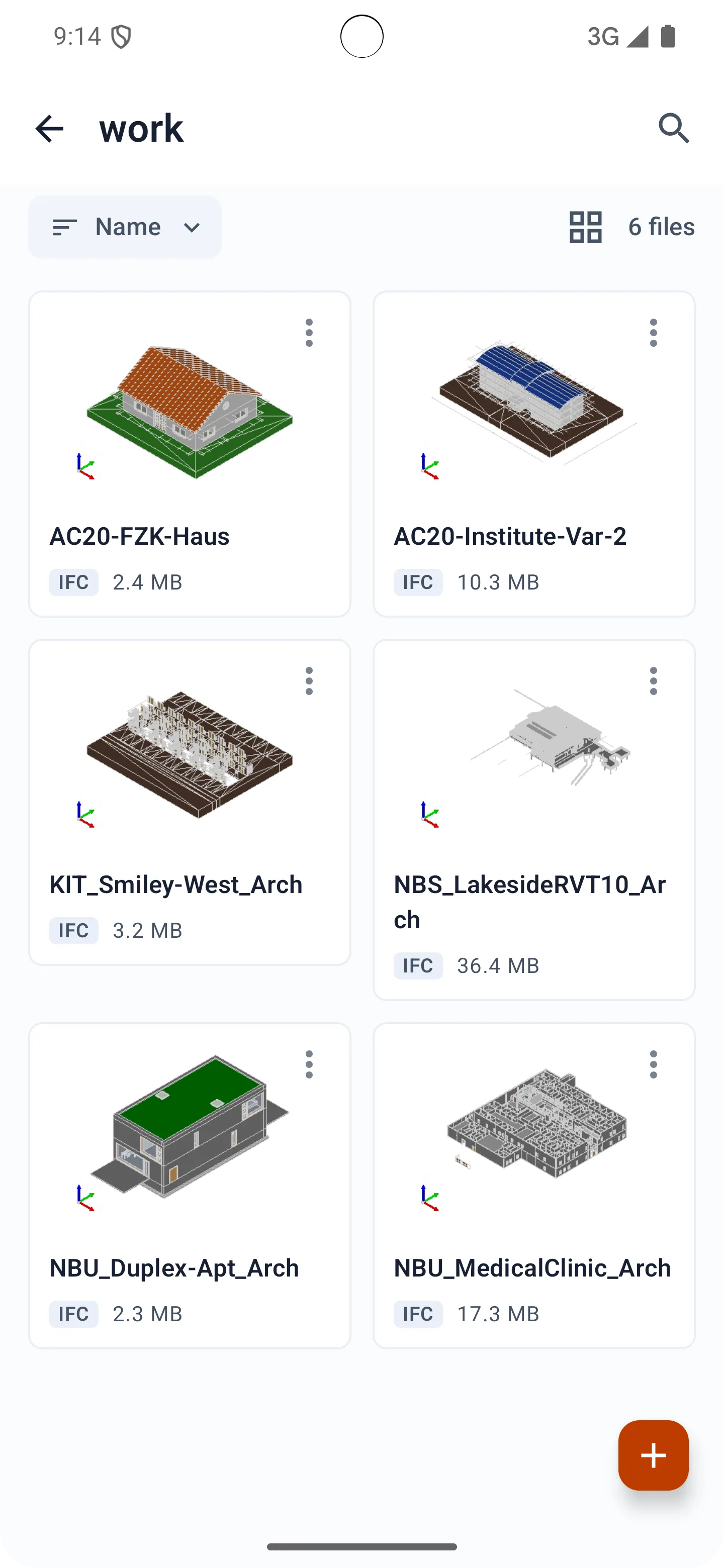
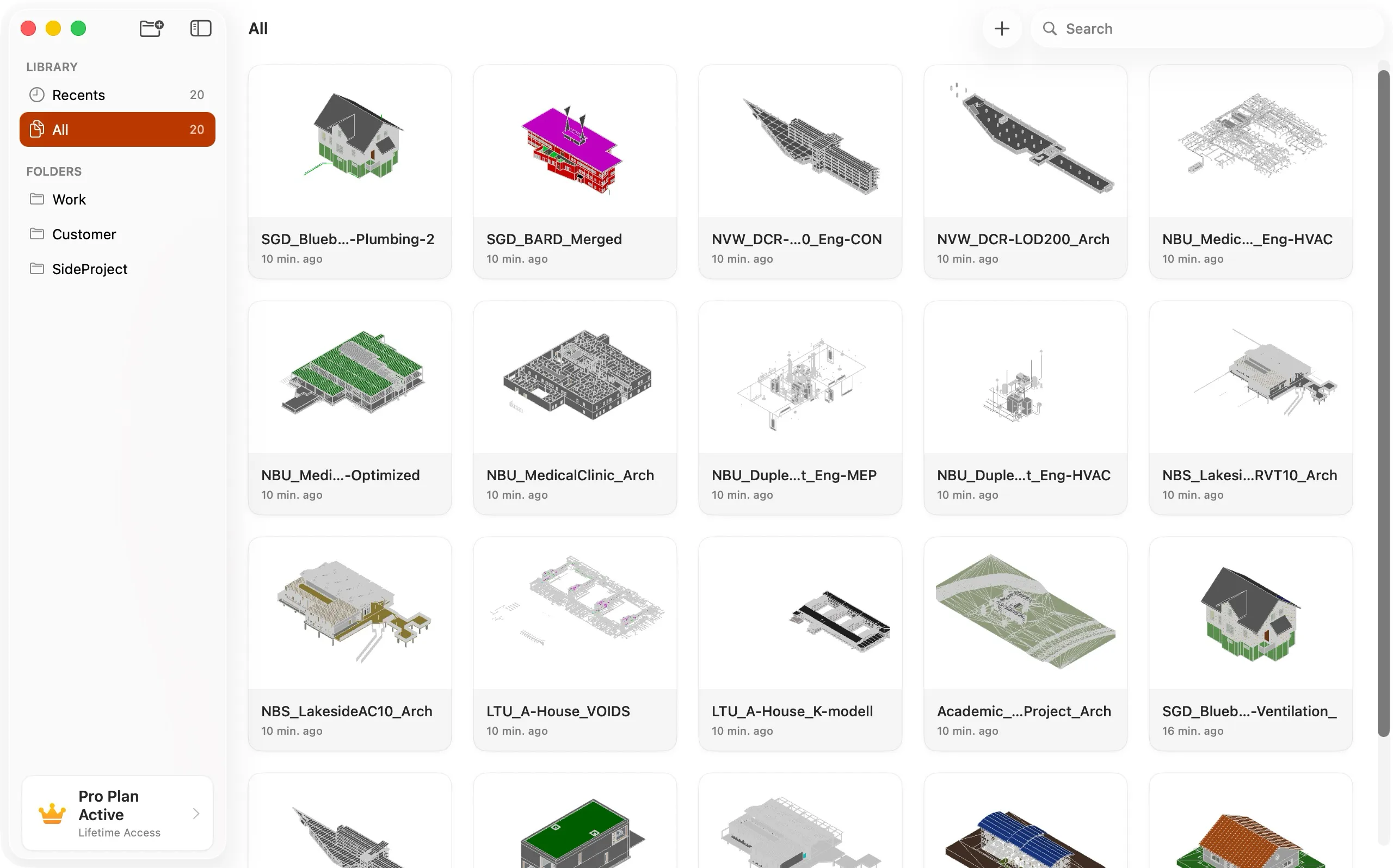
A professional IFC viewer for iPhone, iPad, and Mac, built for secure and efficient model review directly on your device.


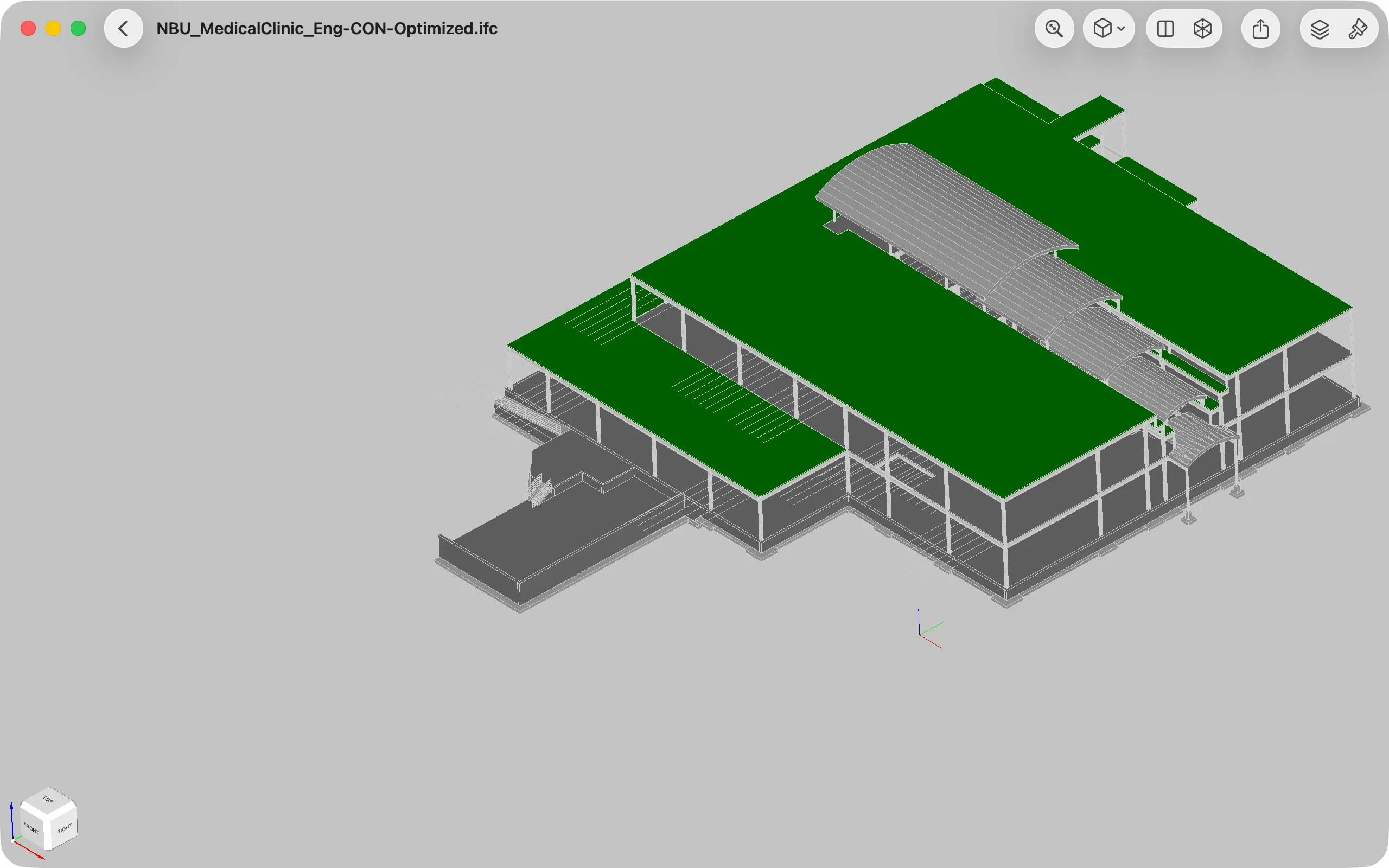
Local and Secure
Open IFC files locally with no account or cloud upload required, so sensitive project data stays under your control.
Flexible Model Browsing
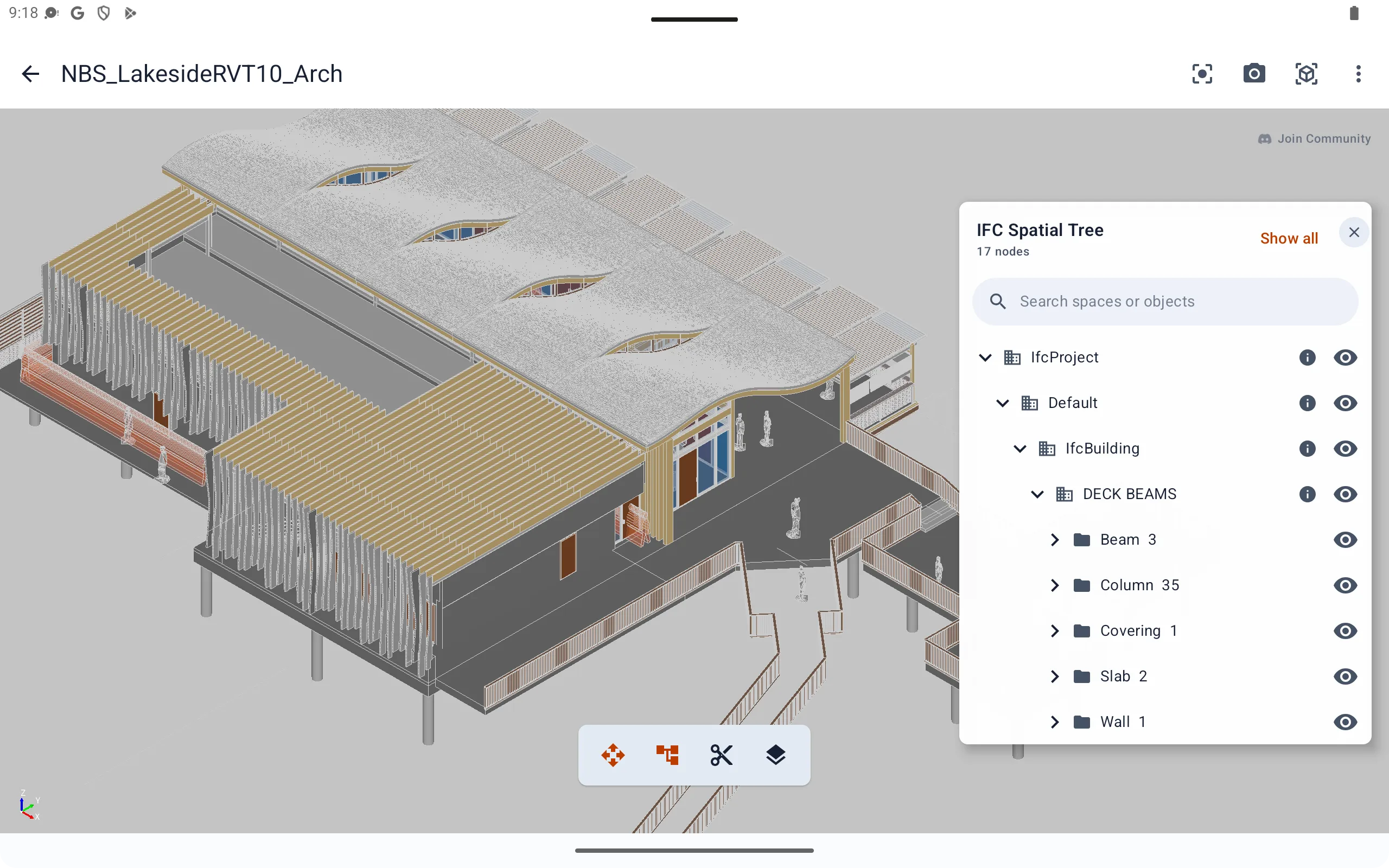
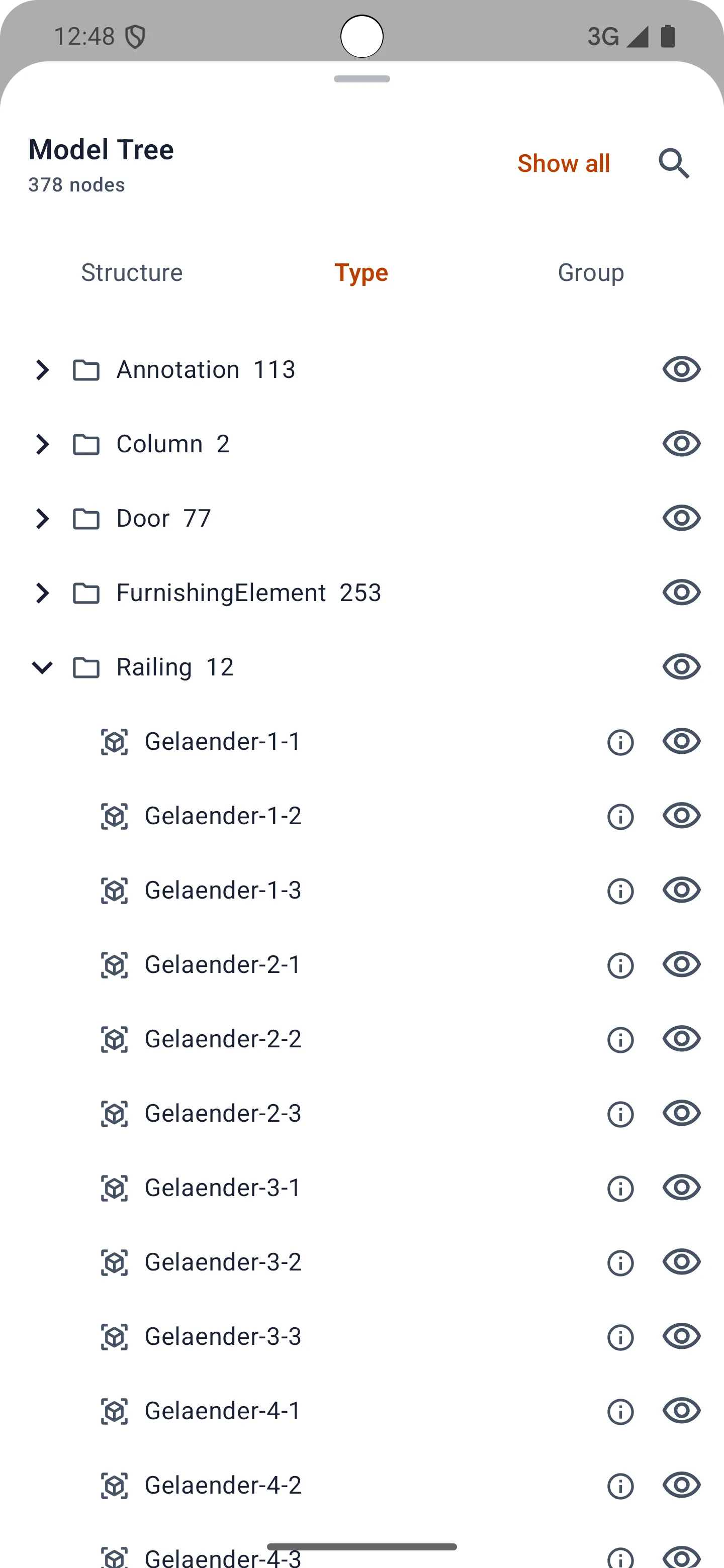
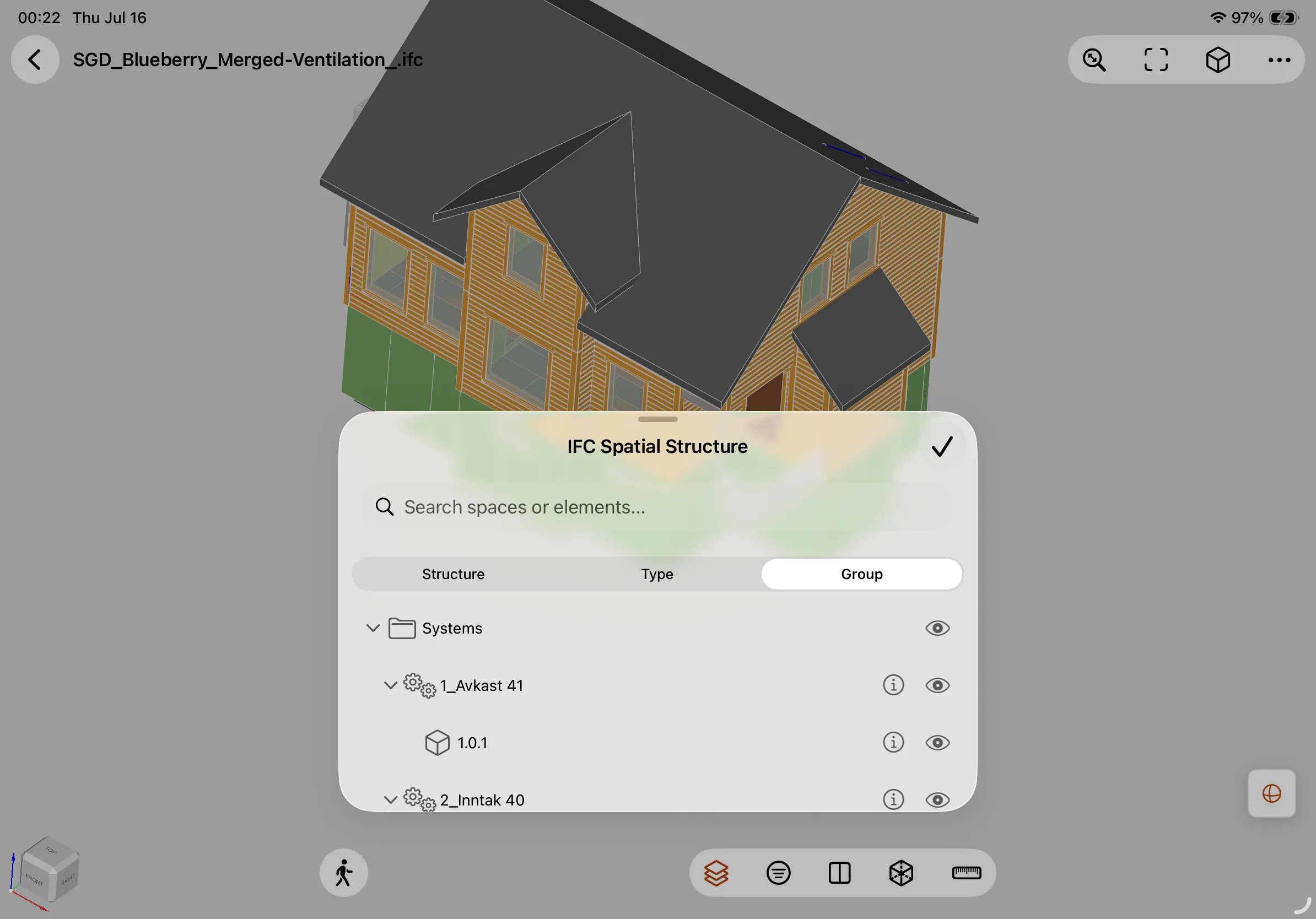
Browse IFC models by spatial tree, element type, or group type to quickly locate components and understand project structure.
First-Person Navigation
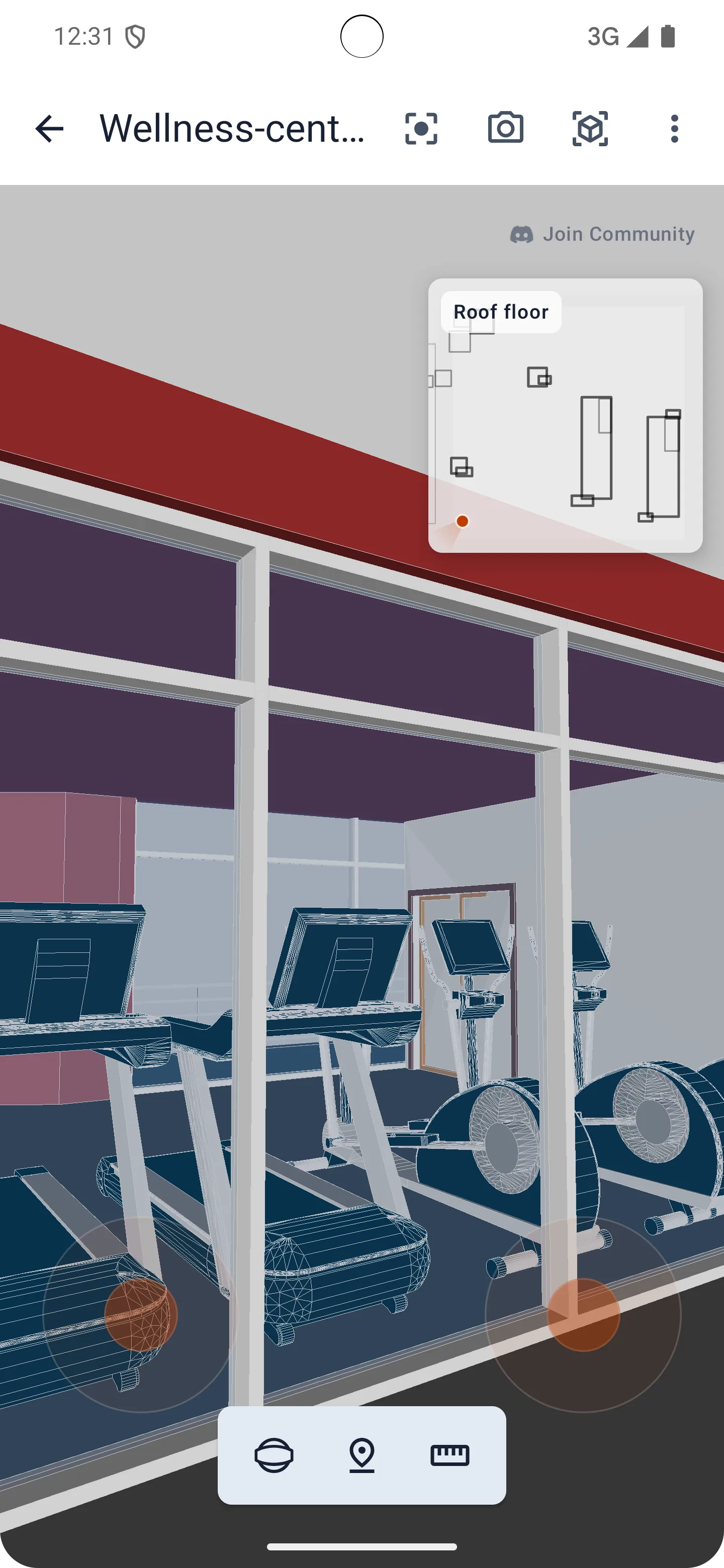
Explore models like you are inside the project, then quickly jump between storeys and spaces while viewing or measuring.
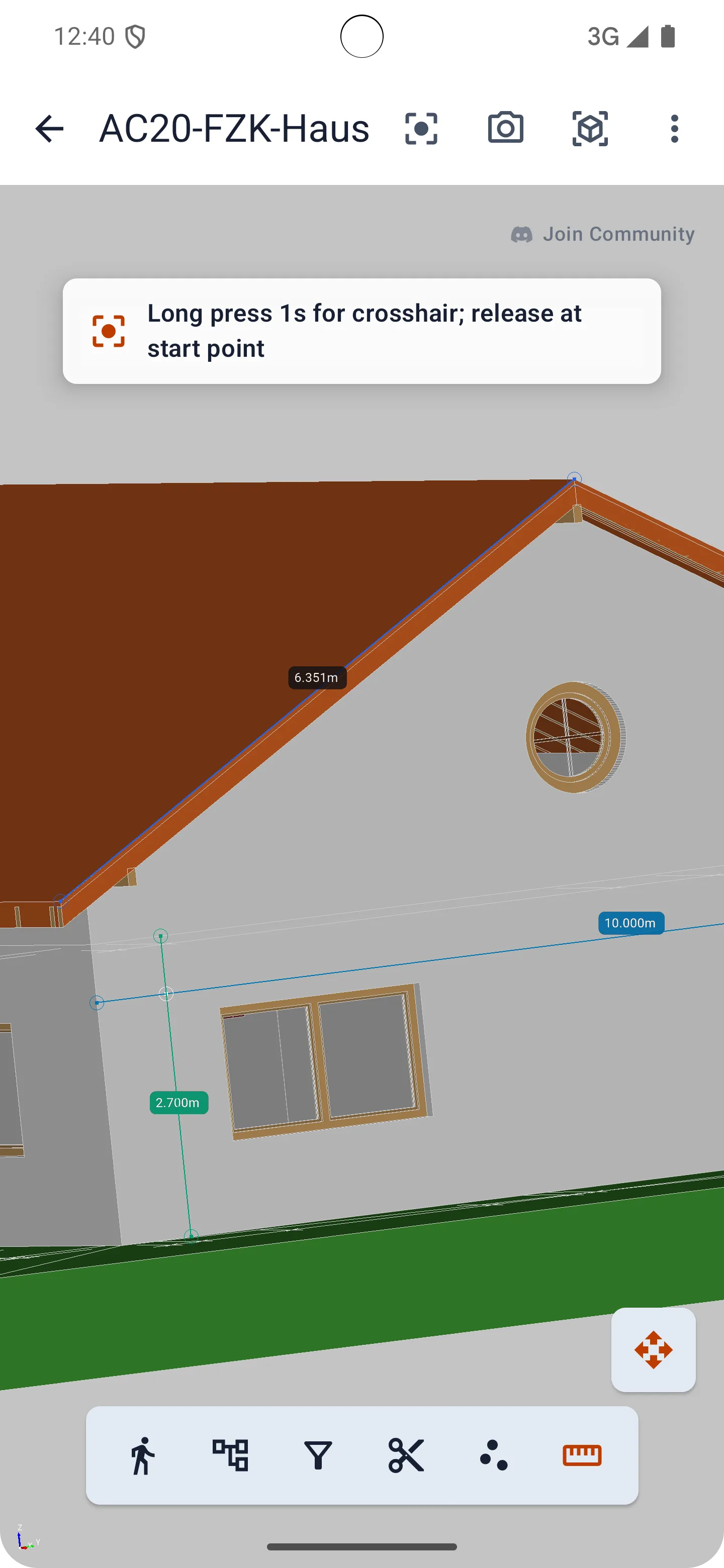
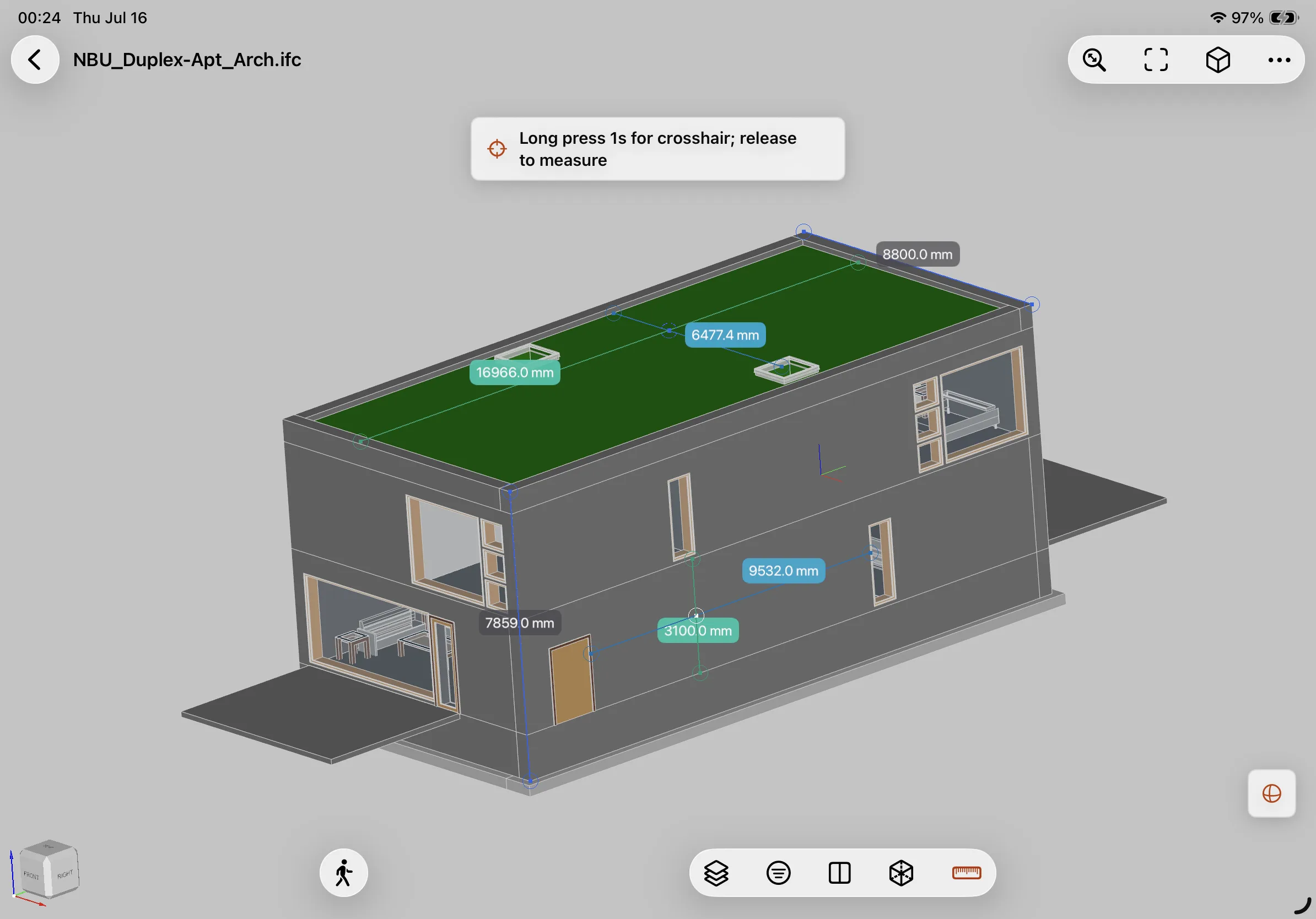
Professional Measurement
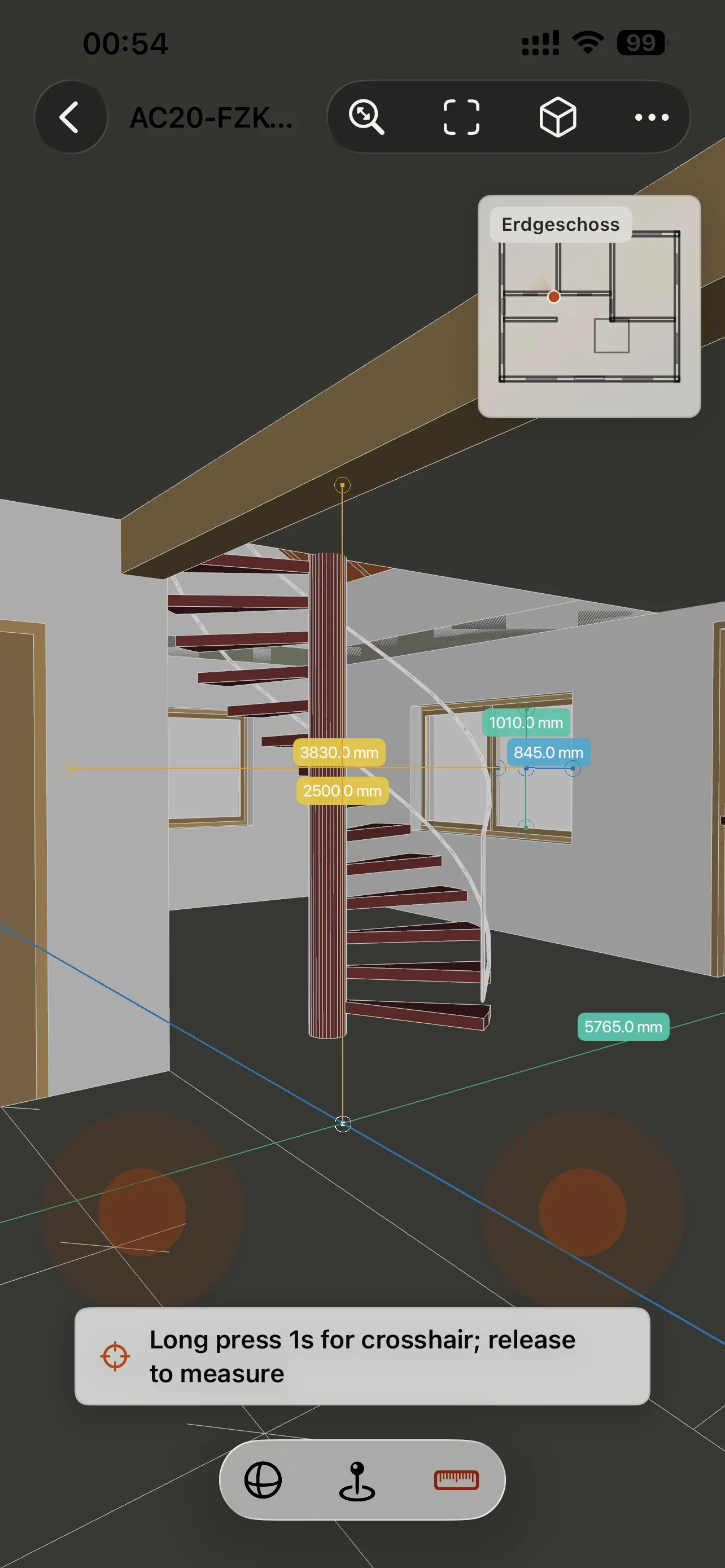
Measure length, angles, and distances with length, angle, and laser measurement modes.
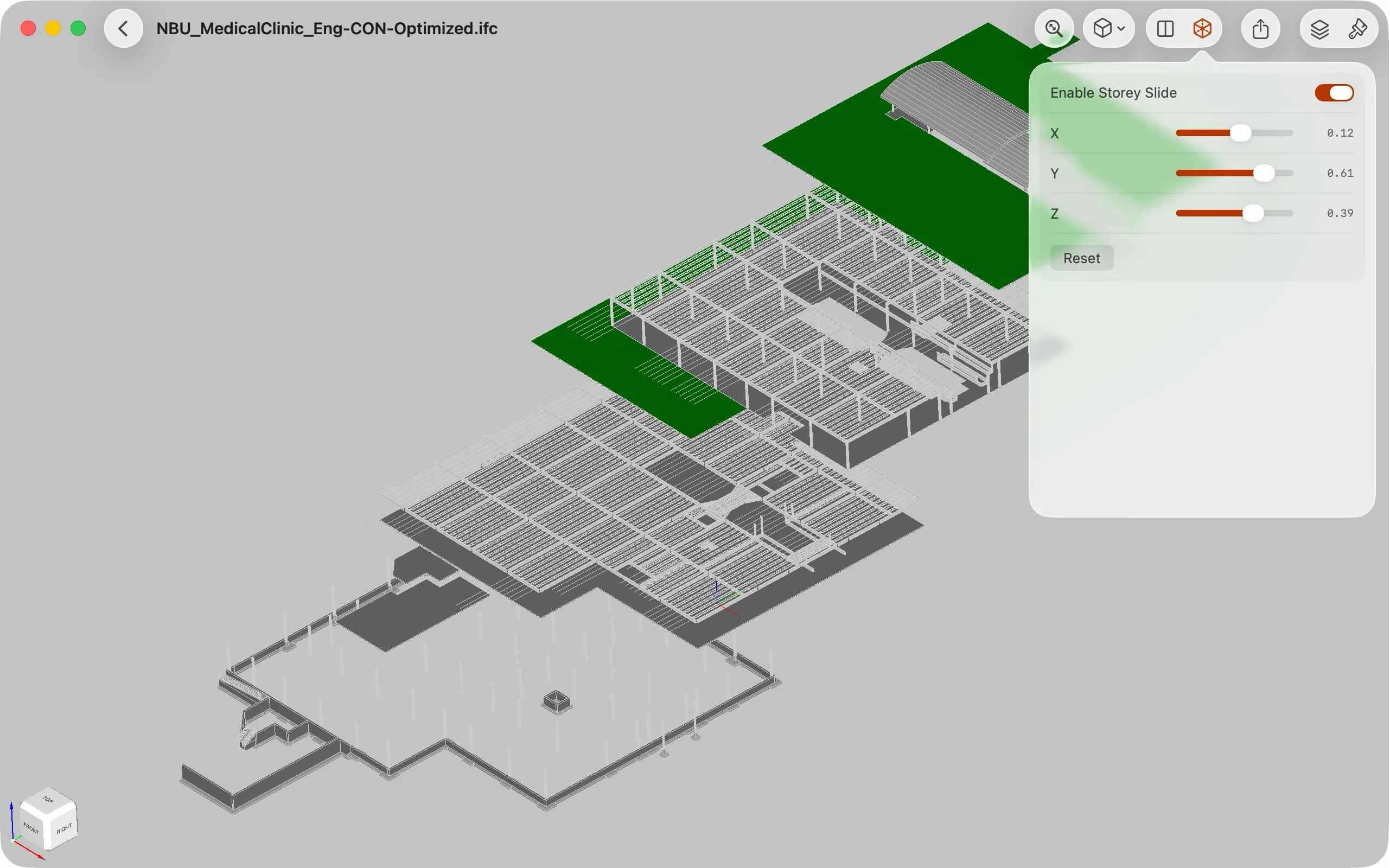
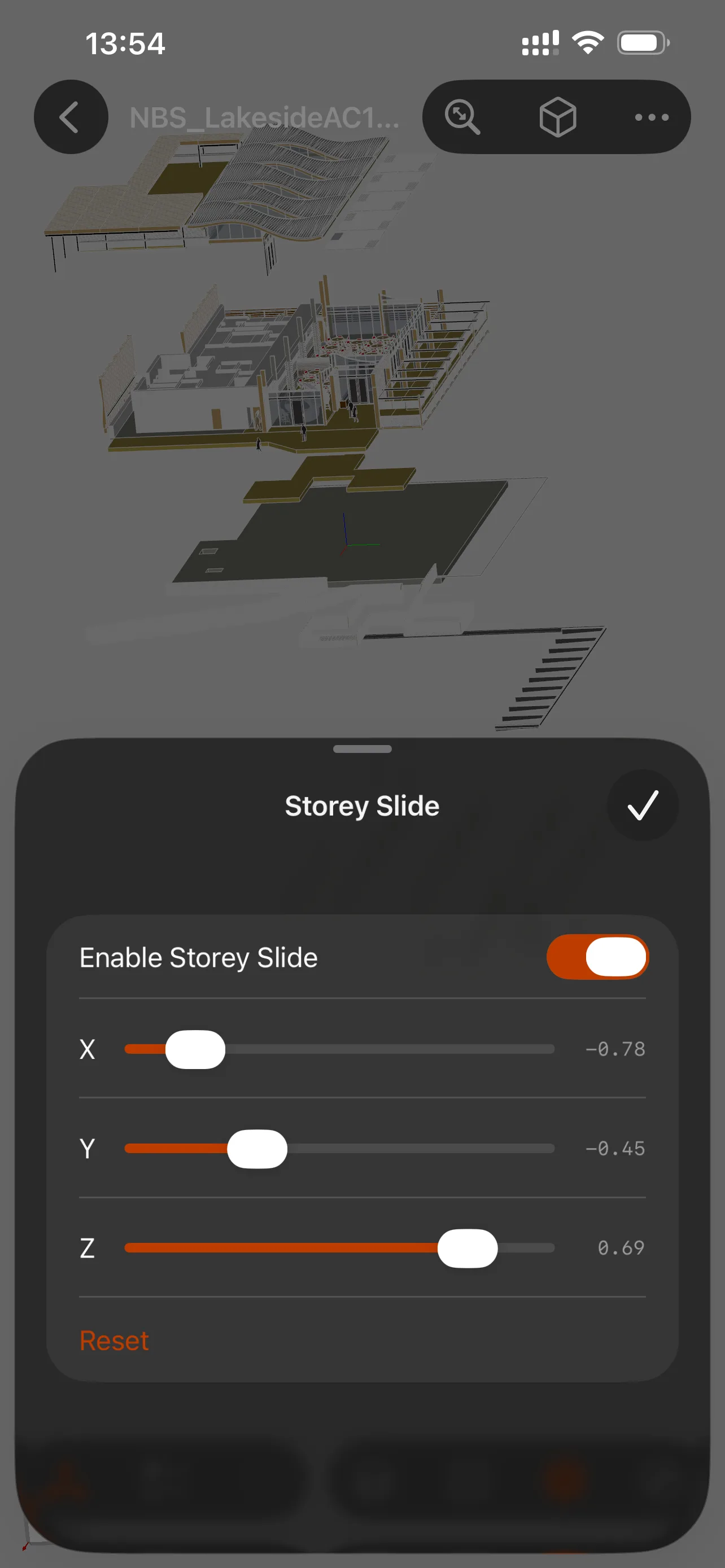
Sectioning and Decomposition
Use real-time sectioning, Storey Slide, and Explosion views to inspect hidden structures and understand how the model is assembled.
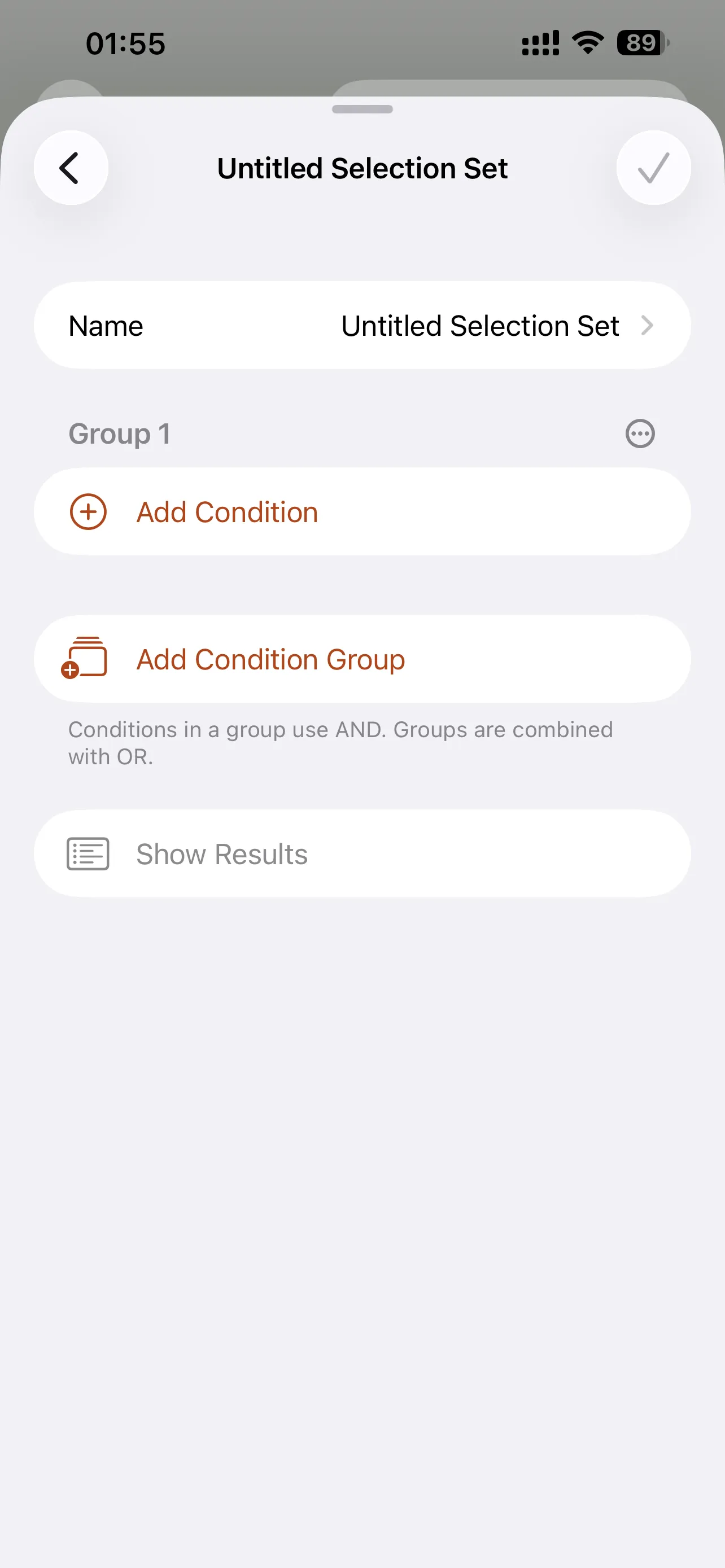
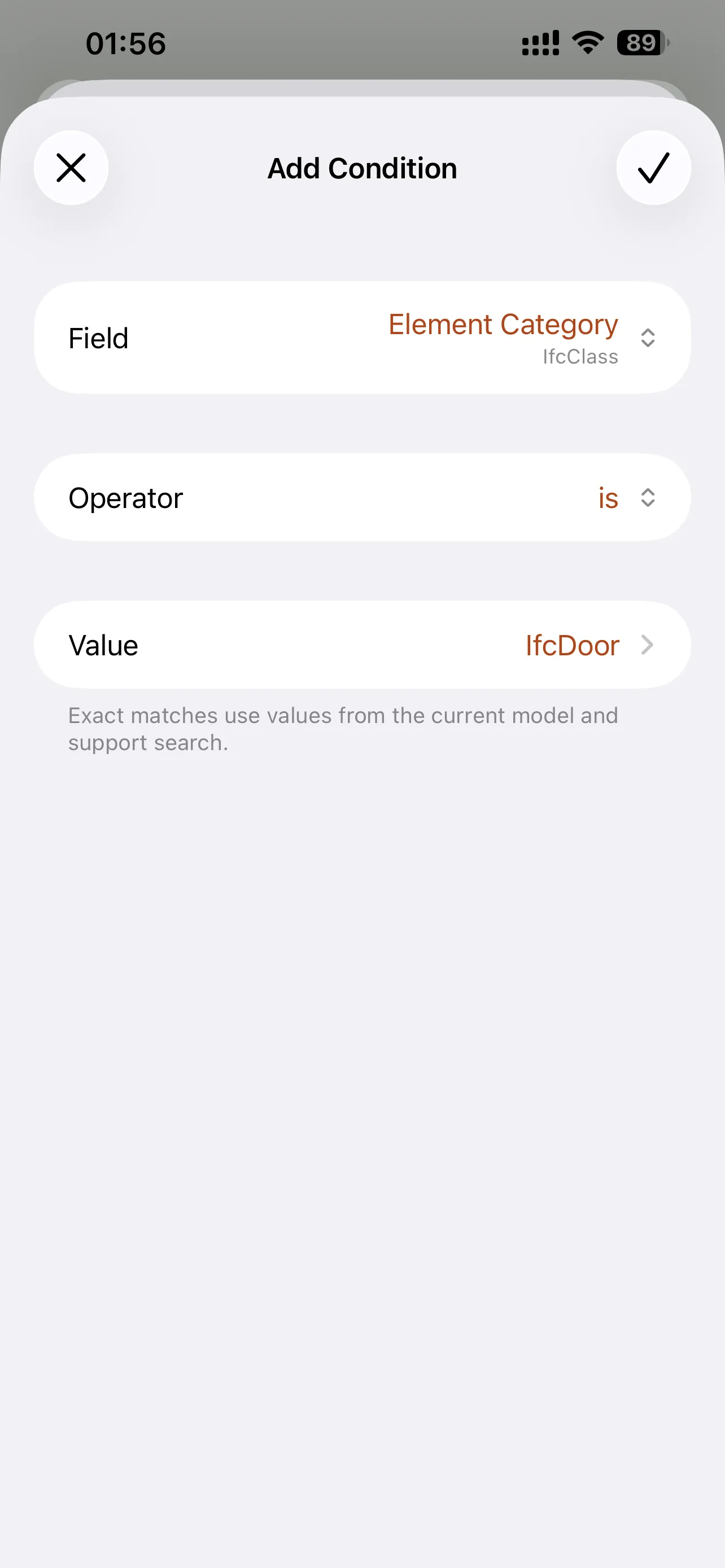
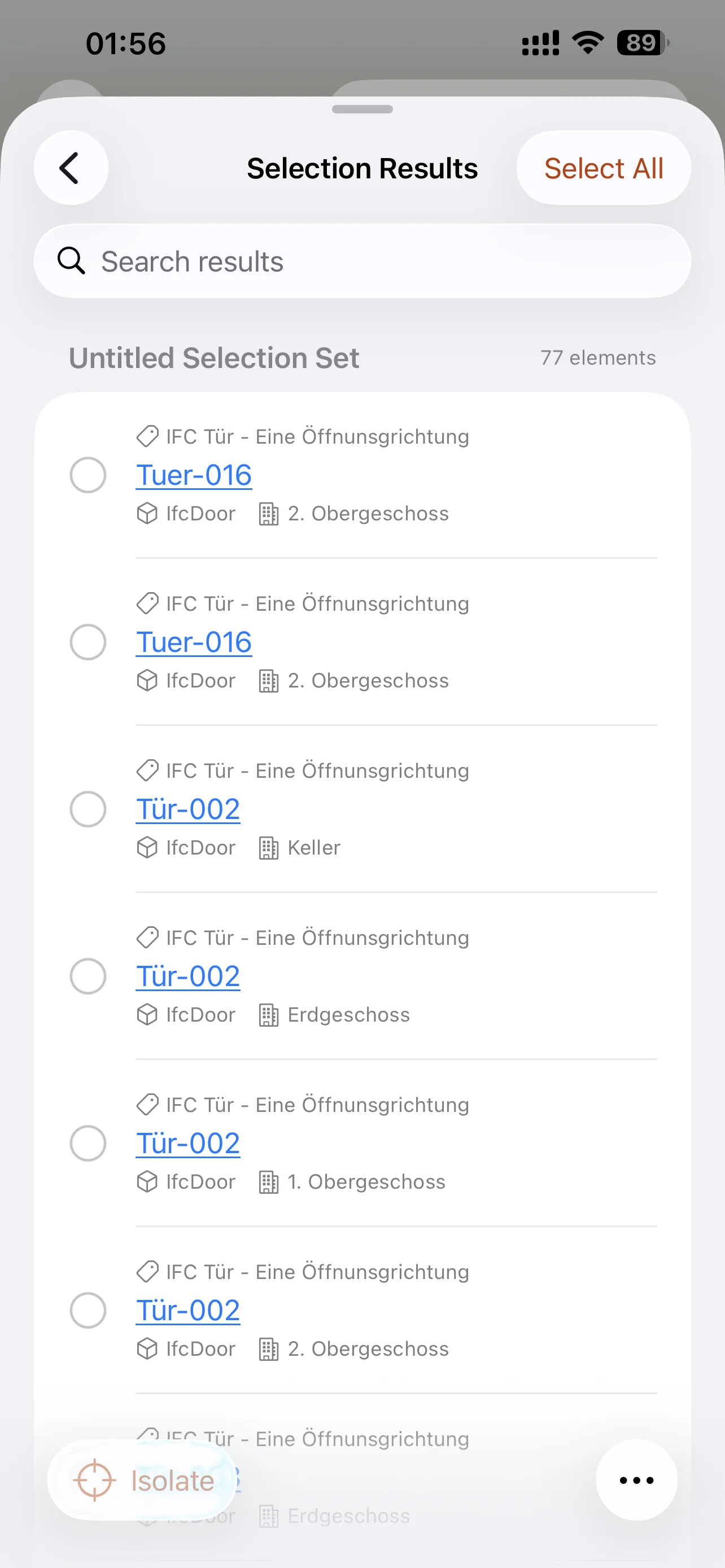
Smart Selection Sets
Create custom selection rules to quickly select multiple types of model elements during review.
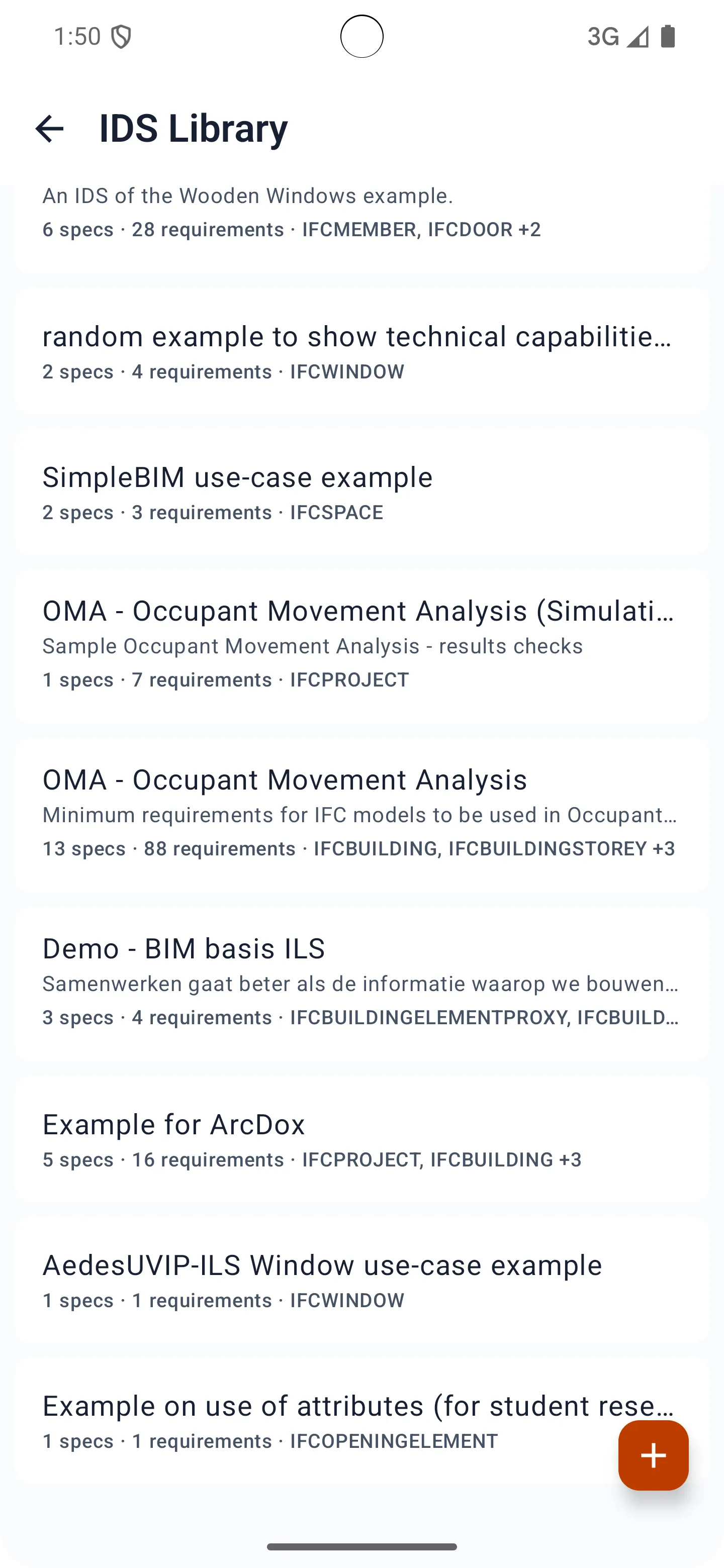
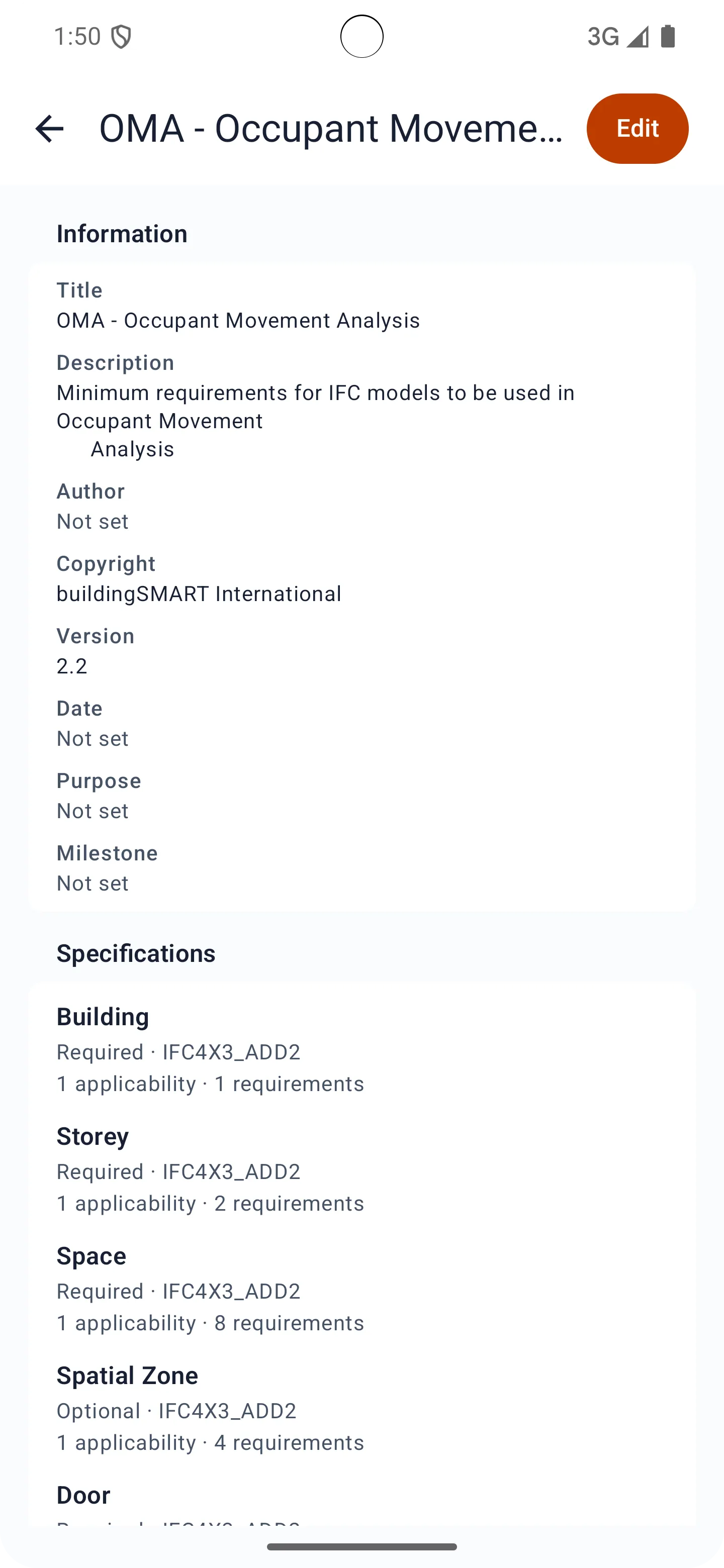
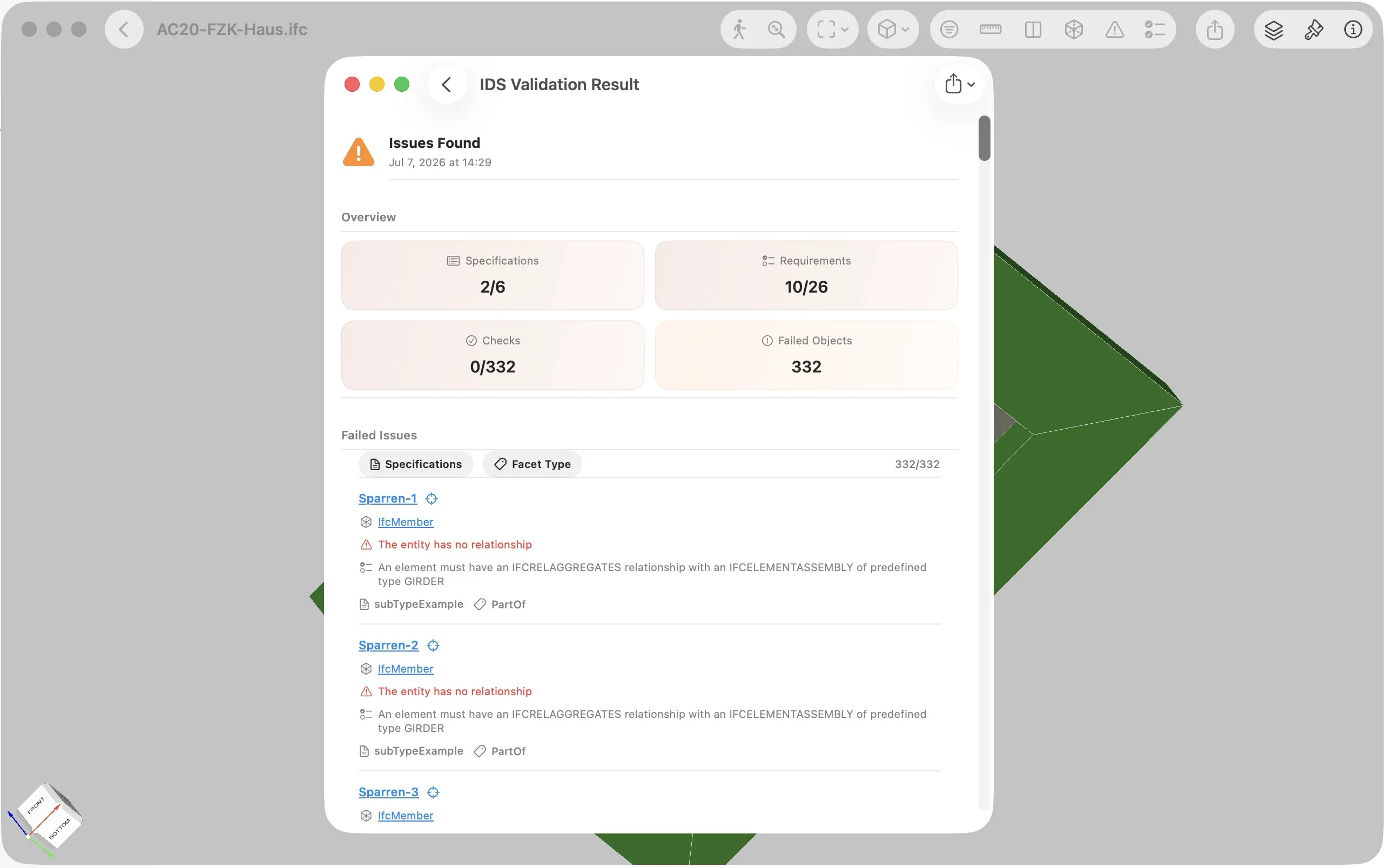
IDS Validation
Check IFC models against IDS requirements and review validation results locally on your device.
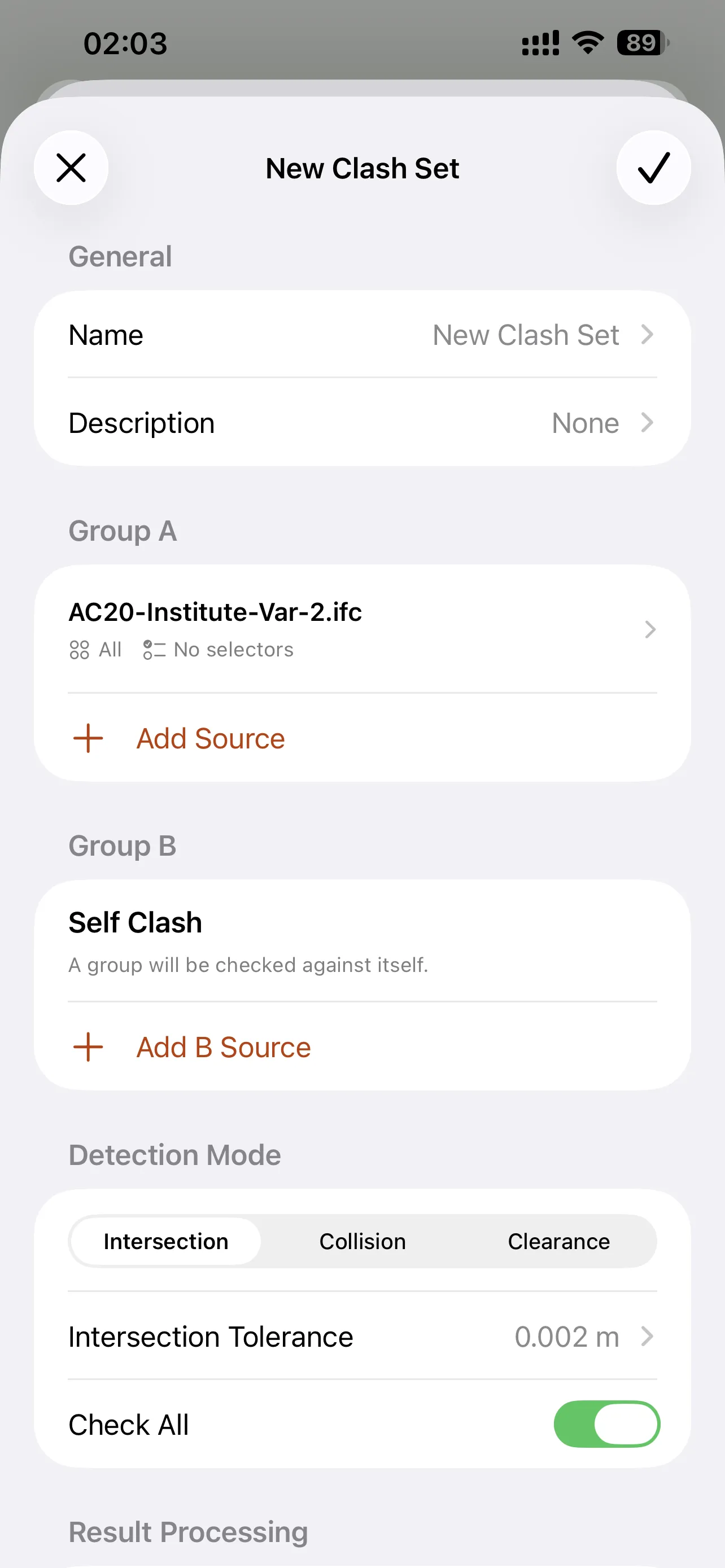
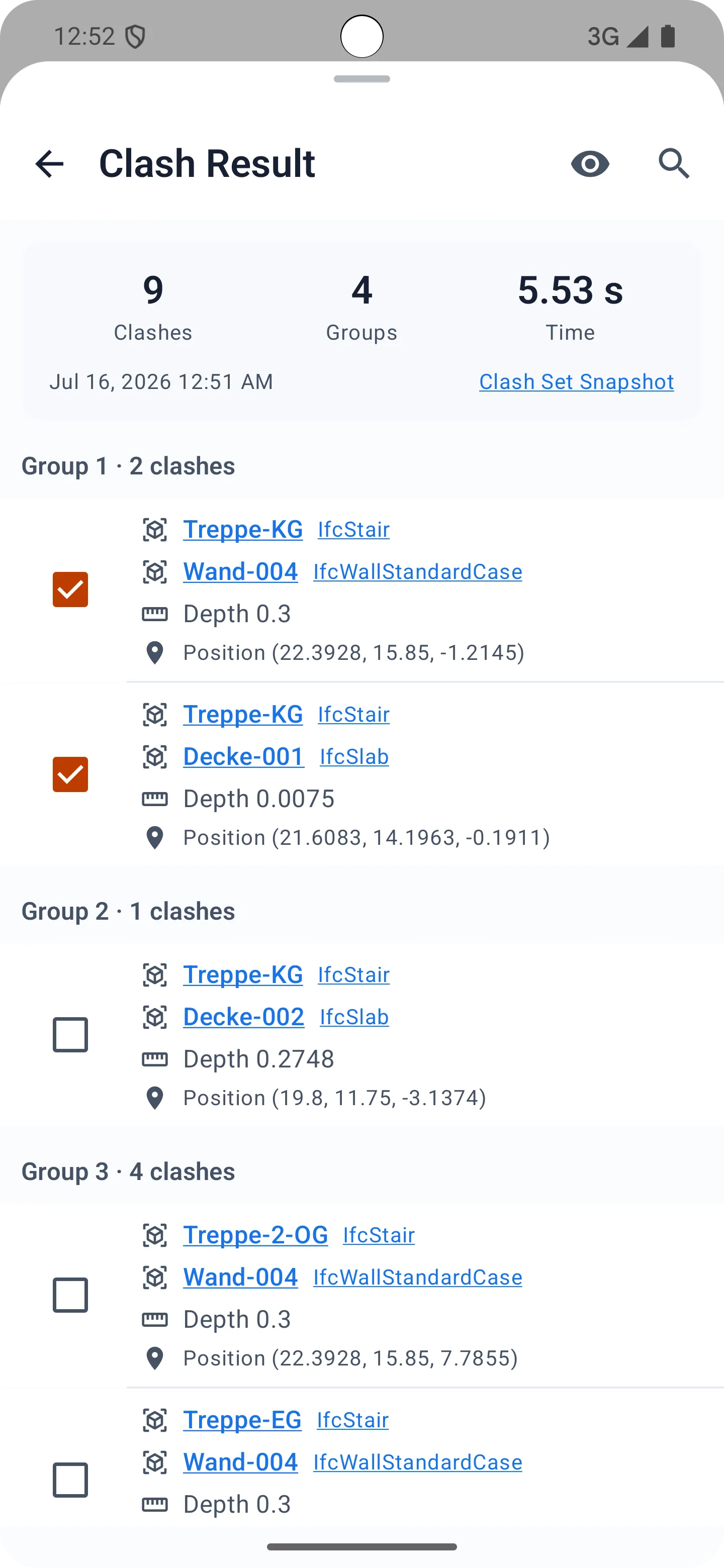
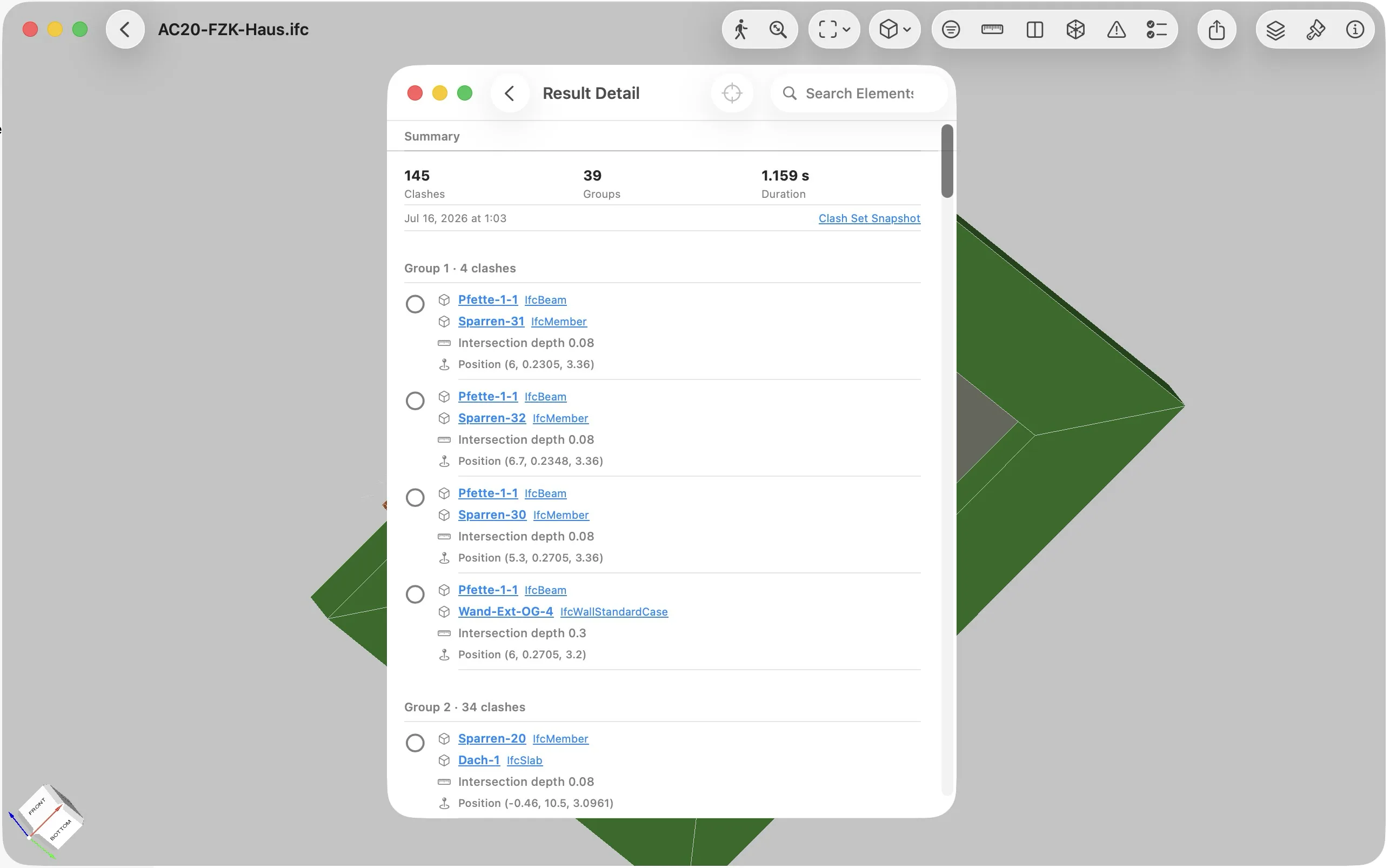
Clash Detection
Detect collisions, intersections, and clearance issues locally while reviewing IFC models.
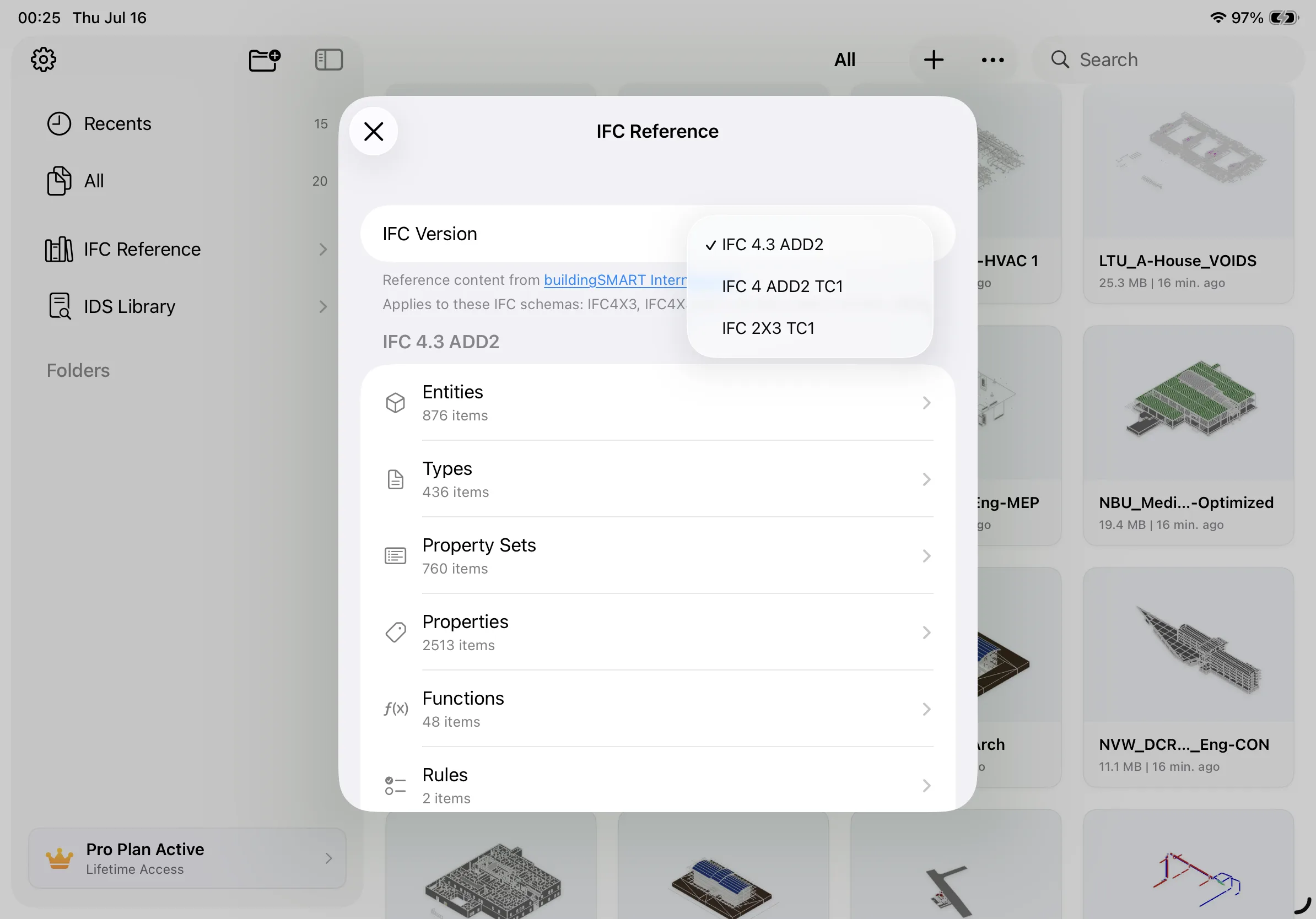
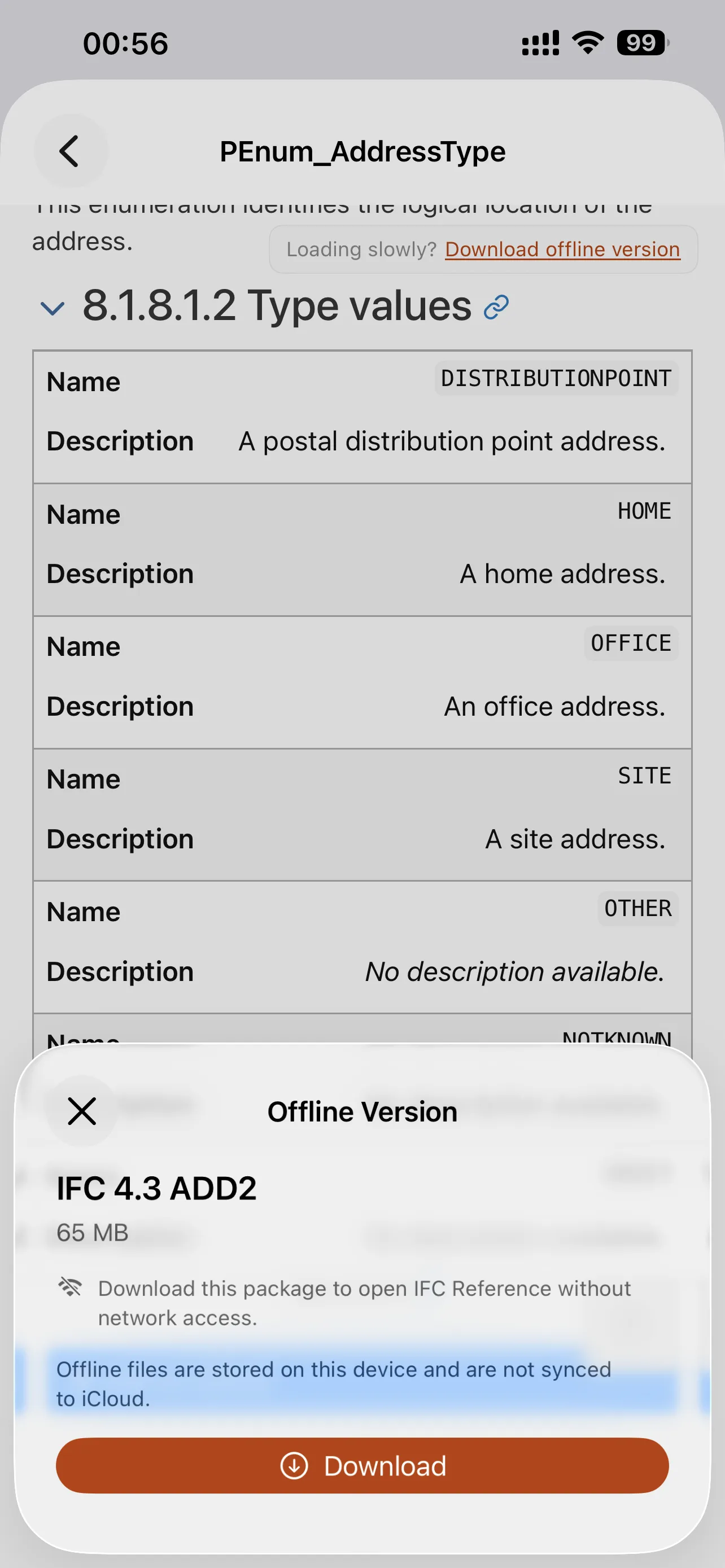
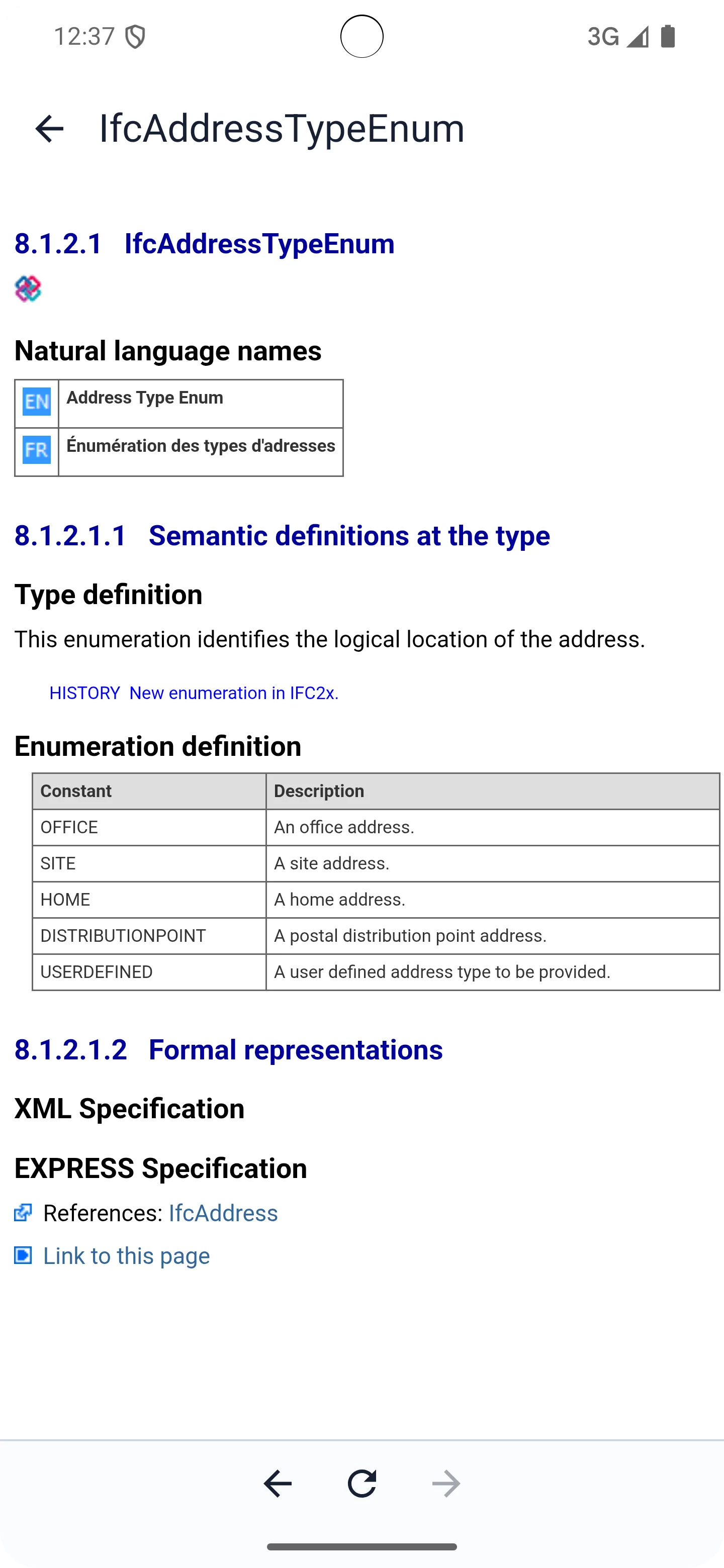
IFC Reference
Quickly look up IFC concepts, entities, properties, and related knowledge without leaving your review workflow.
Viewra IFC is free for opening and reviewing IFC files. Advanced features require Pro access, available through an App Store or Google Play subscription, or as a lifetime Pro purchase.
Viewra IFC is available on iPhone, iPad, Mac, and Android.
No. IFC files are opened and reviewed locally on your device, with no account required and no cloud upload.
Yes. IFC files already stored on your device can be opened and reviewed locally. Features that require downloading files or accessing external services may still need a network connection.
You can browse IFC models by spatial tree, element type, or group type to understand model structure and quickly locate components.
Viewra IFC includes model browsing, first-person navigation, measurement, sectioning, selection sets, IDS validation, Clash Detection, and IFC reference tools.
Visit Support to contact us by email or join the Discord community.
Open, inspect, validate, and coordinate IFC models directly on your Apple devices.