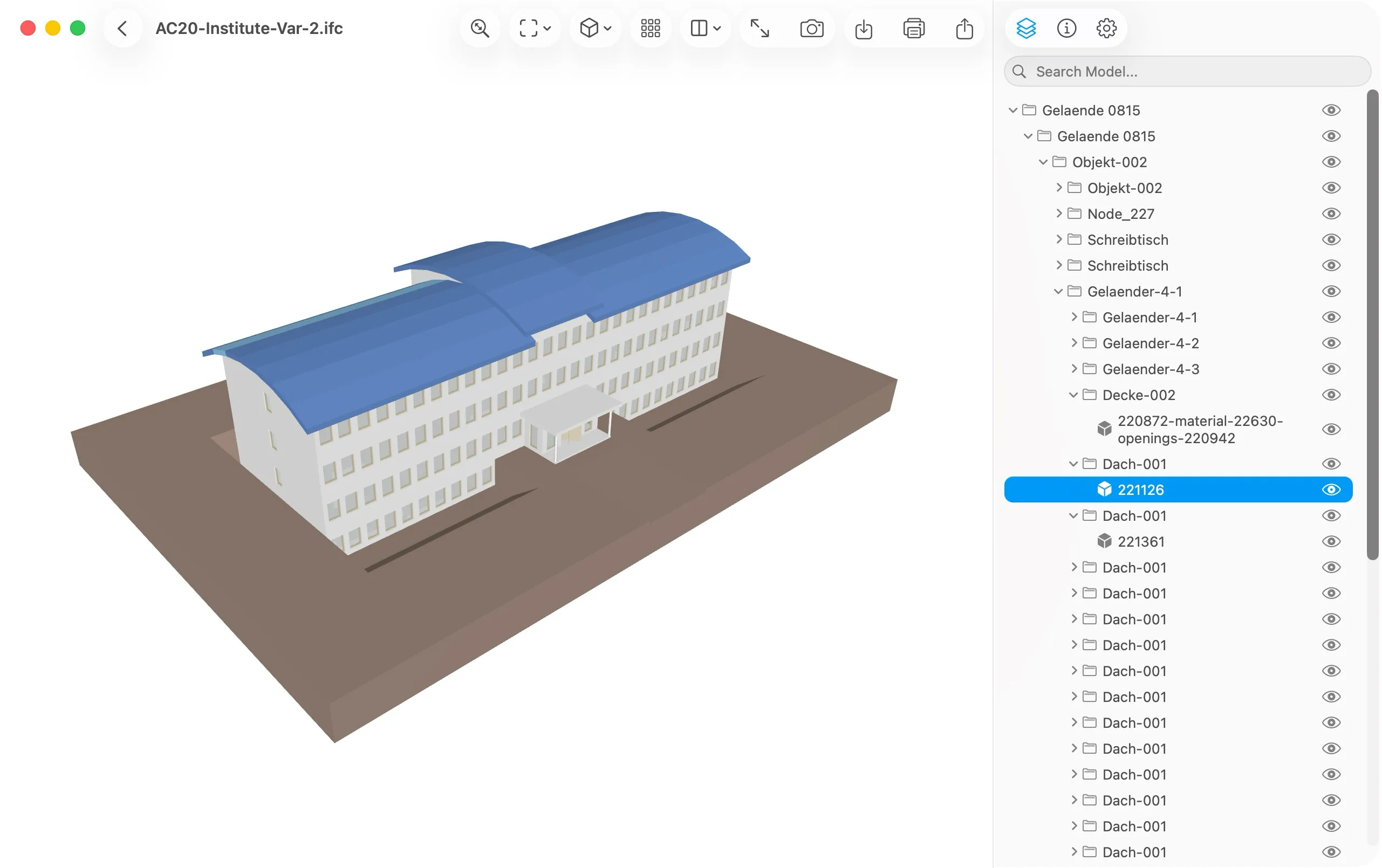
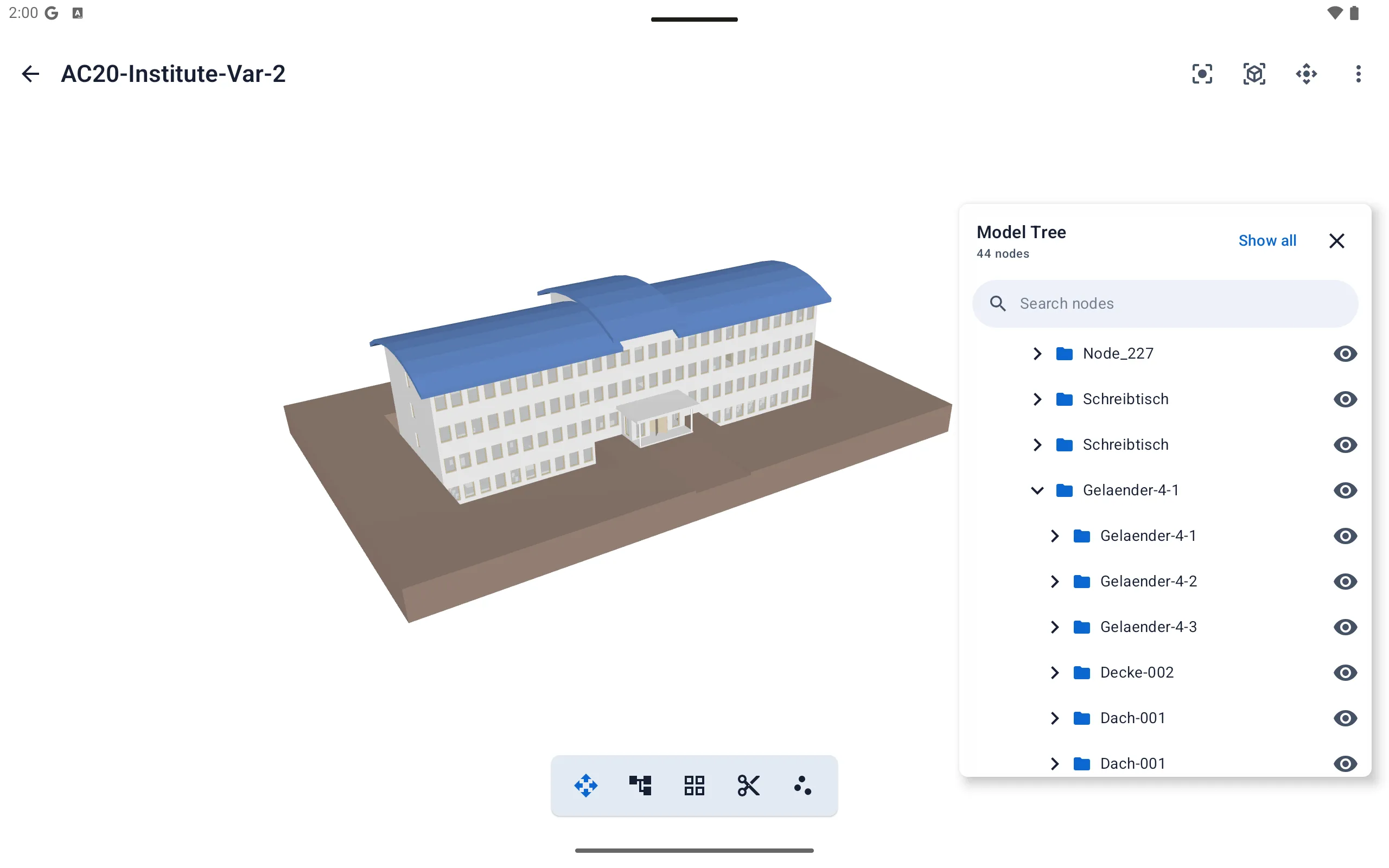
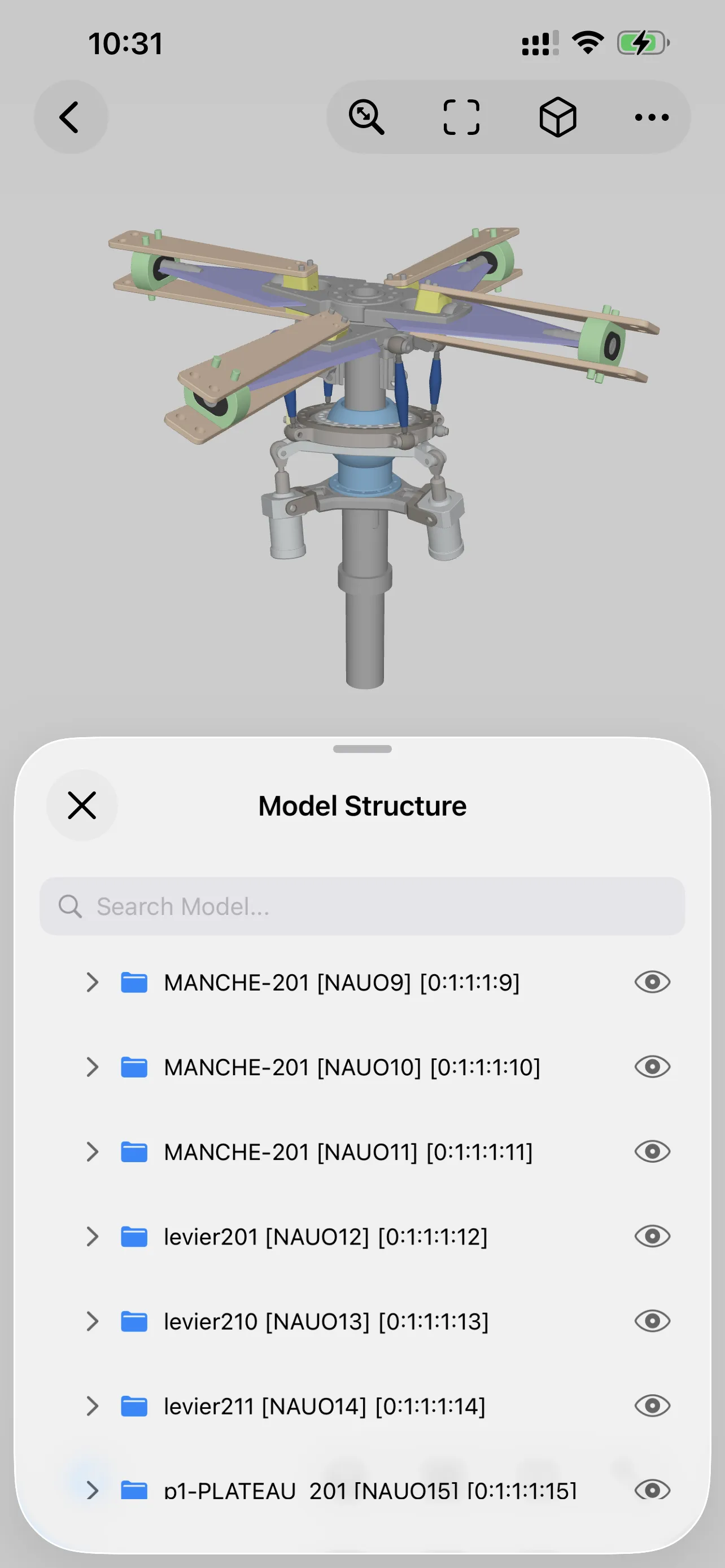
Model Tree
Focus on the structures and parts that matter.
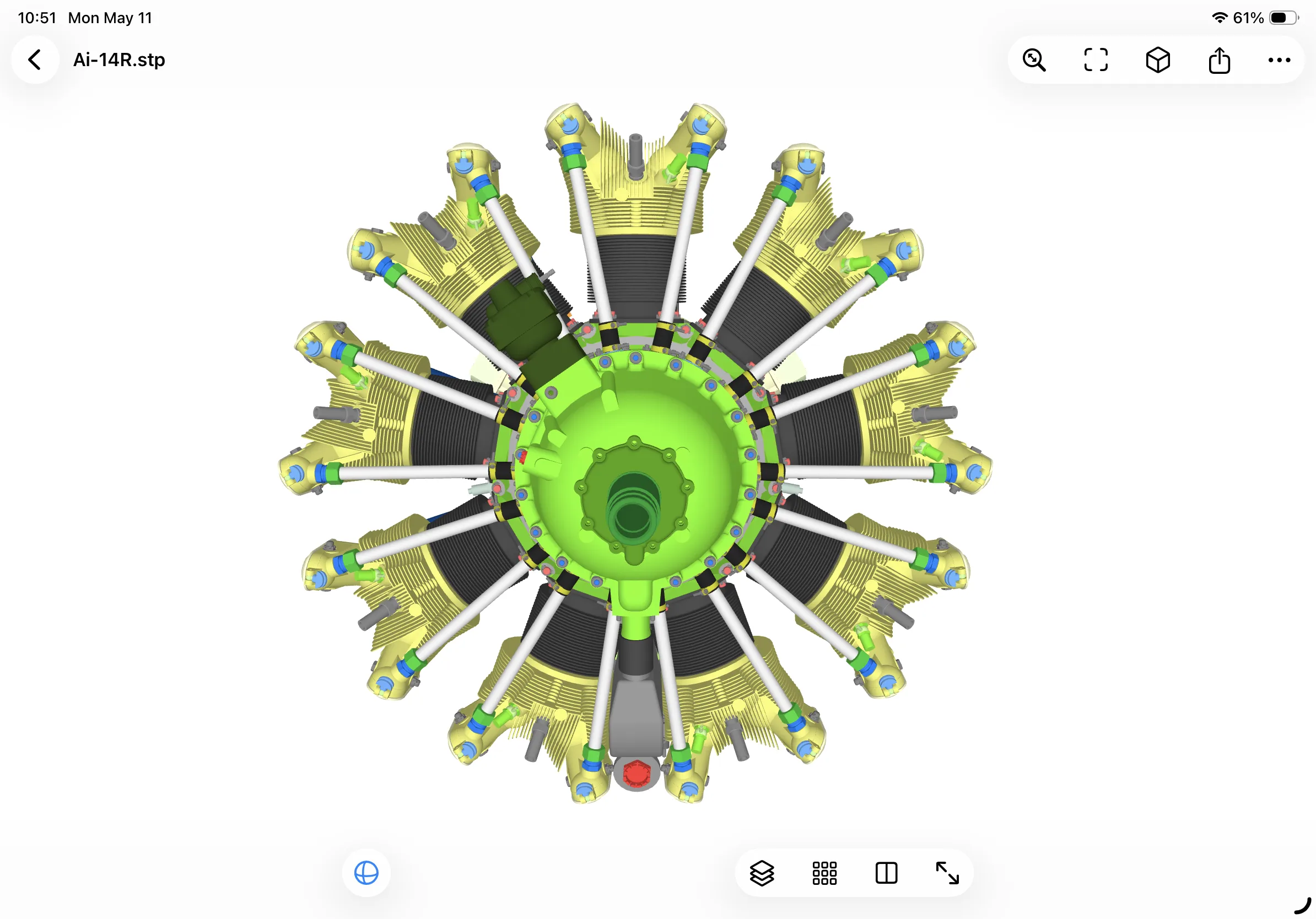
Show or hide model nodes by hierarchy, so complex assemblies stay easier to understand and review.
- Browse model hierarchy
- Show or hide specific nodes
- Focus on selected structures
A local-first 3D model viewer for private, smooth file viewing. No account registration or cloud upload required.


Model Tree
Show or hide model nodes by hierarchy, so complex assemblies stay easier to understand and review.
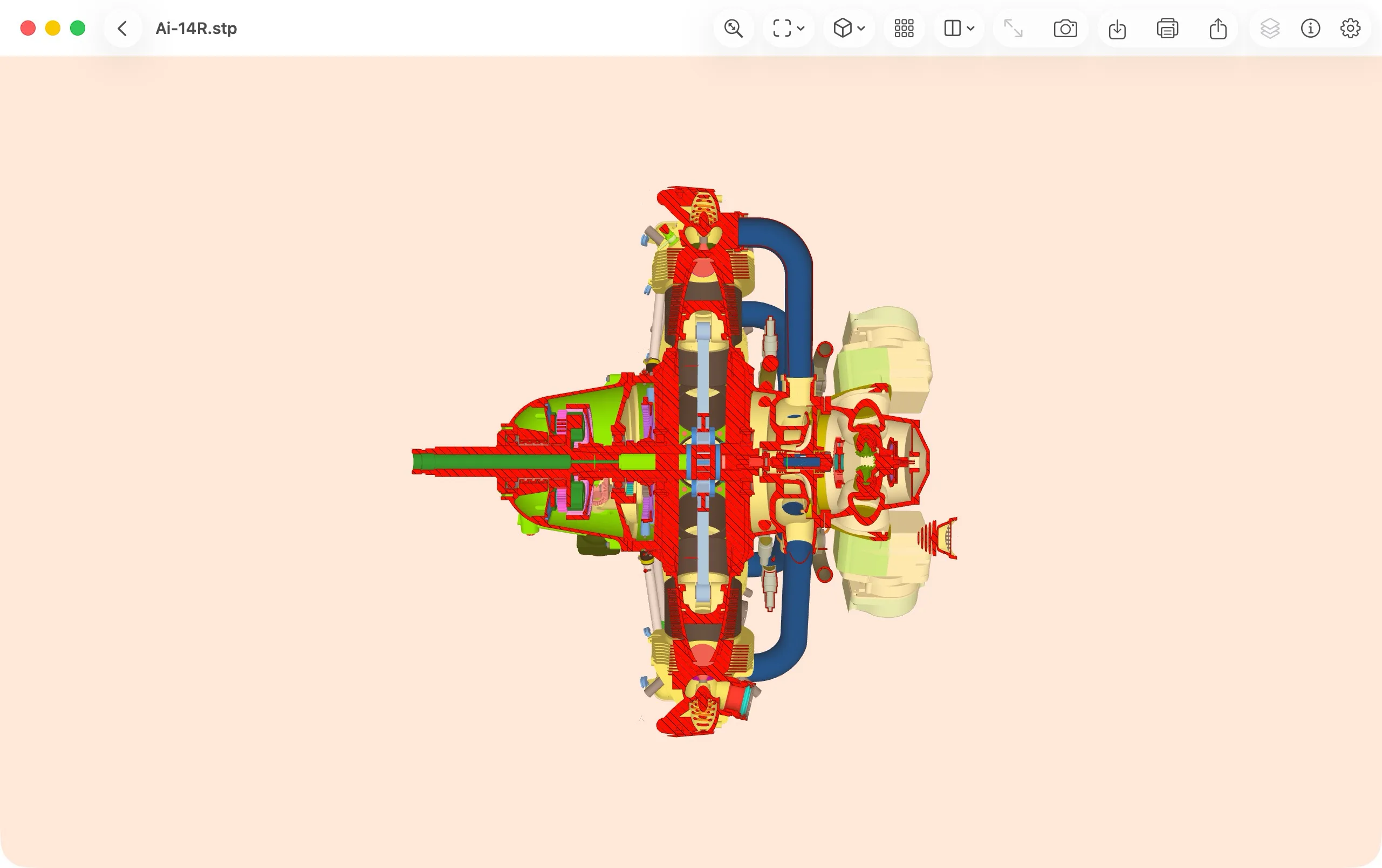
Section View
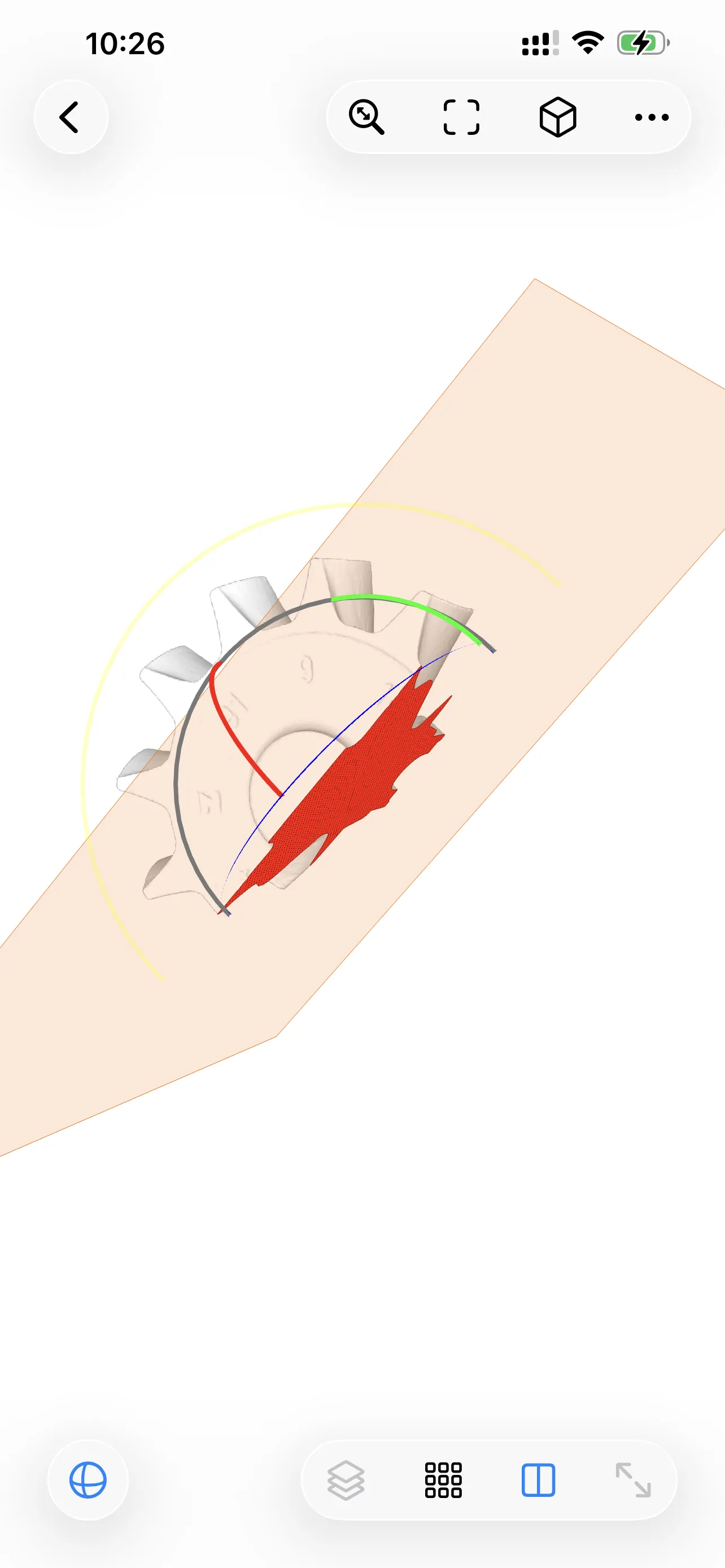
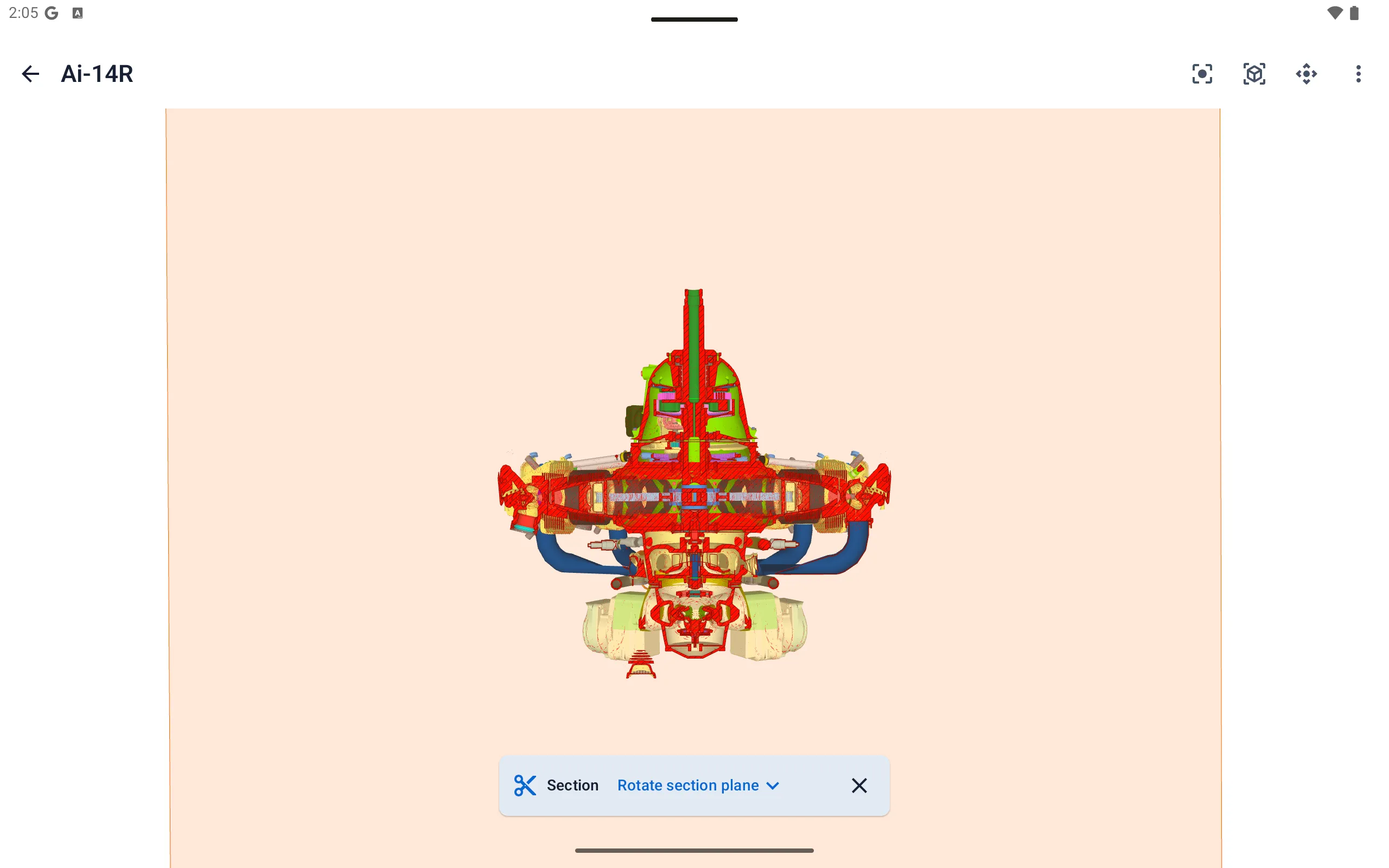
Use interactive sectioning to look inside models, reveal hidden geometry, and understand how parts fit together.
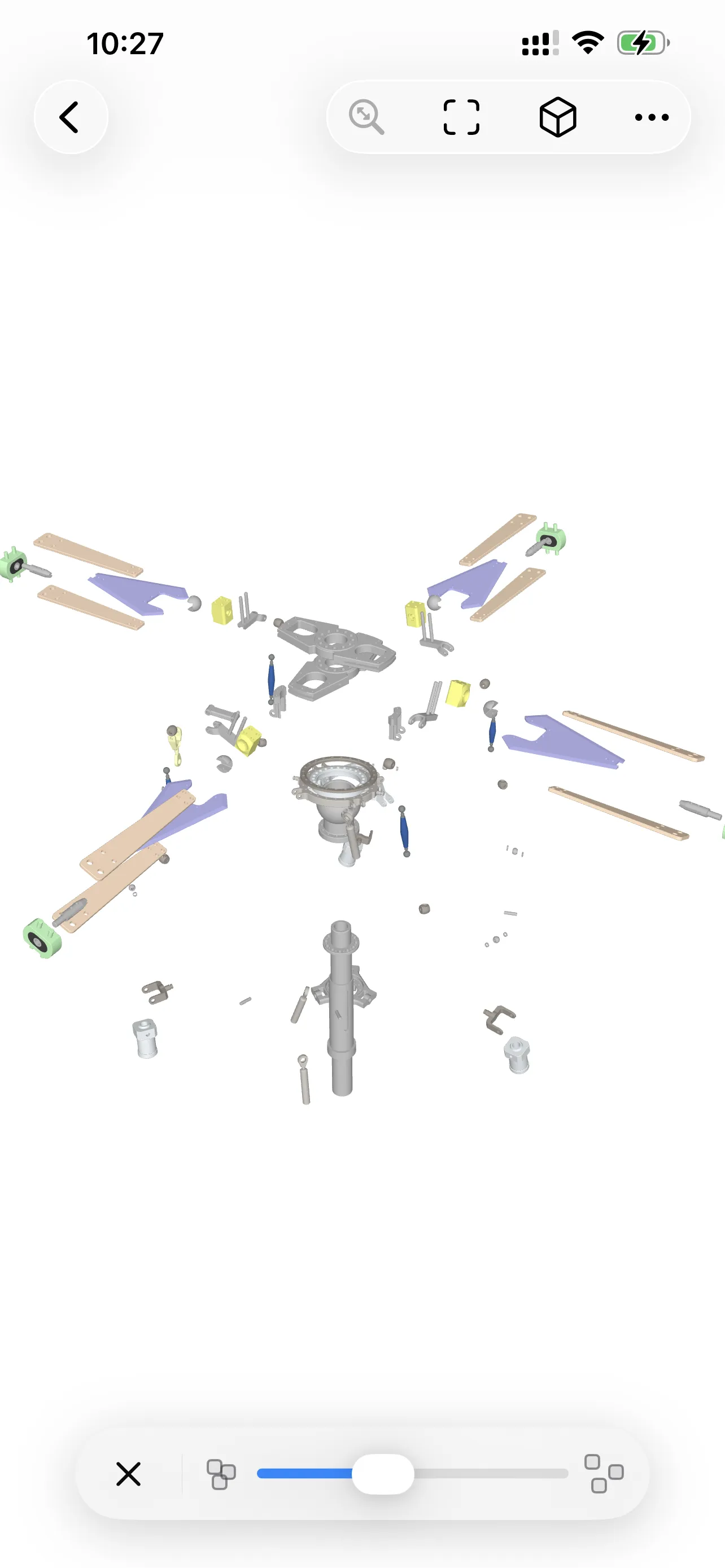
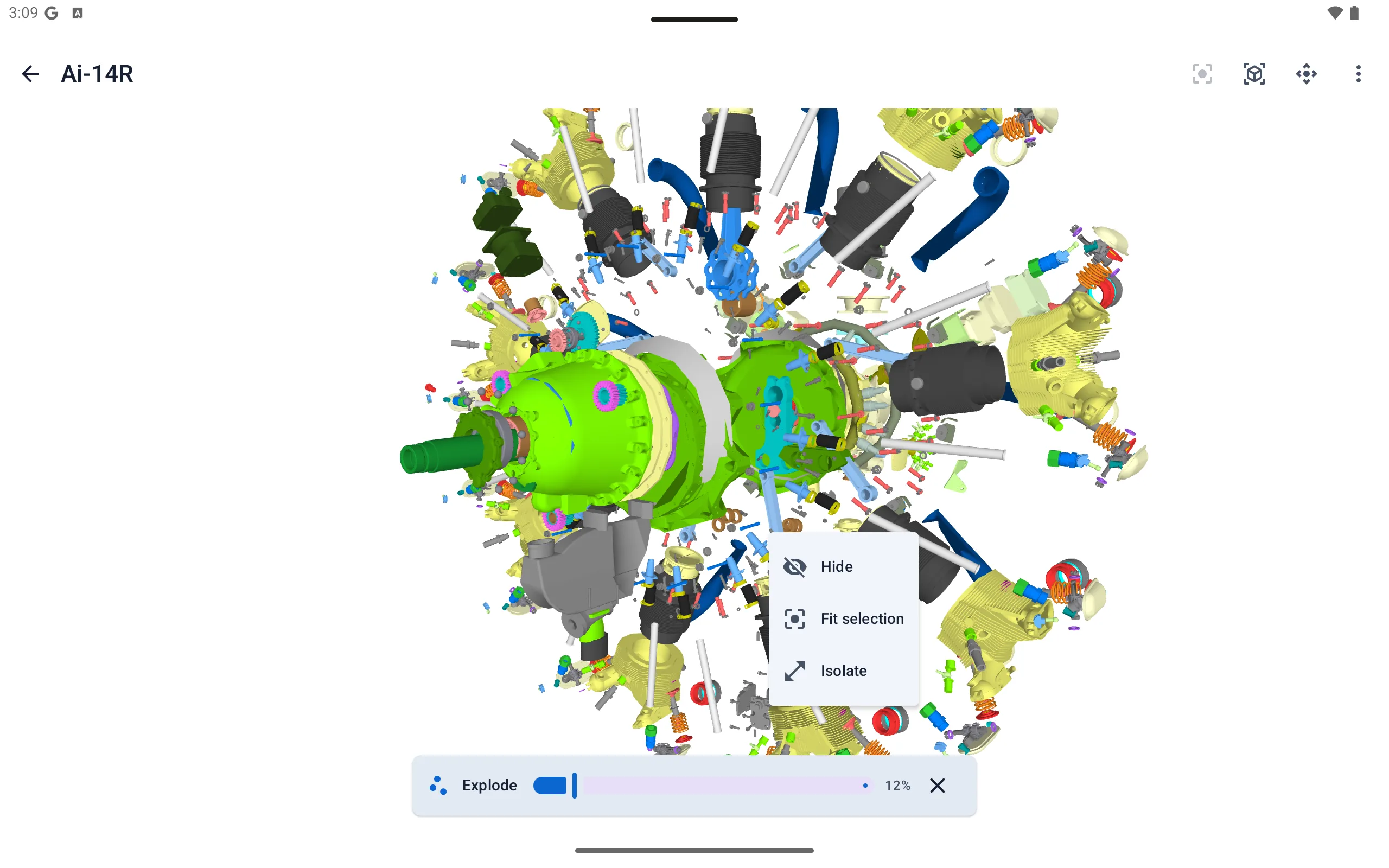
Exploded View
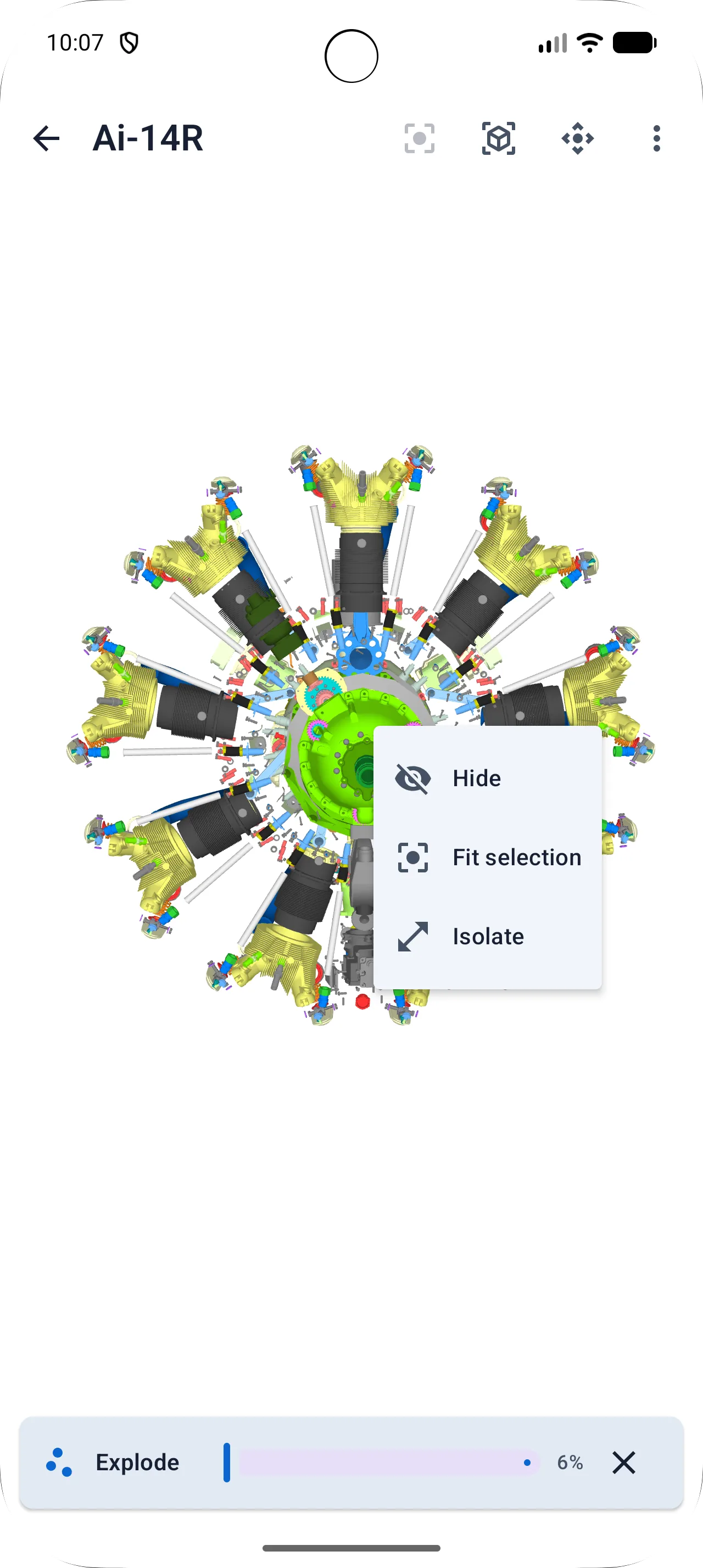
Expand assembly components to see how parts relate to each other without losing the context of the full model.
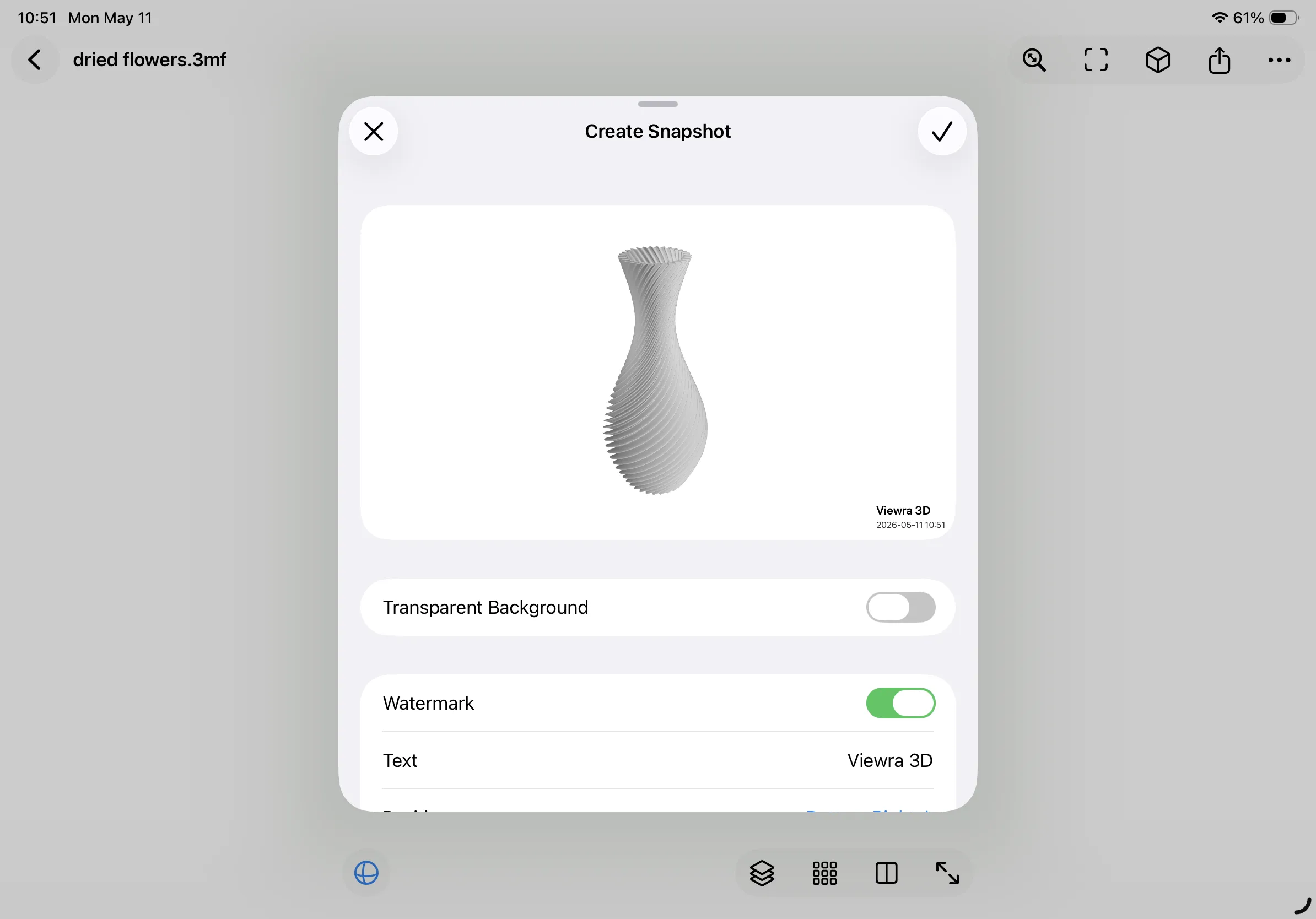
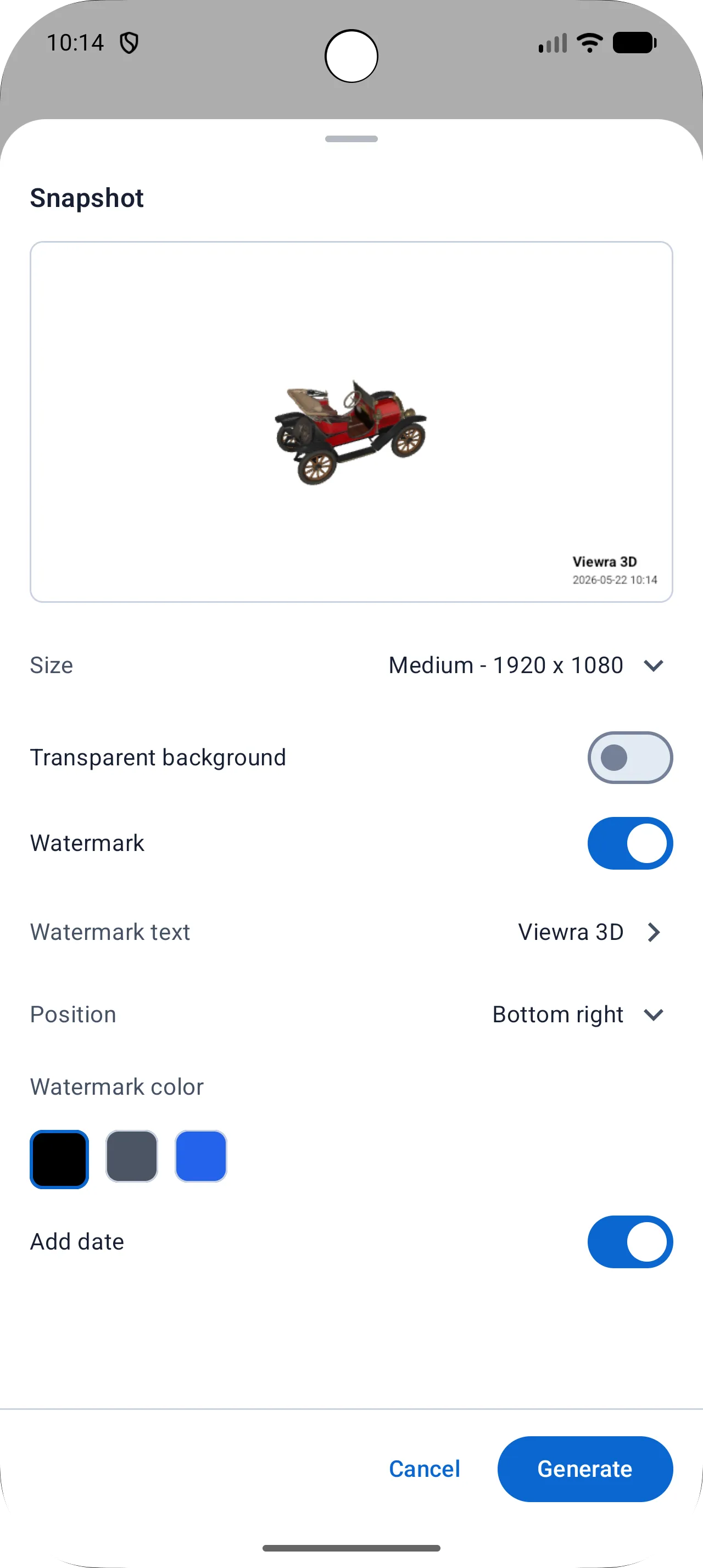
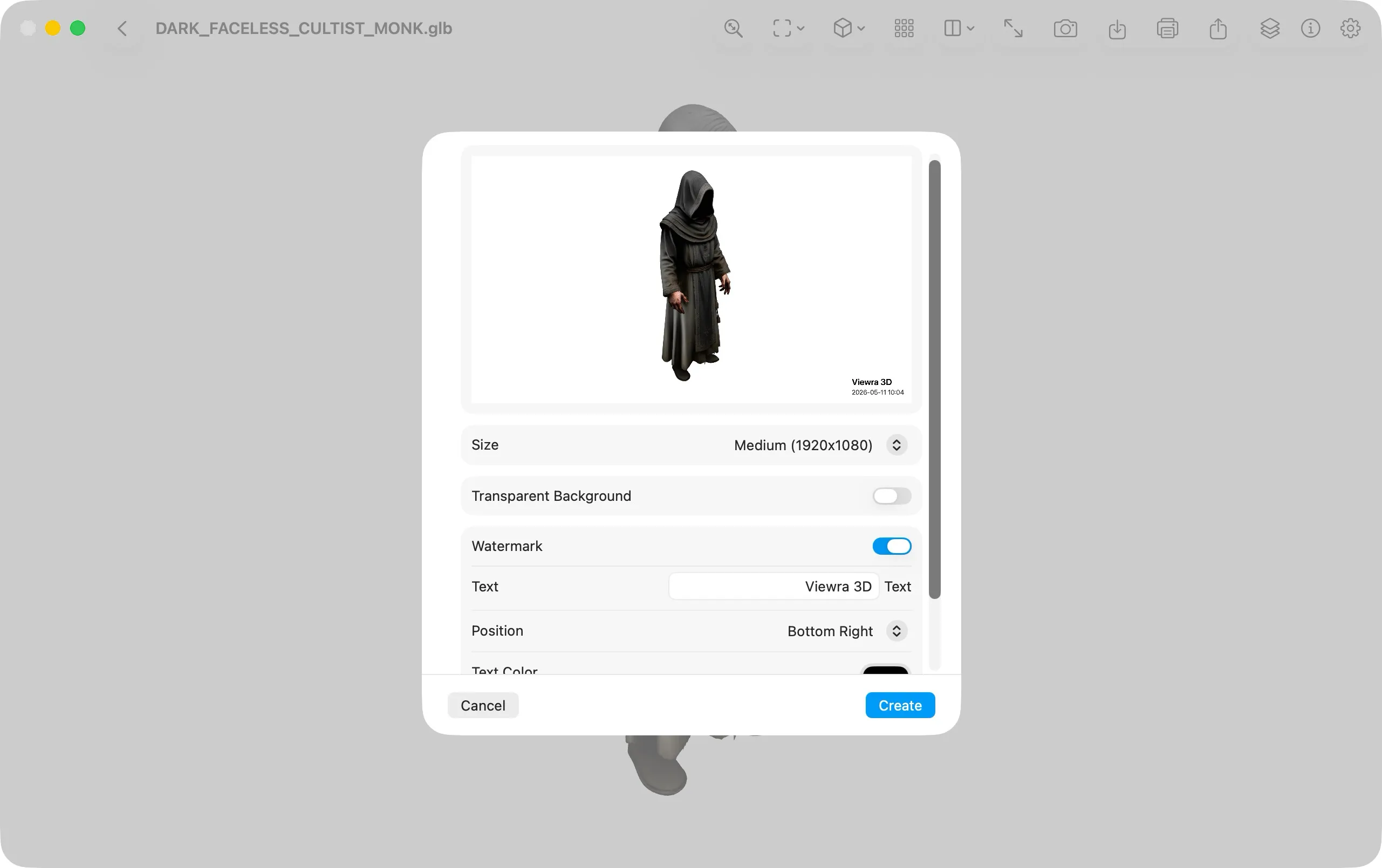
Screenshot Export
Export the current viewport as a high-resolution image for documentation, feedback, or quick communication with teammates.
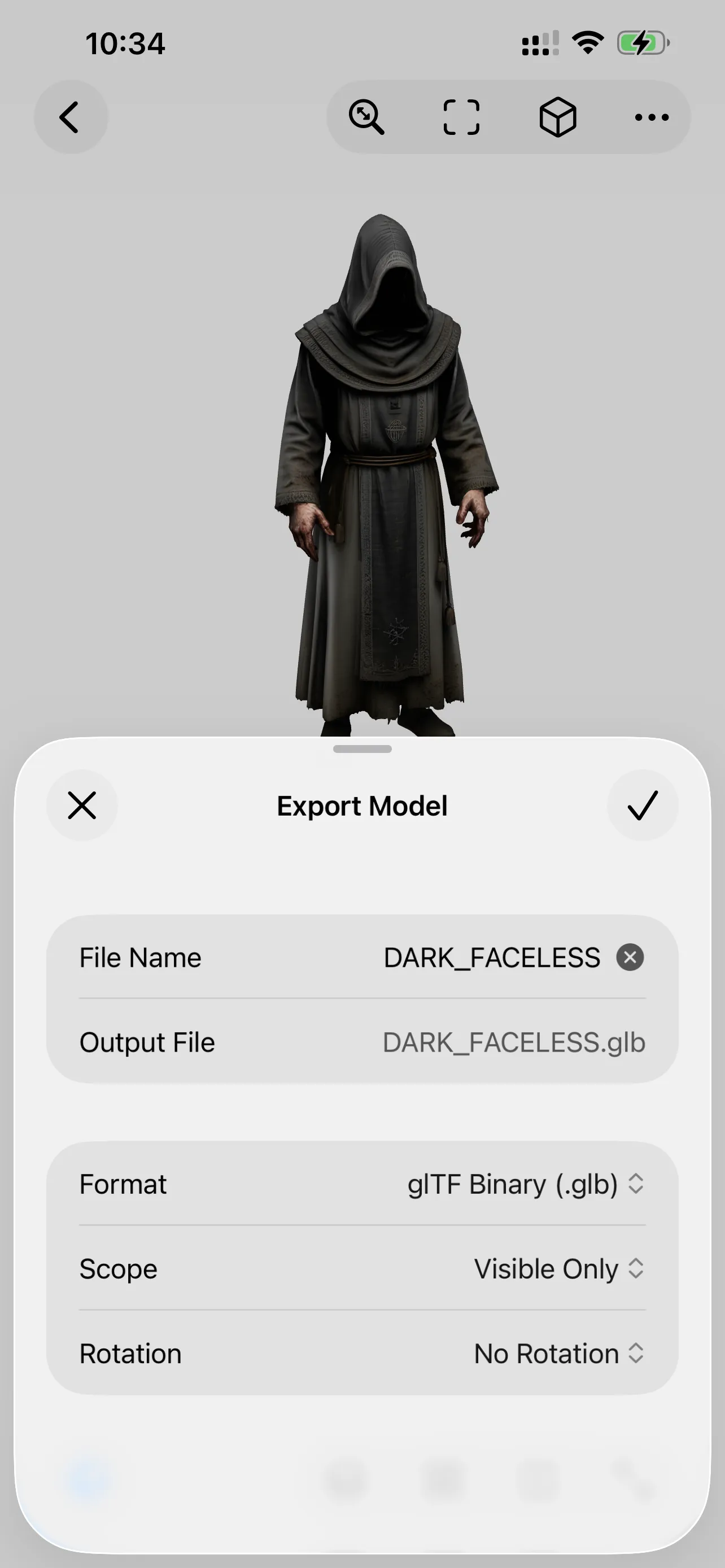
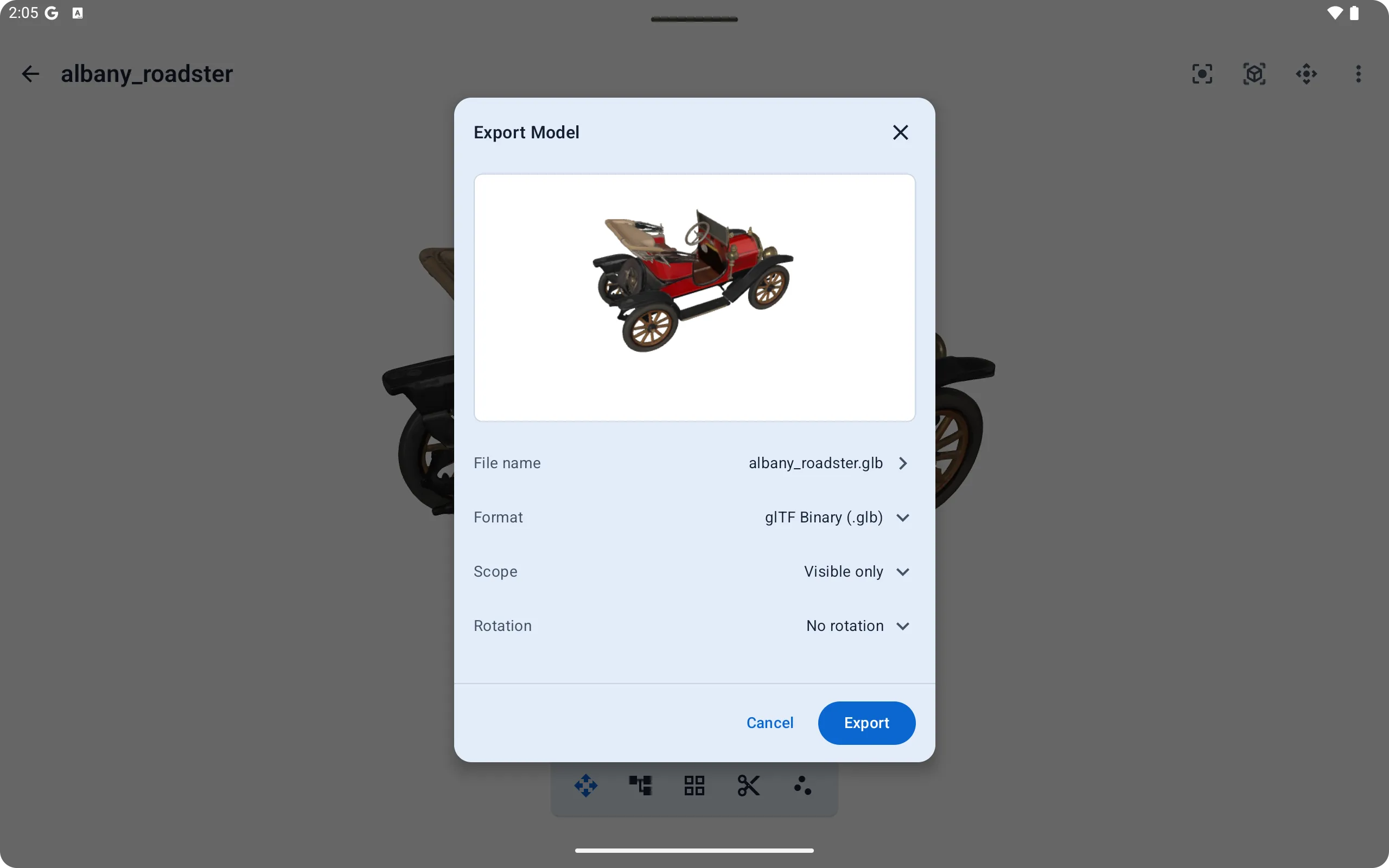
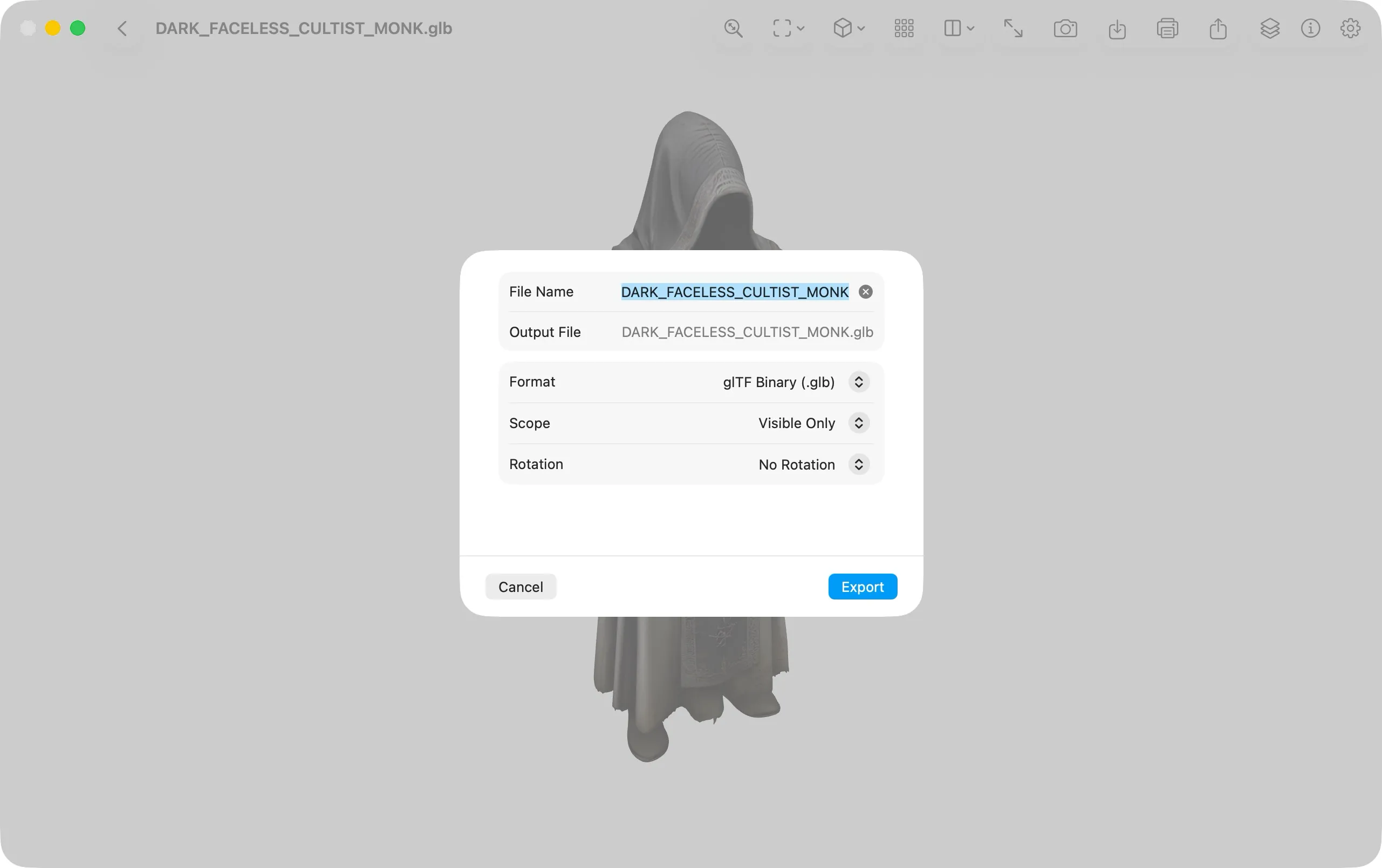
Multi-Format Export
Convert and export models to STL, PLY, GLB, OFF, 3DM, BIM, and other 3D formats when your workflow needs a different file type.
Viewra 3D is free for viewing files. Advanced features require Pro access, available through an App Store or Google Play subscription, or as a lifetime Pro purchase.
Viewra 3D supports 3DM, 3DS, 3MF, AMF, BIM, BREP, DAE, FBX, FCStd, GLTF, IFC, IGES, STEP, STL, OBJ, OFF, PLY, and WRL.
Viewra 3D is available on iOS, macOS, and Android.
No. Files are opened locally on your device.
Viewra 3D is designed for viewing and inspection, not model editing.
Visit Support to contact us by email or join the Discord community.
Download Viewra 3D for your Apple or Android devices.