Local Viewing
Open DWG and DXF files directly on your device.
View CAD drawings locally with no account required and no cloud upload, keeping project files under your control.
- Open DWG and DXF files locally
- No account required
- No cloud upload
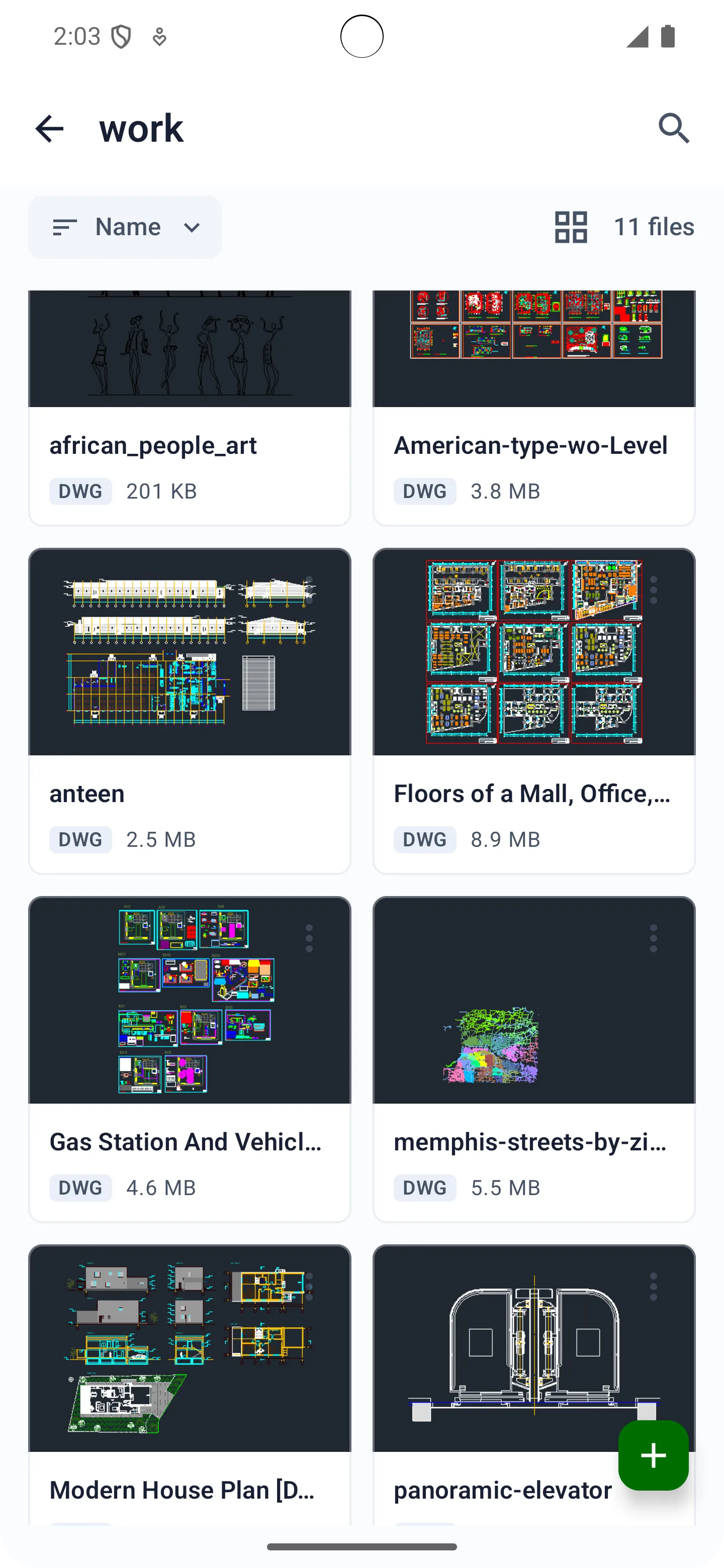
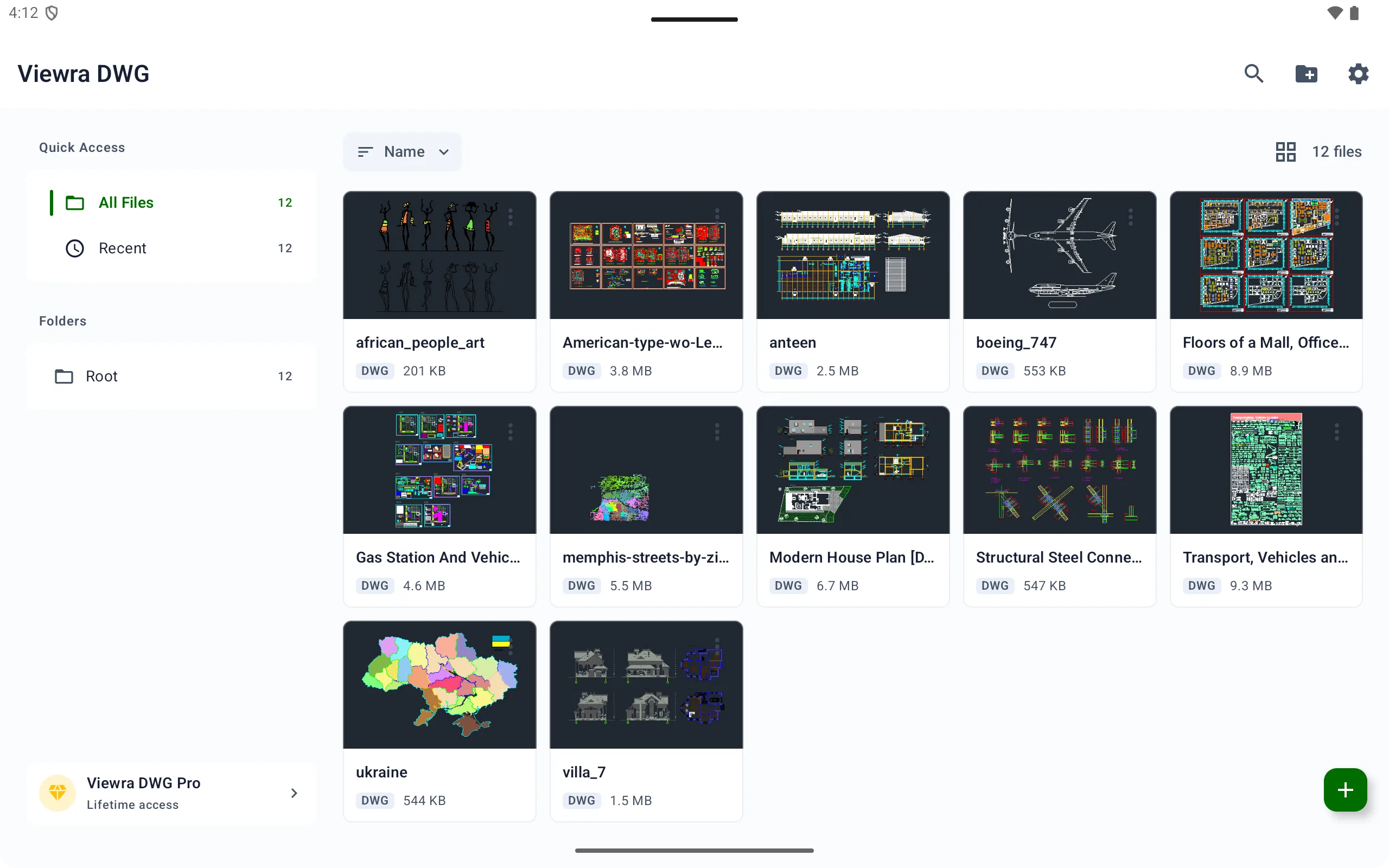
A local DWG/DXF drawing viewer for Android phones and tablets, designed to help you view CAD drawings quickly and securely.


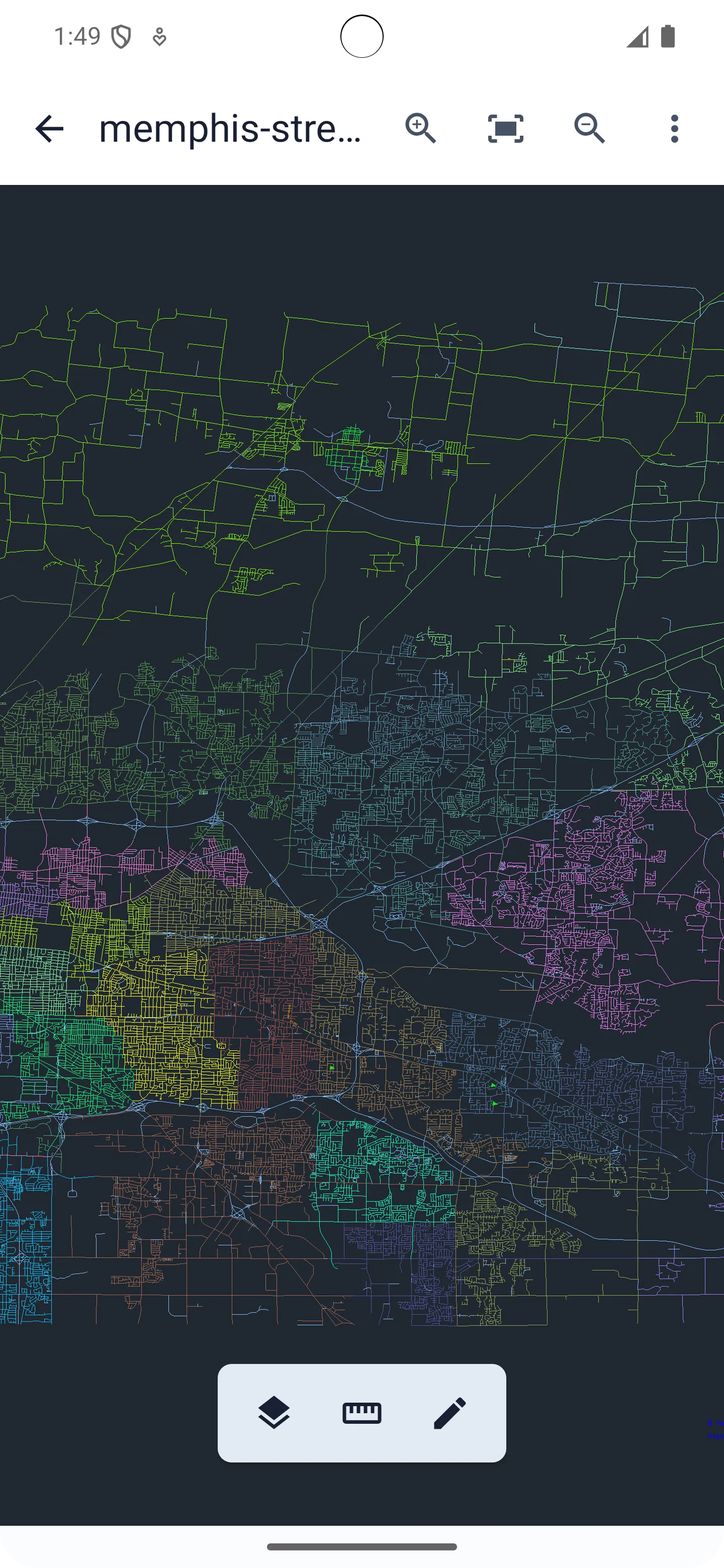
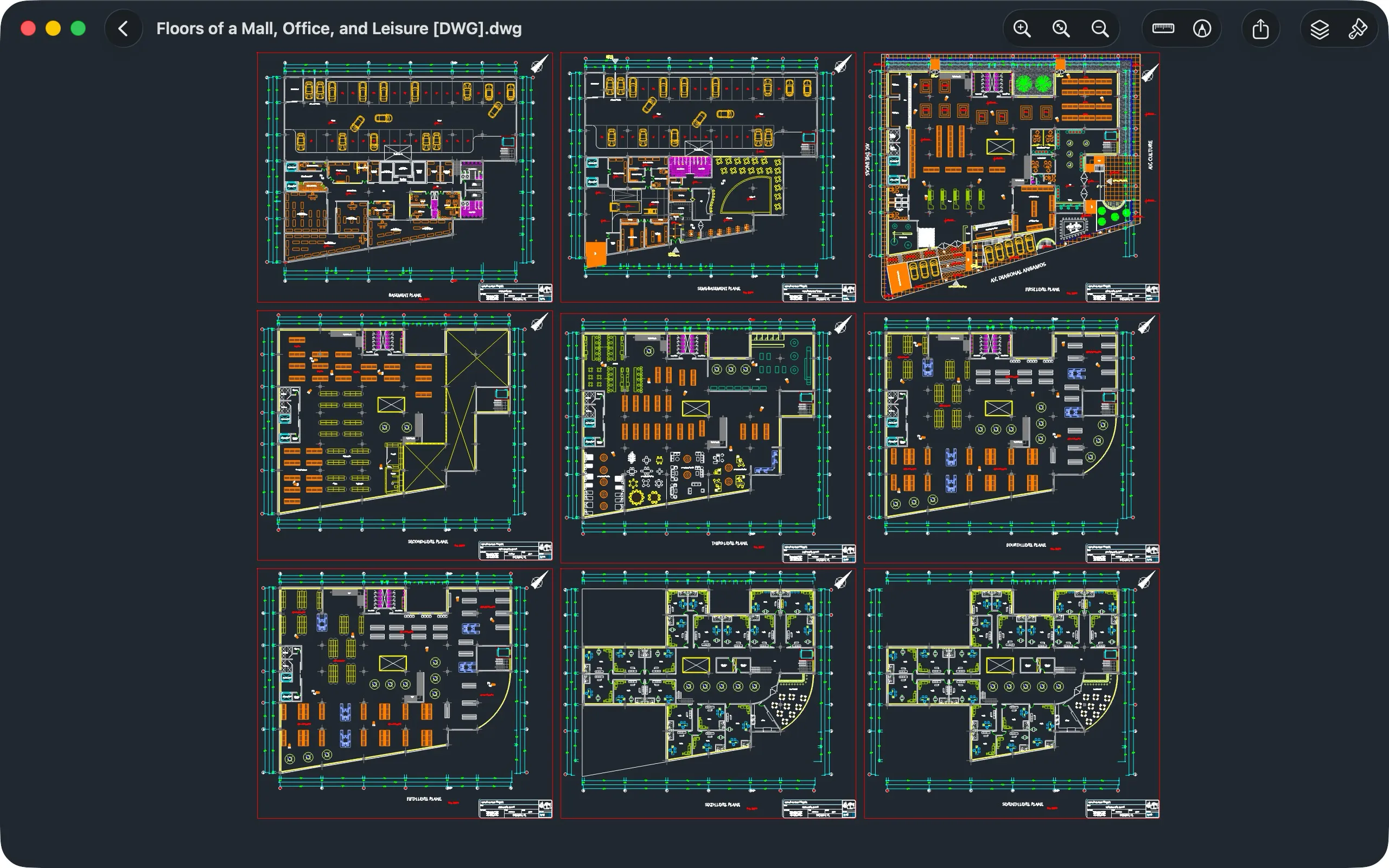
Local Viewing
View CAD drawings locally with no account required and no cloud upload, keeping project files under your control.
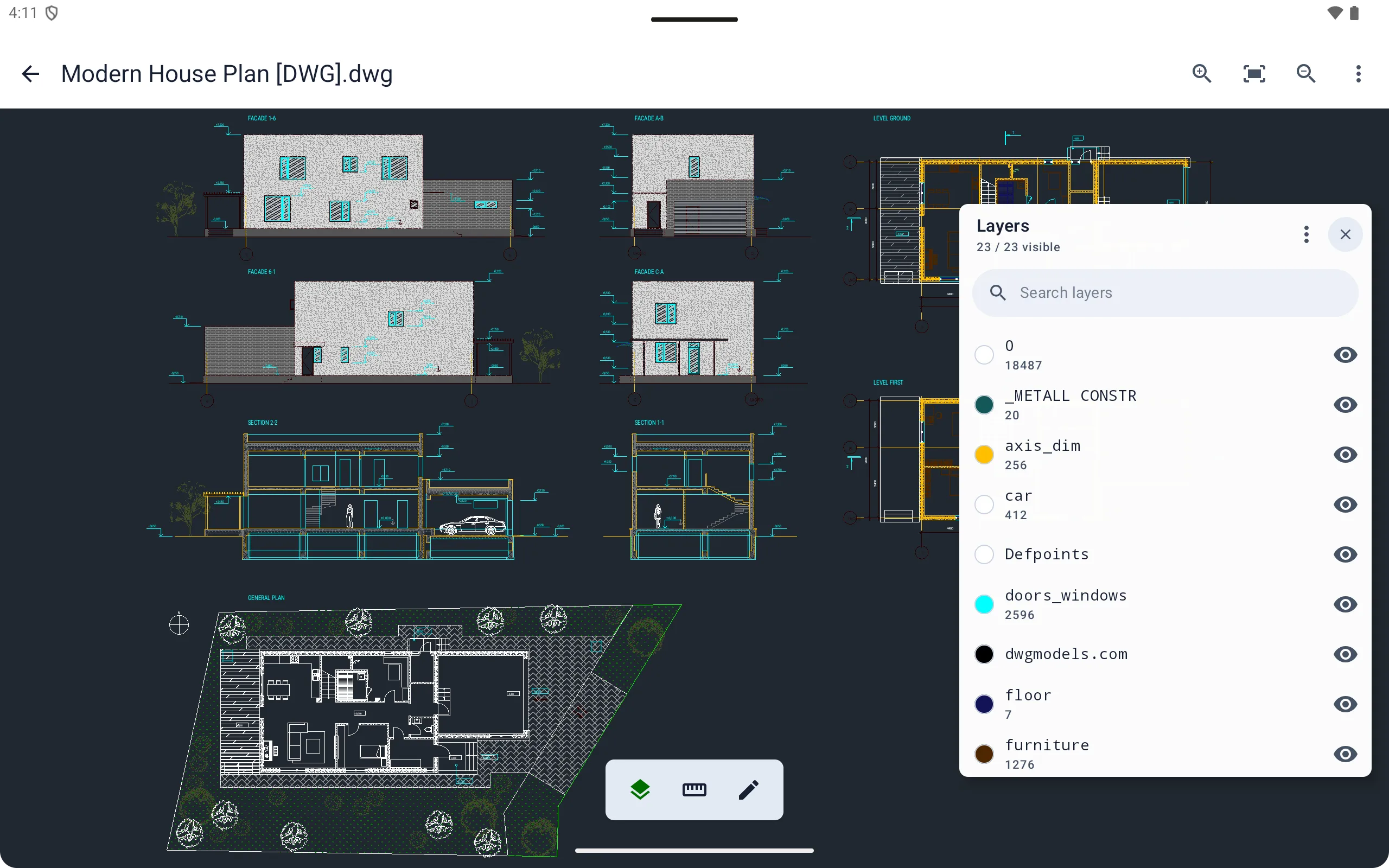
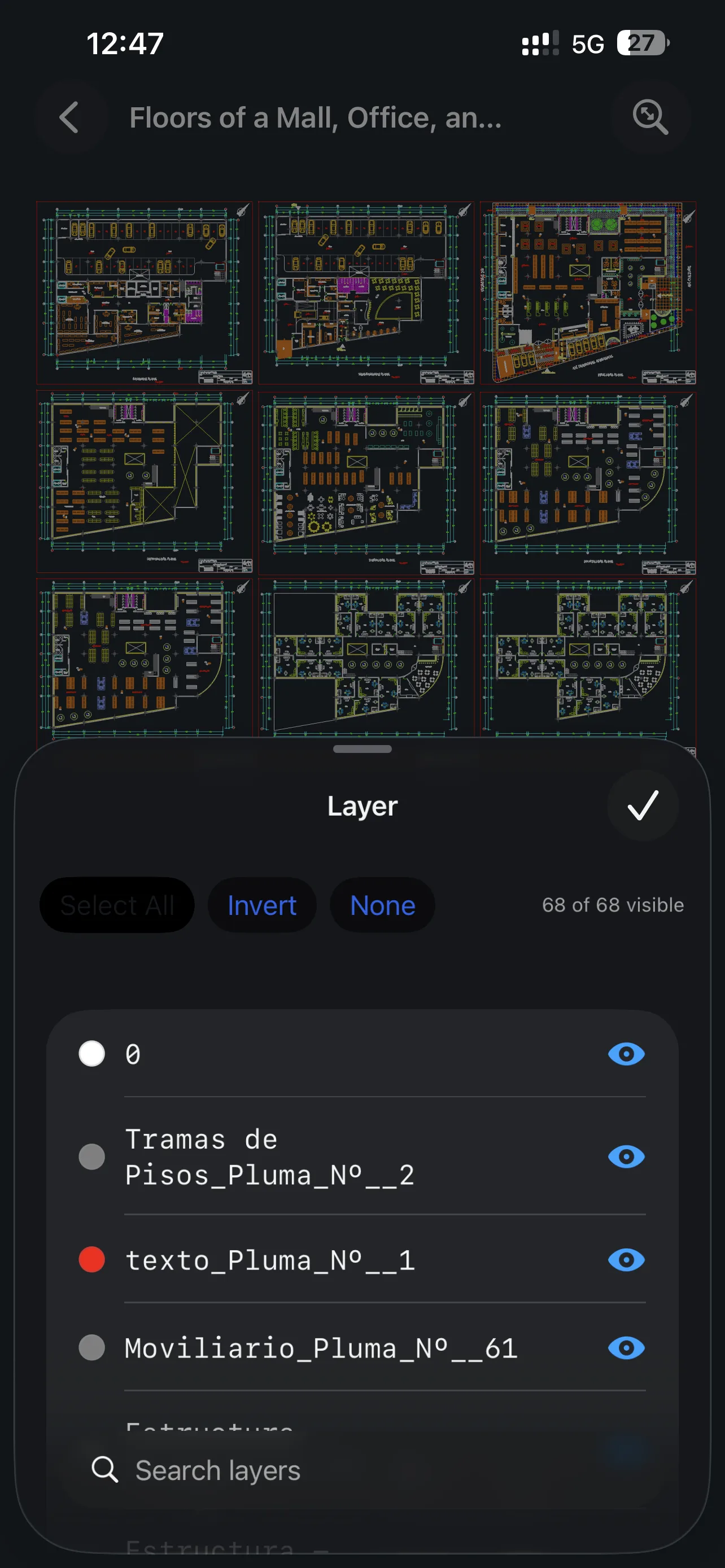
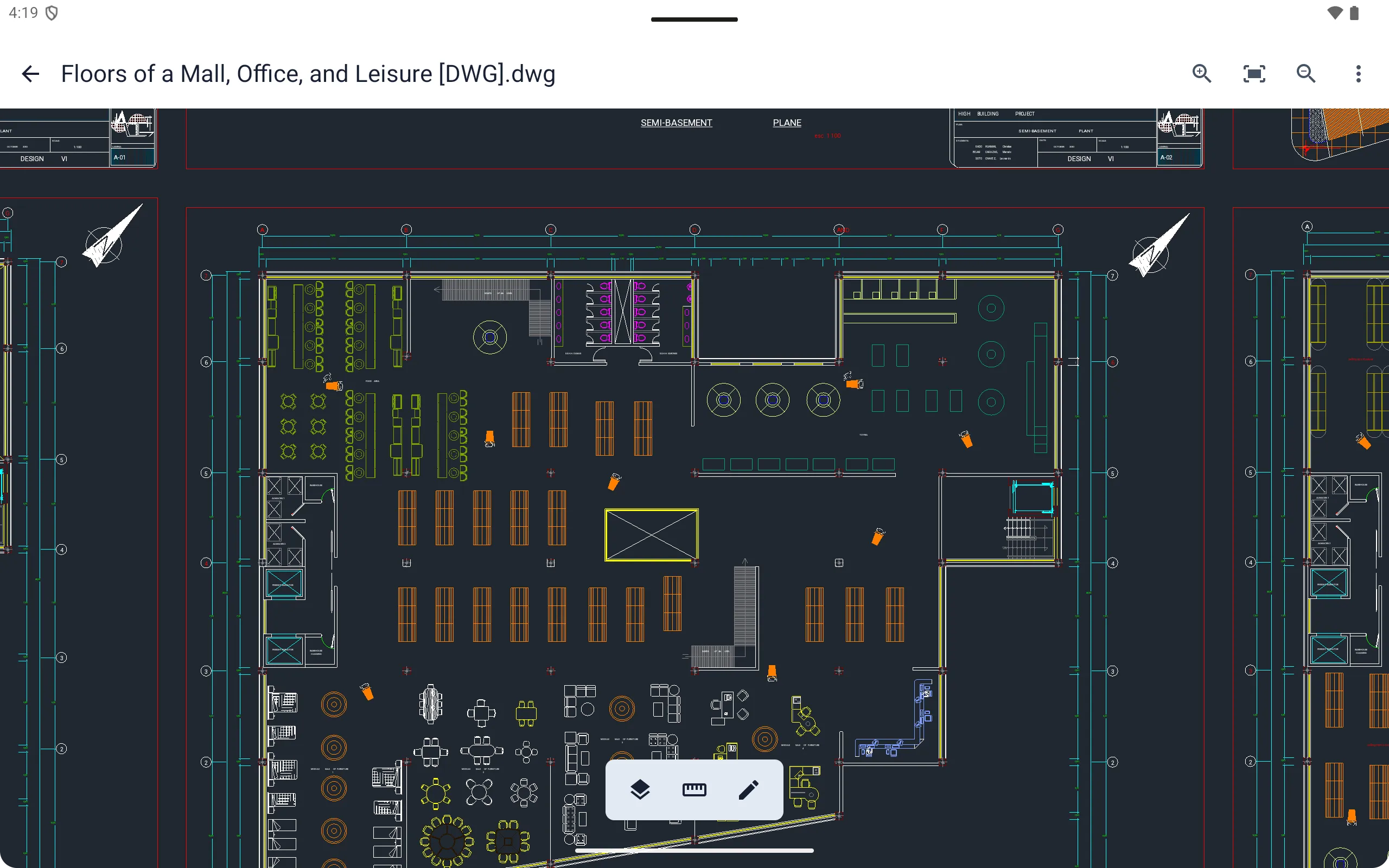
Layer Control
Control layer visibility to simplify dense CAD drawings and focus on the details you need to review.
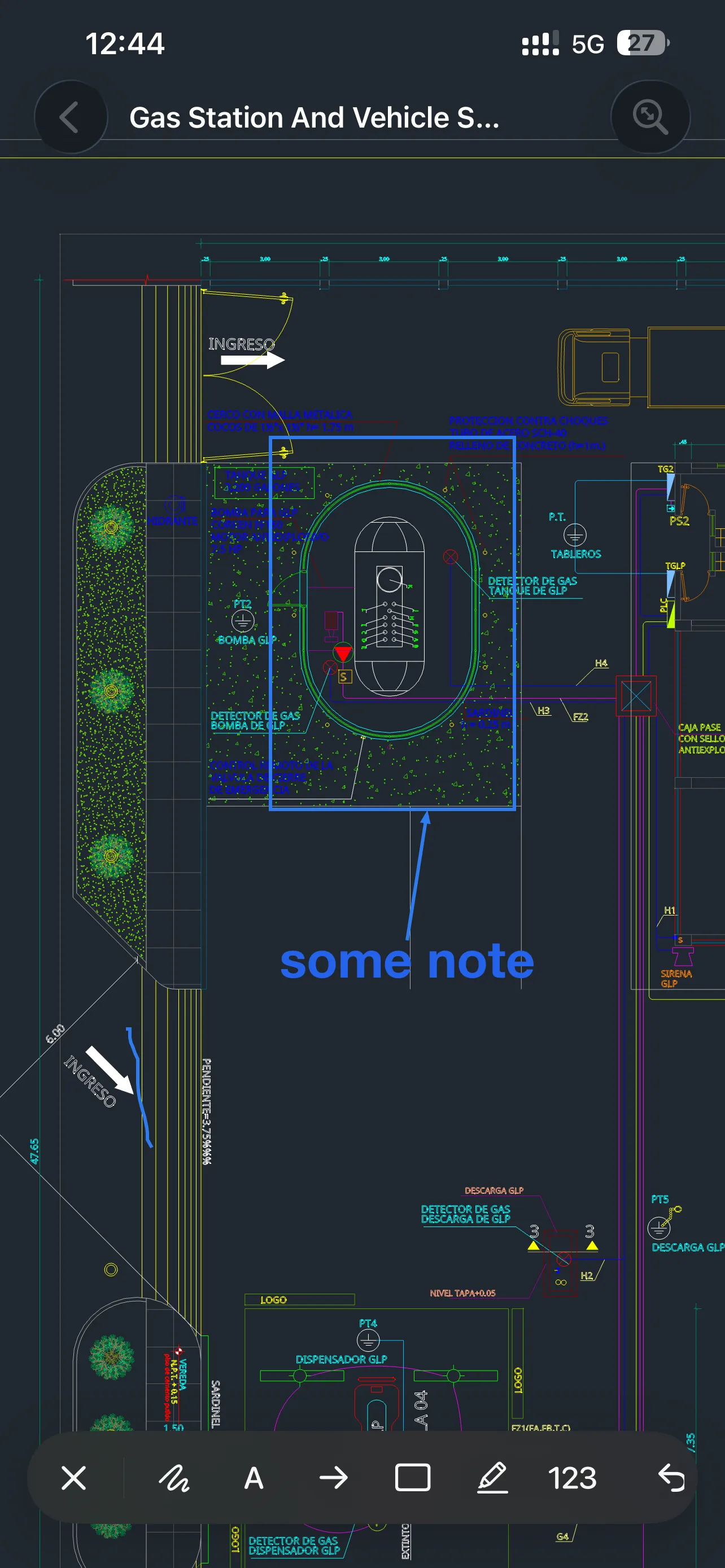
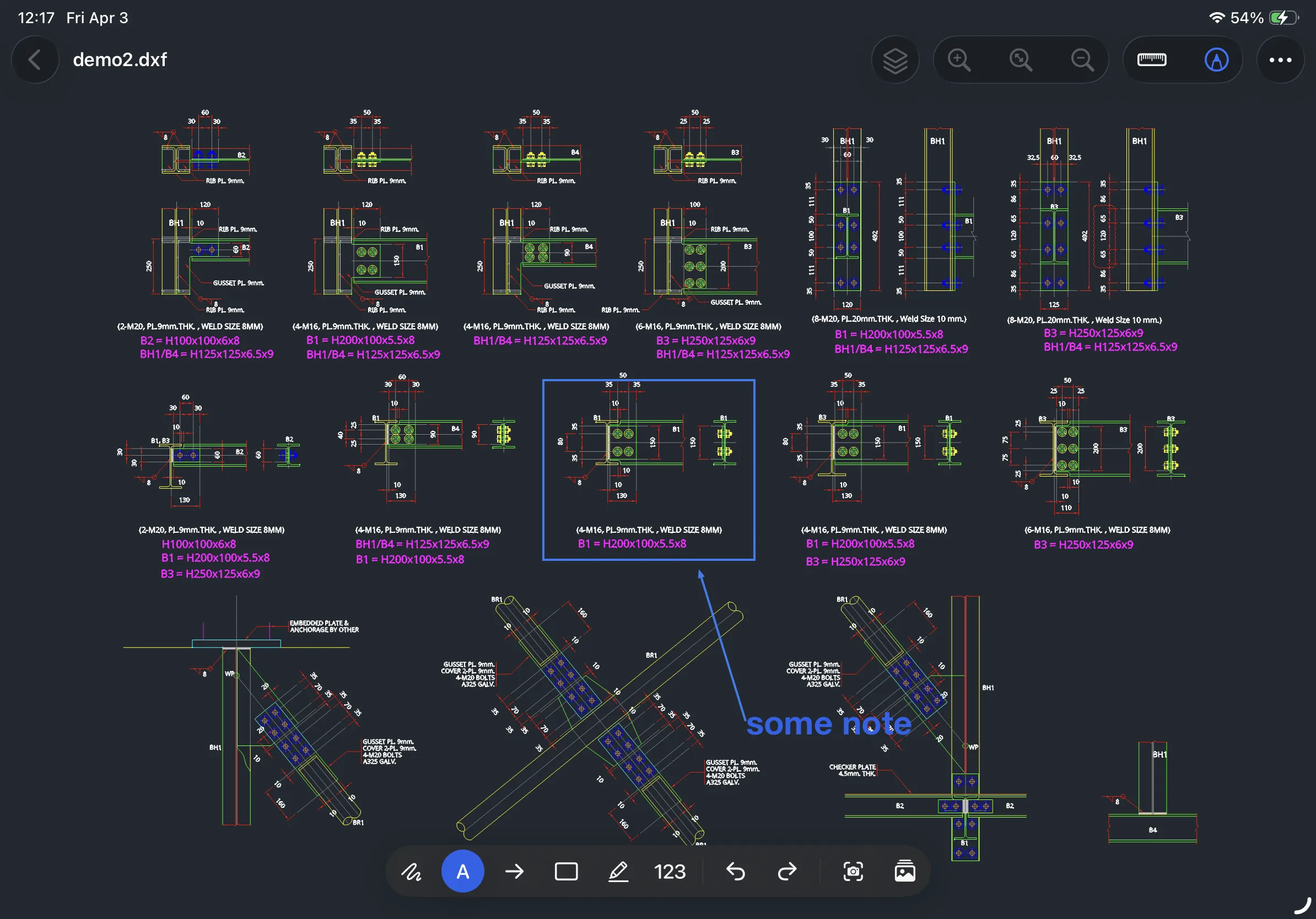
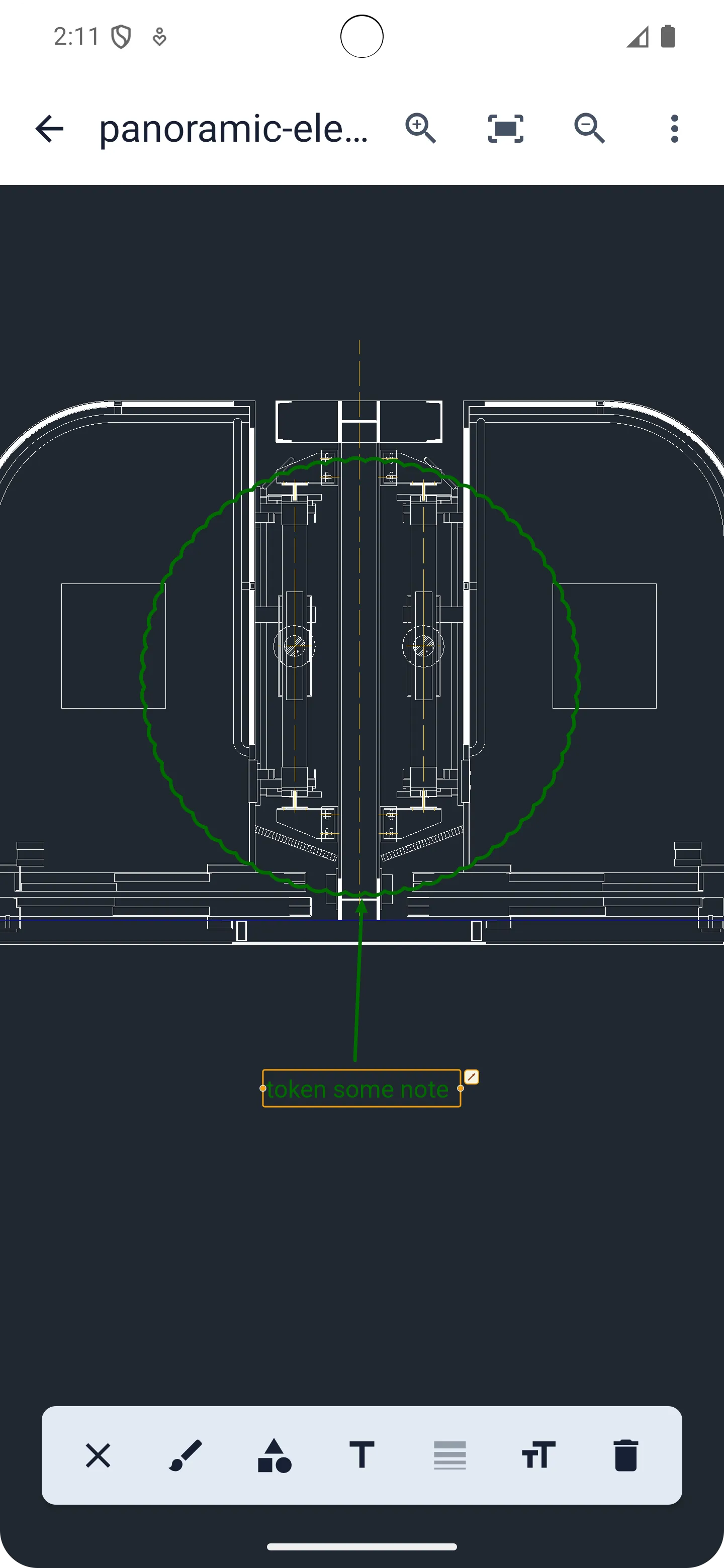
Annotation Tools
Use text, shapes, and other annotation tools to mark up drawings for review, communication, and documentation.
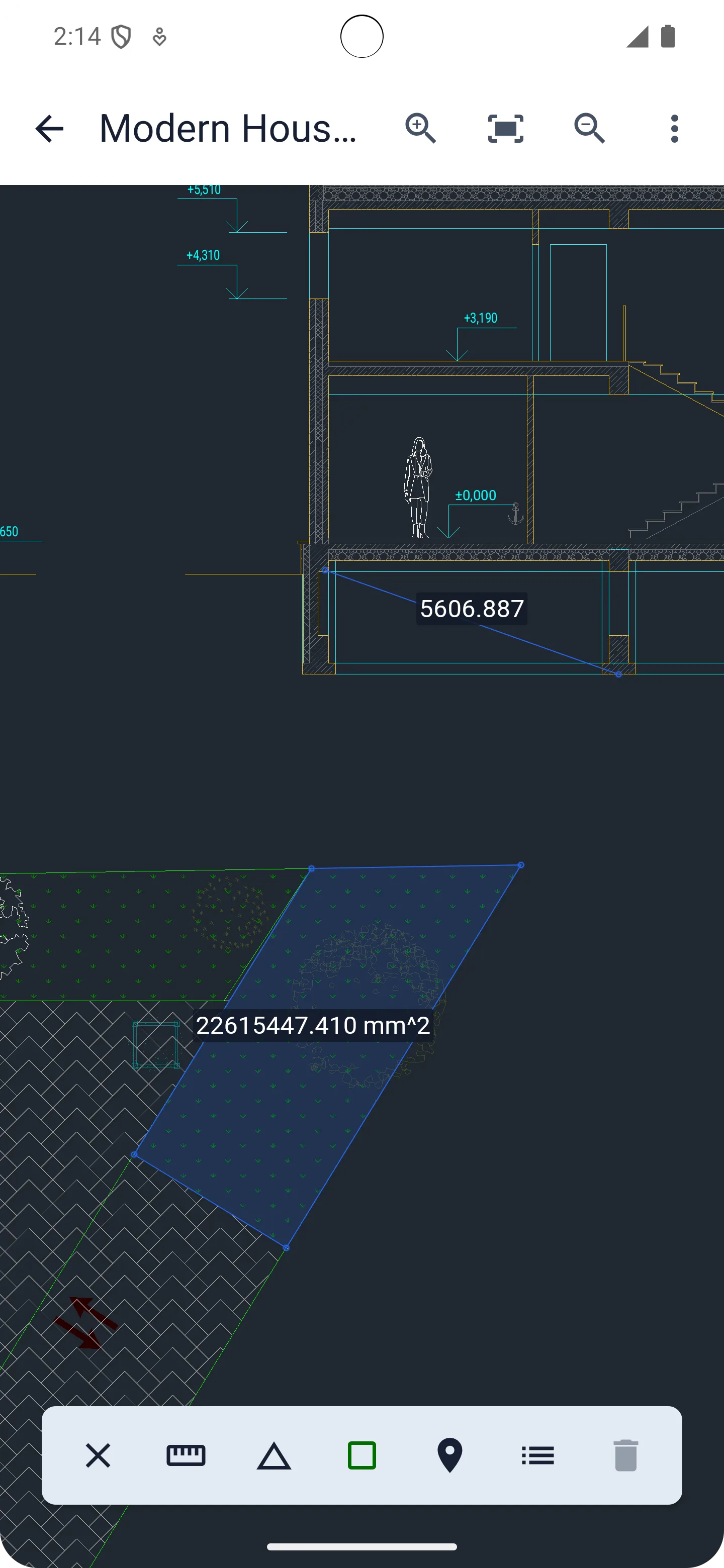
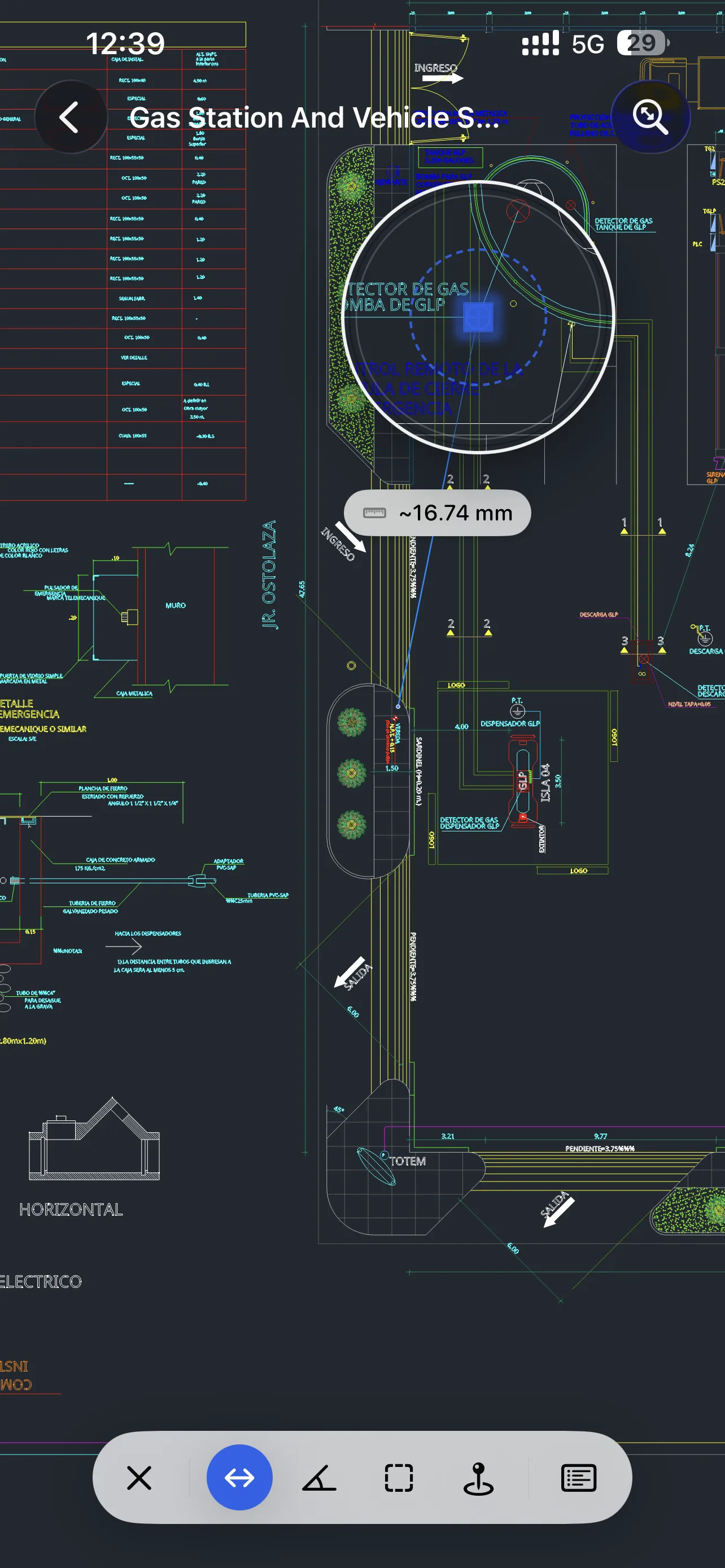
Measurement Tools
Check key drawing dimensions with measurement tools built for fast CAD review on mobile devices.
Viewra DWG is free for viewing files. Advanced features require Pro access, available through an App Store or Google Play subscription, or as a lifetime Pro purchase.
Viewra DWG is available on iOS, macOS, and Android.
Yes. Viewra DWG supports local viewing for DWG and DXF drawing files.
No. Drawings are opened locally on your device, with no account required and no cloud upload.
Yes. Files already on your device can be opened and reviewed locally. Downloading files or accessing external services may still require a network connection.
Viewra DWG includes layer control, annotation tools, and measurement tools for distance, angle, area, and more.
Viewra DWG is designed for viewing, annotation, layer control, and measurement. It is not a full CAD drafting or editing tool.
Visit Support to contact us by email or join the Discord community.
Download Viewra DWG for fast, secure CAD drawing review.