Local Viewing
Inspect models directly on your device.
Open and review STEP and IGES models locally, with no account required and no cloud upload.
- Local file opening
- No account required
- No cloud upload
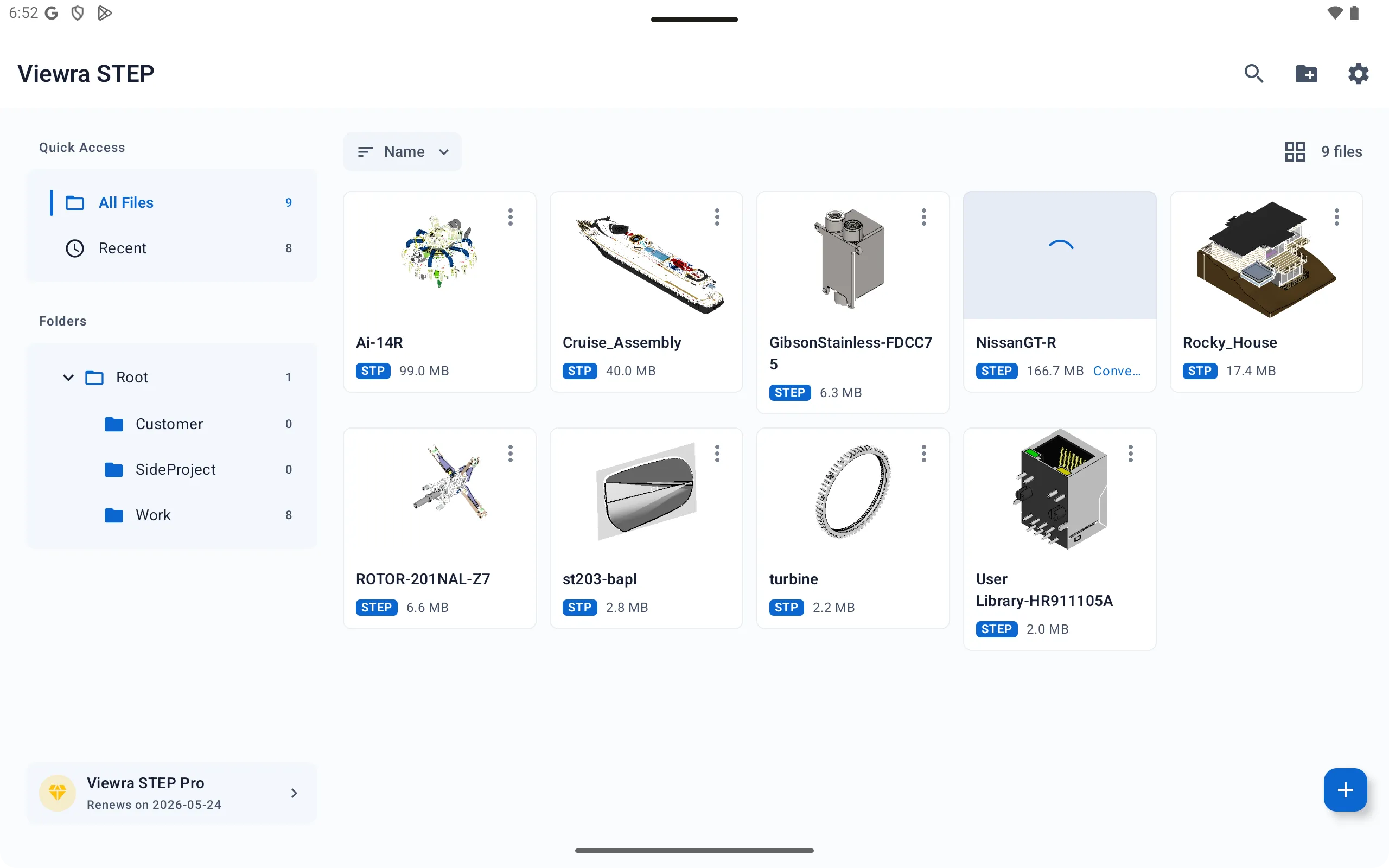
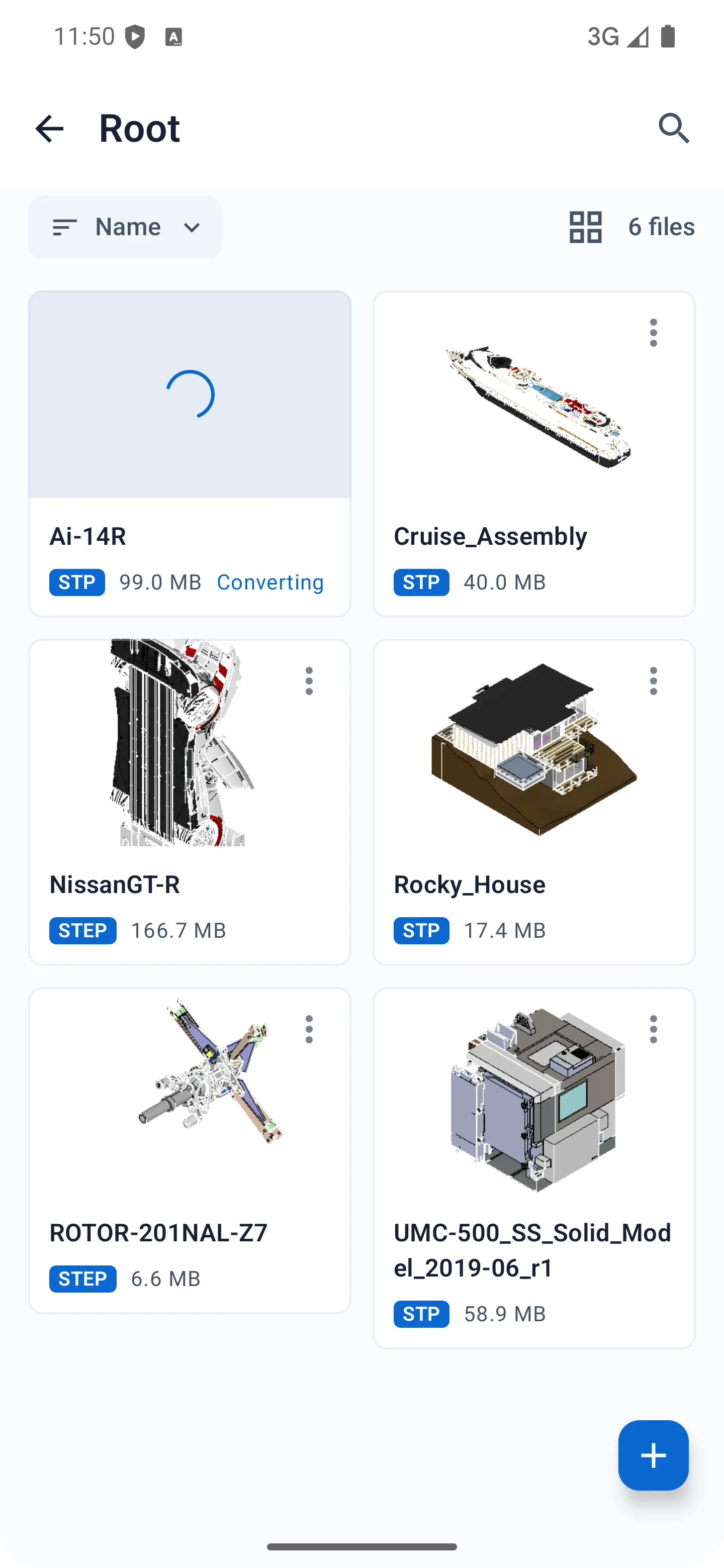
A professional STEP and IGES viewer for precise, private, and efficient 3D model inspection. Open and review models directly on your device with no account required and no cloud upload.


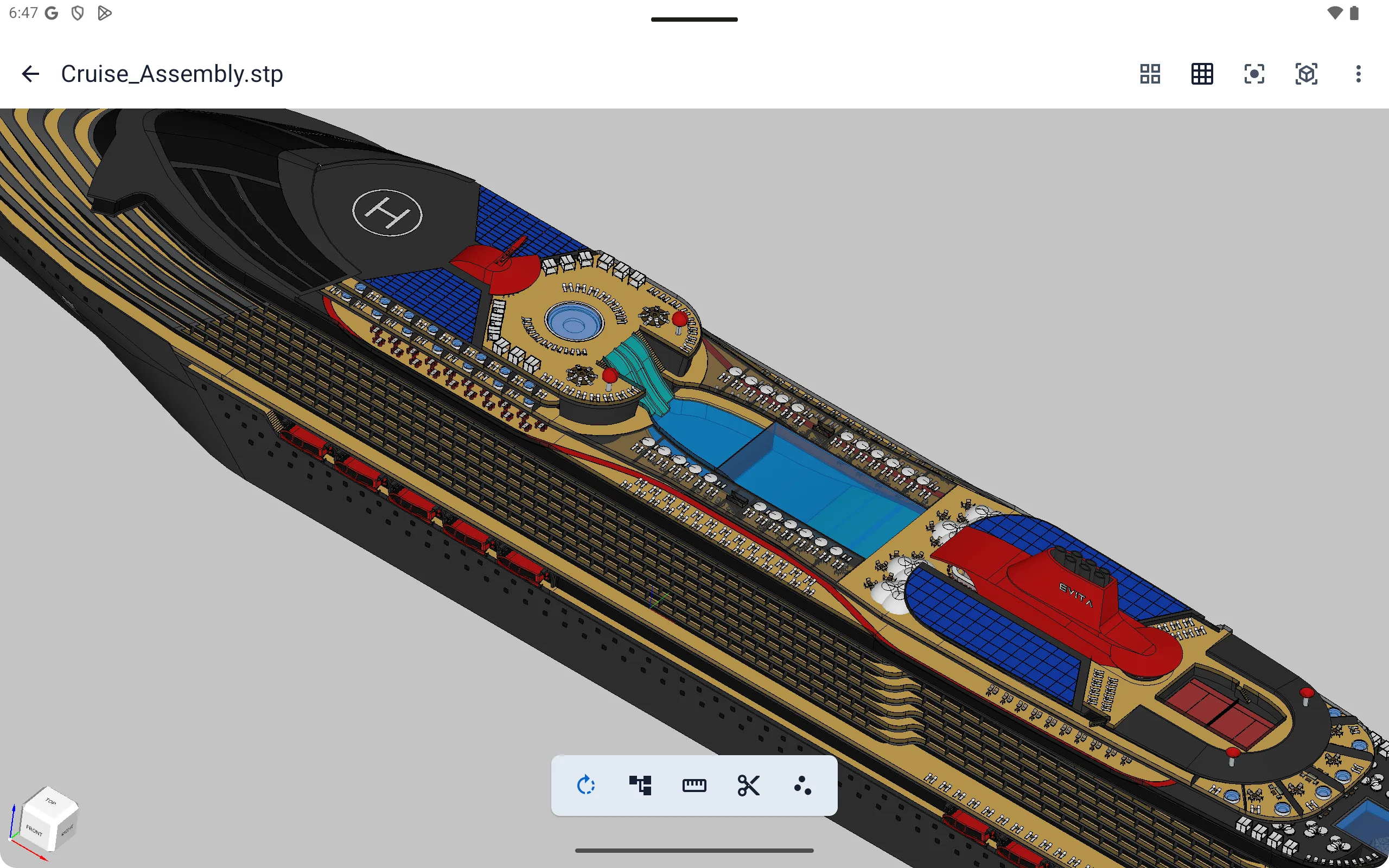
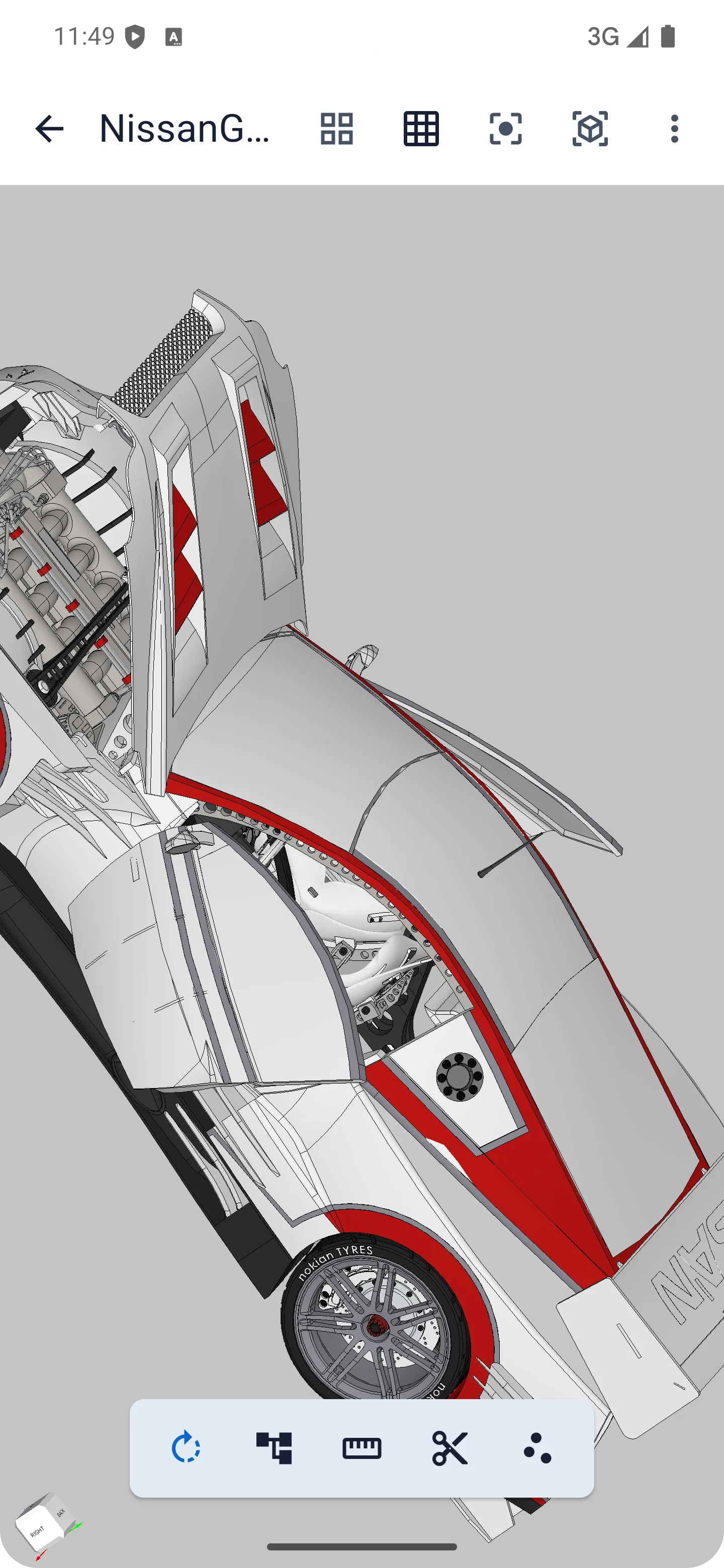
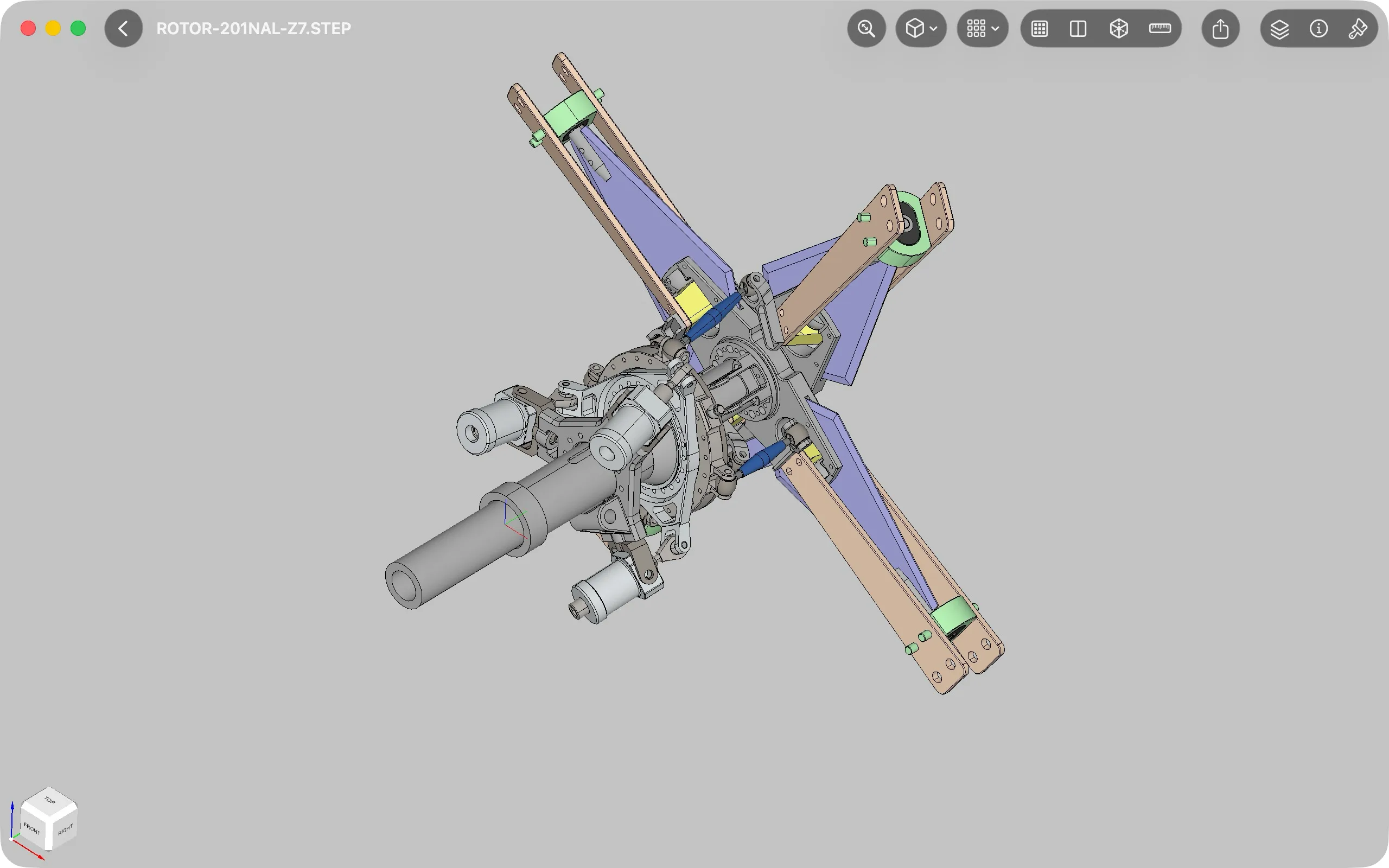
Local Viewing
Open and review STEP and IGES models locally, with no account required and no cloud upload.
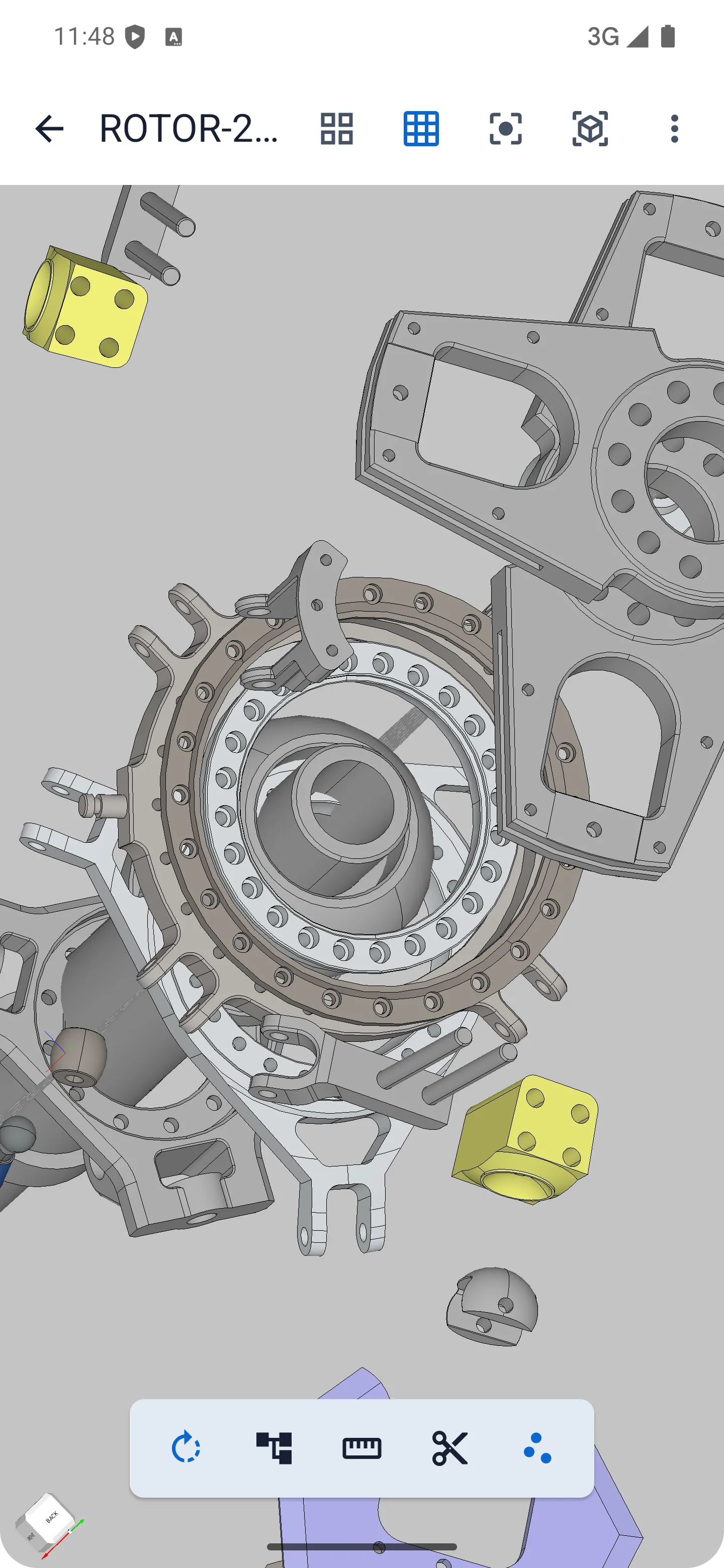
STEP / IGES Support
Open widely used CAD exchange formats including STEP, STP, IGES, and IGS for precise model inspection.
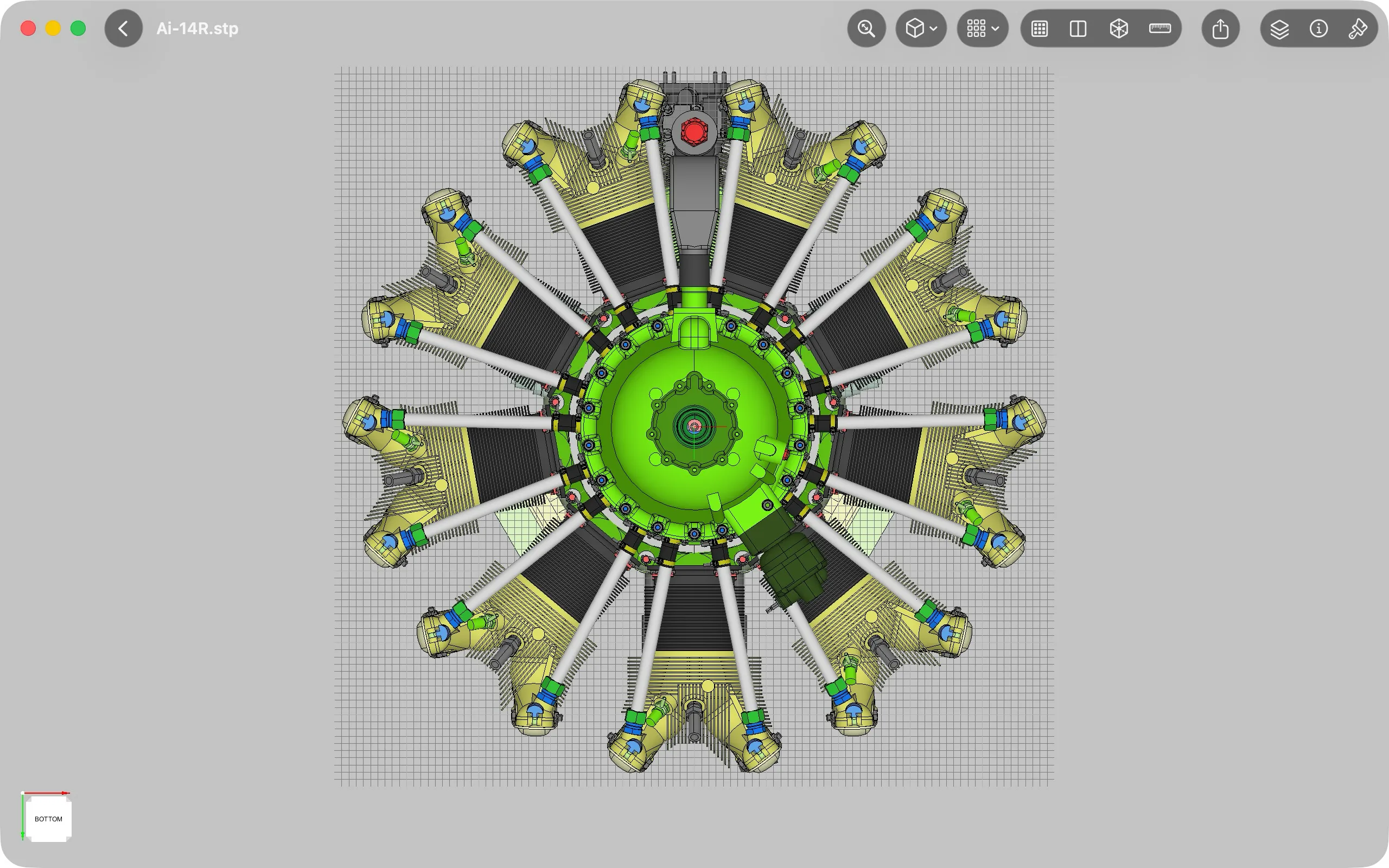
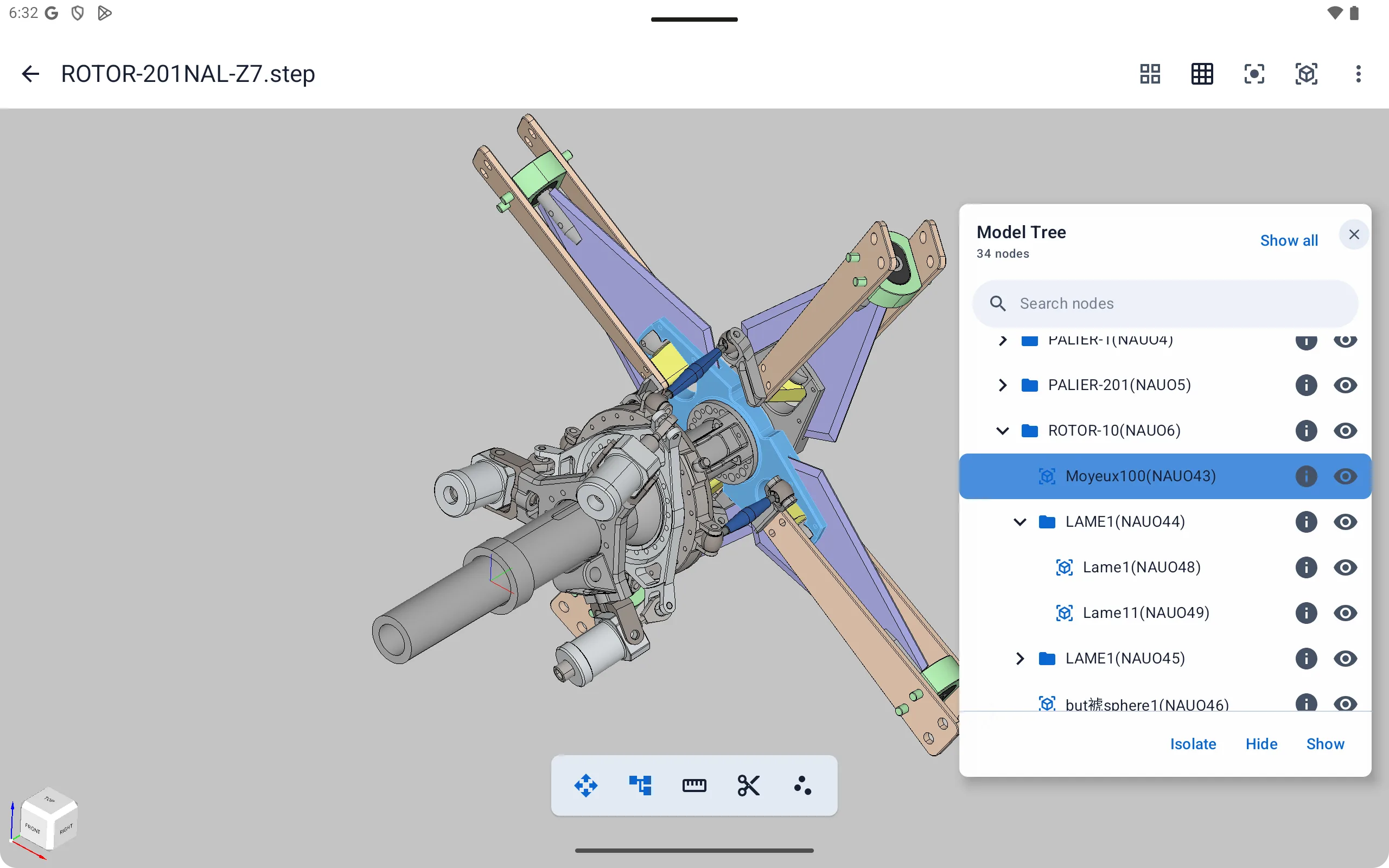
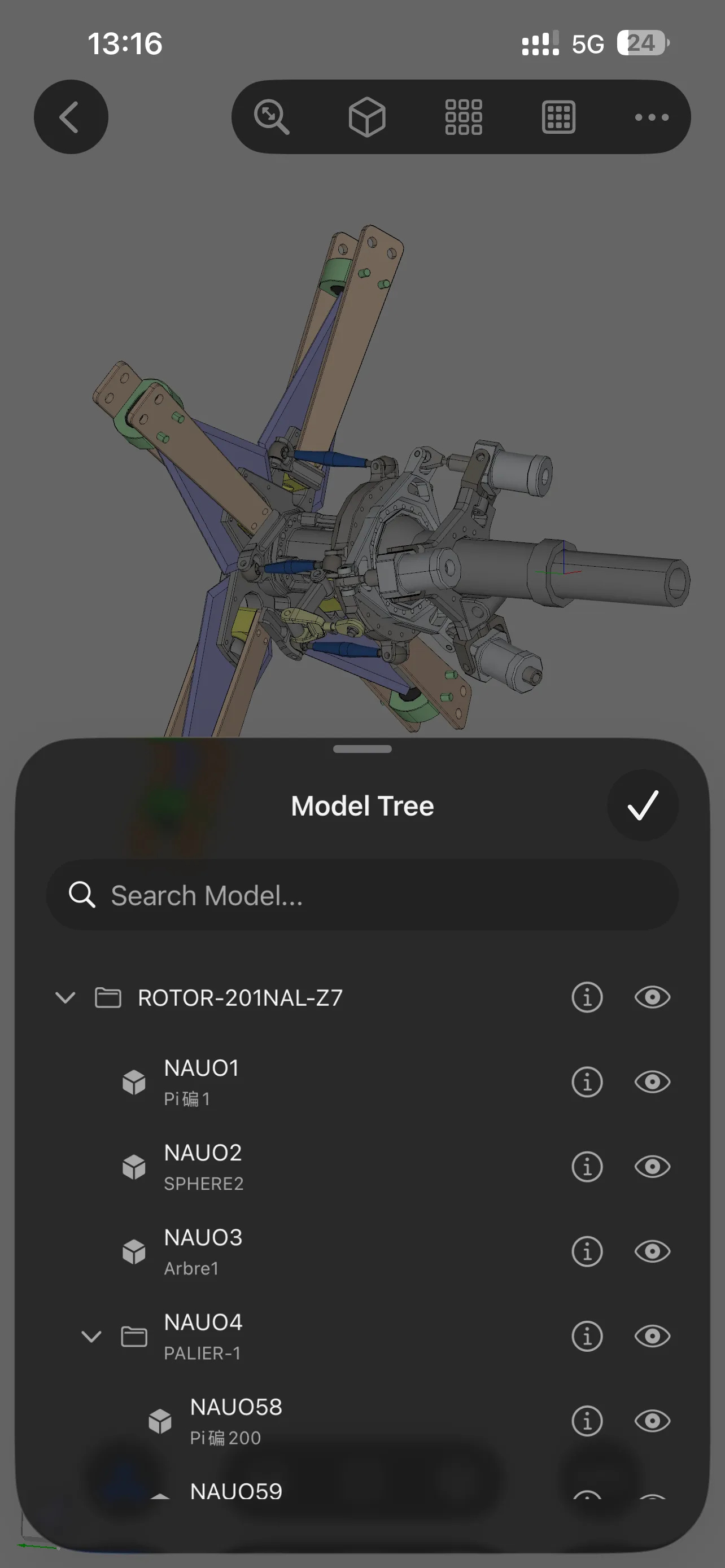
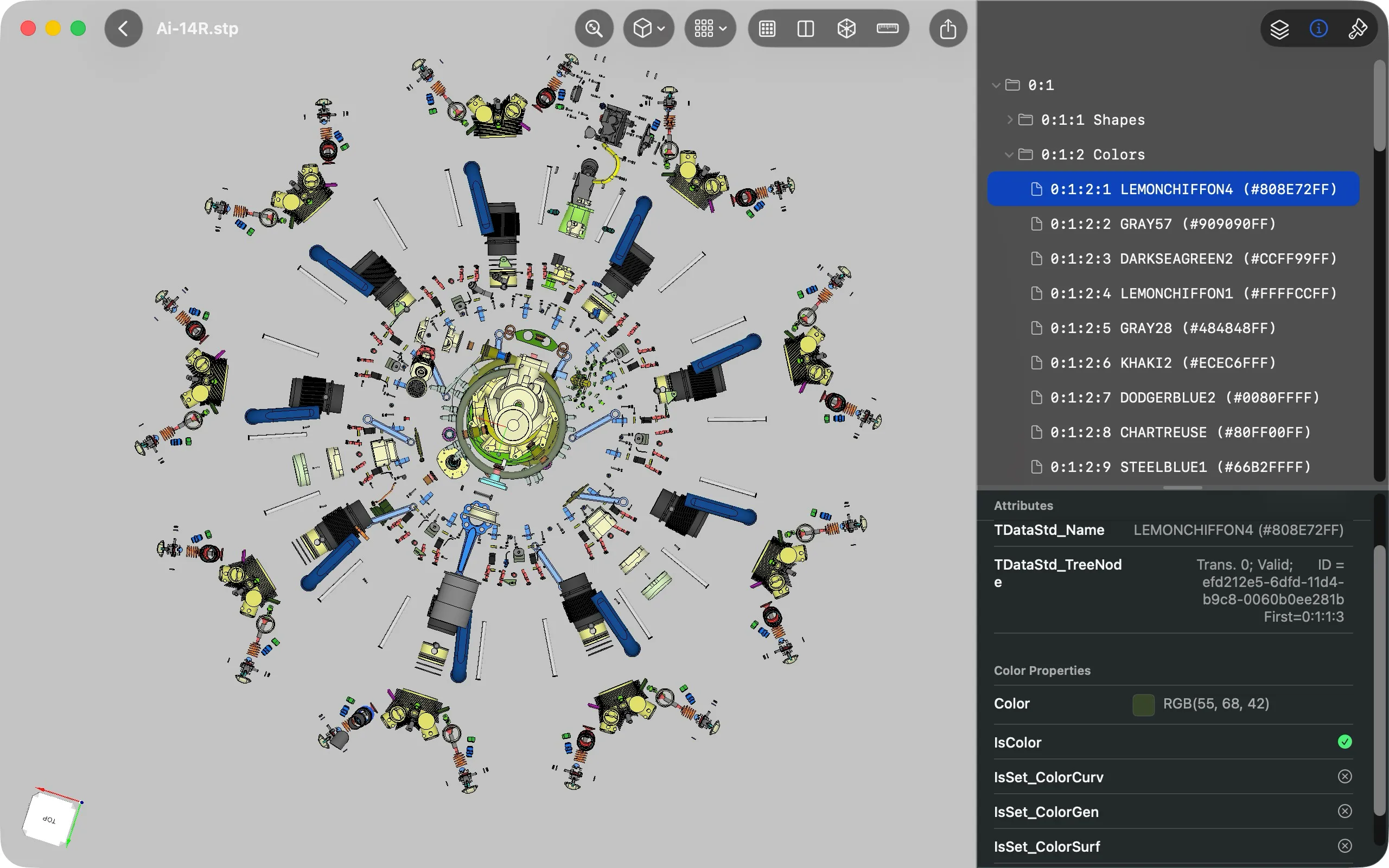
Assembly Tree
Navigate the model tree, inspect node details, and isolate specific components while reviewing assemblies.
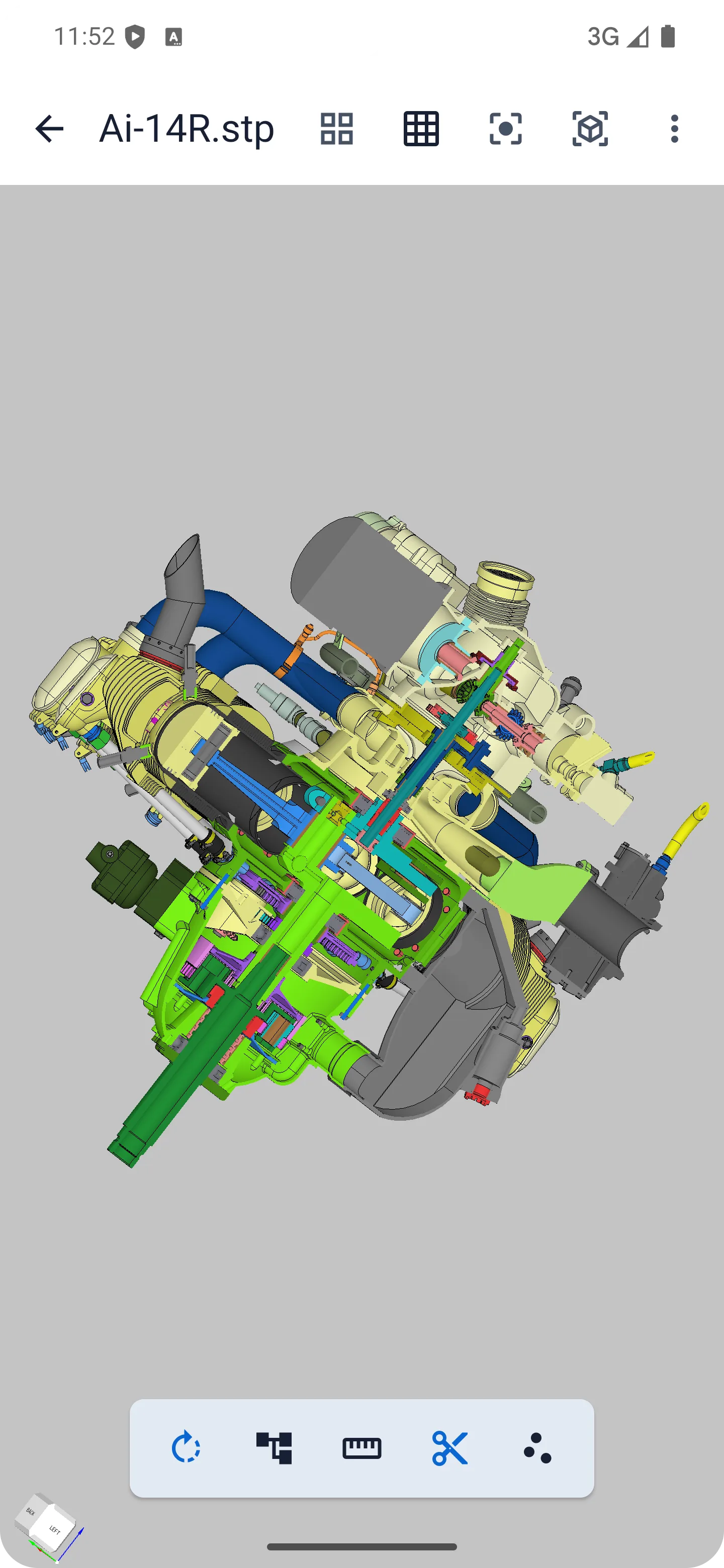
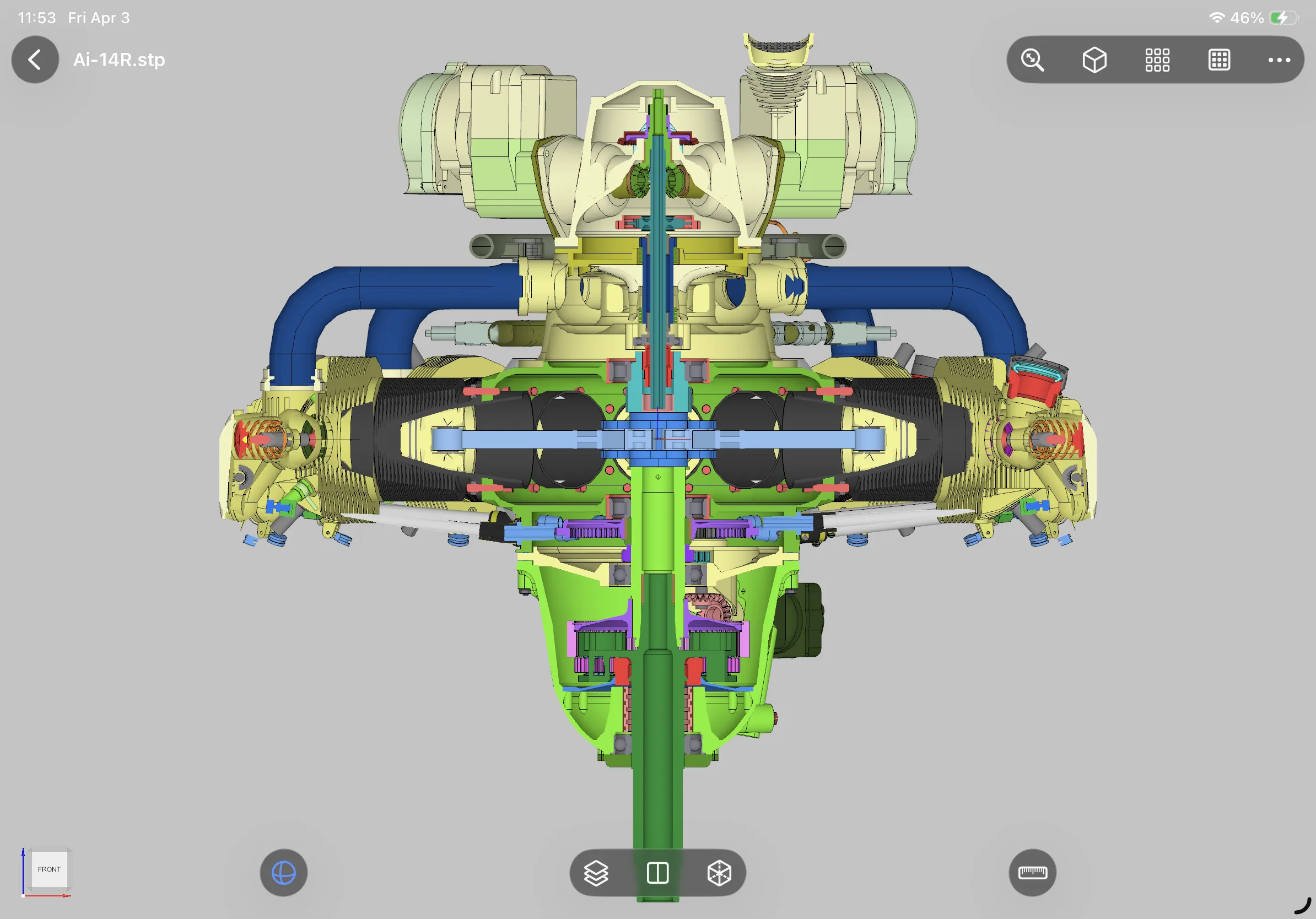
Section View
Use section views to examine internal structures, hidden geometry, and dense mechanical details.
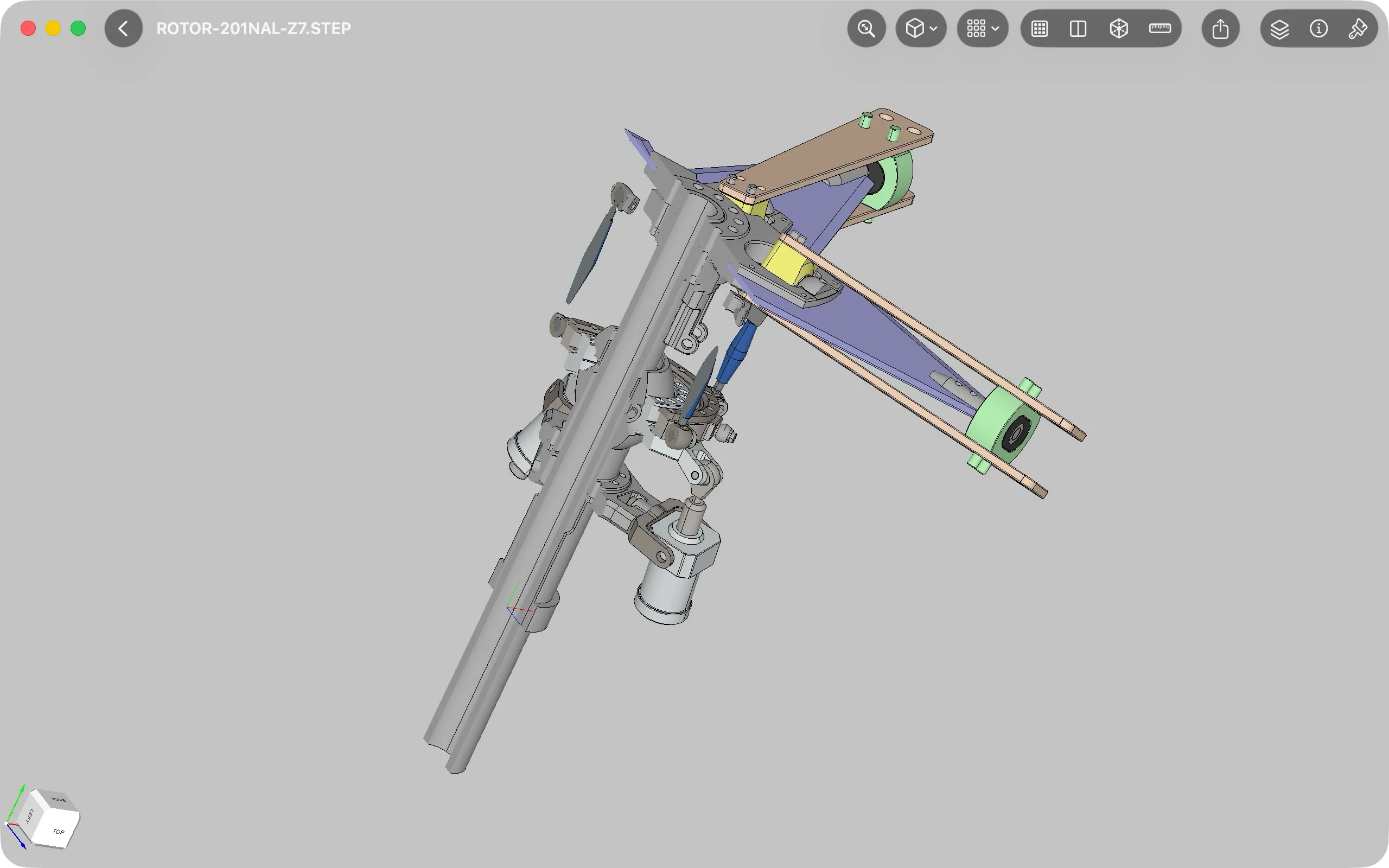
Exploded View
Separate assembly parts to better understand component relationships and the overall model structure.
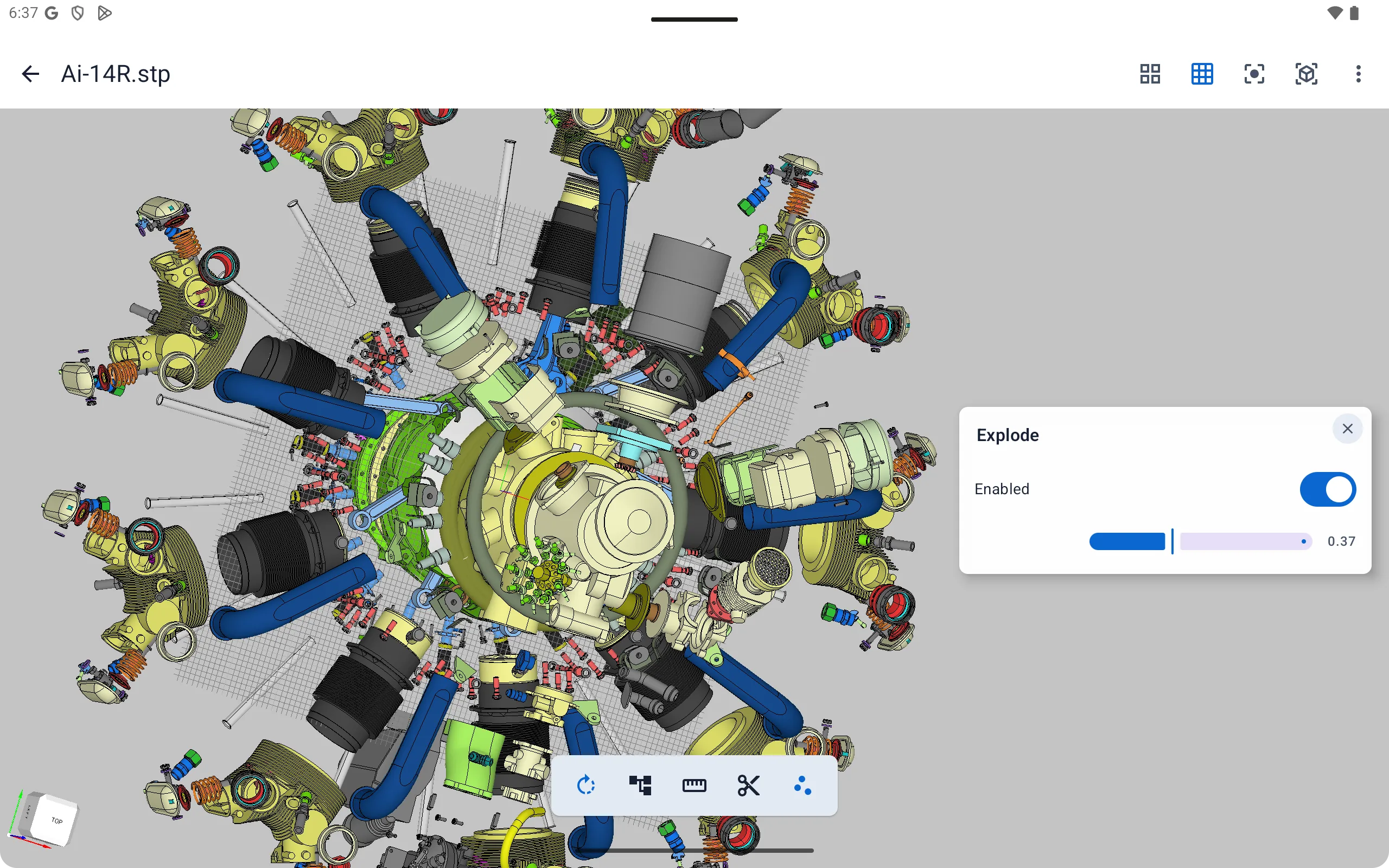
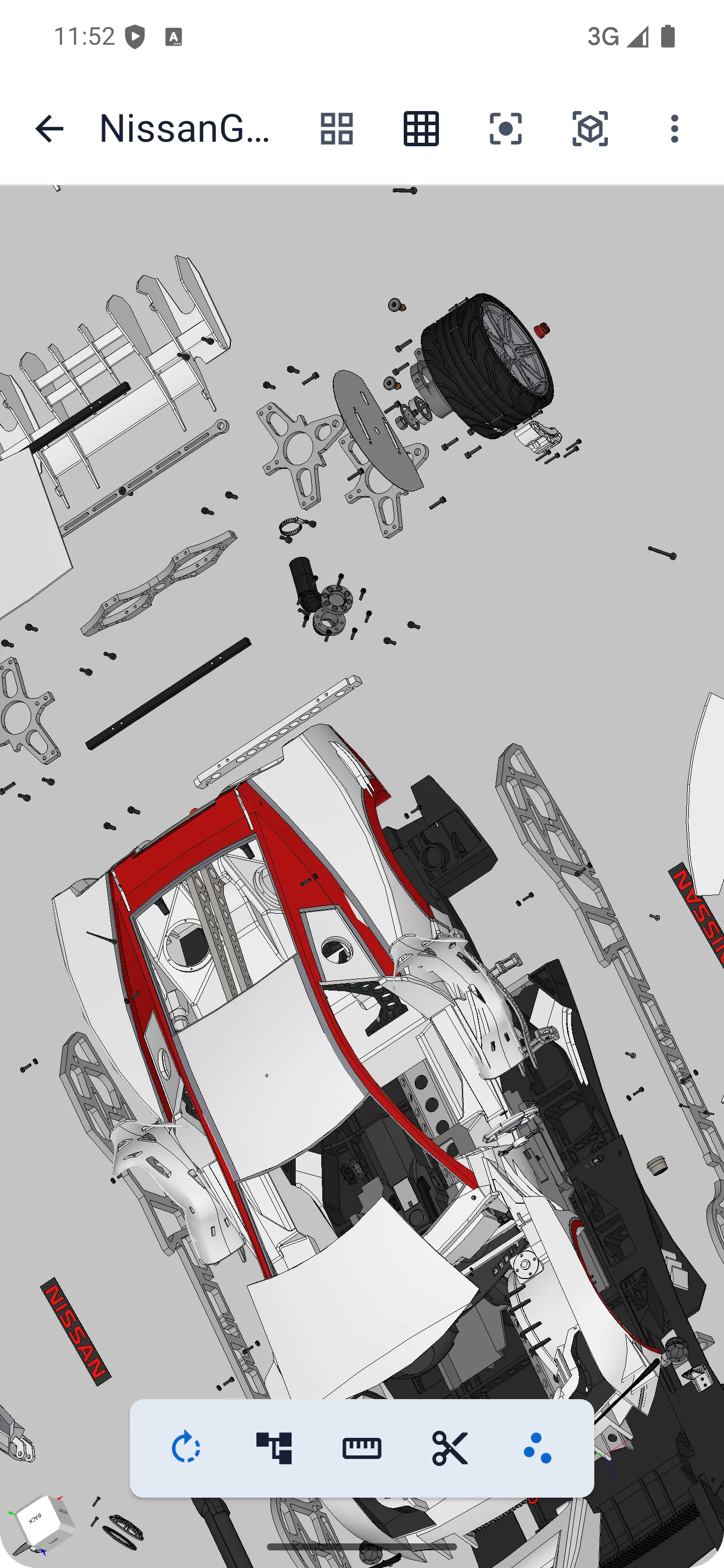
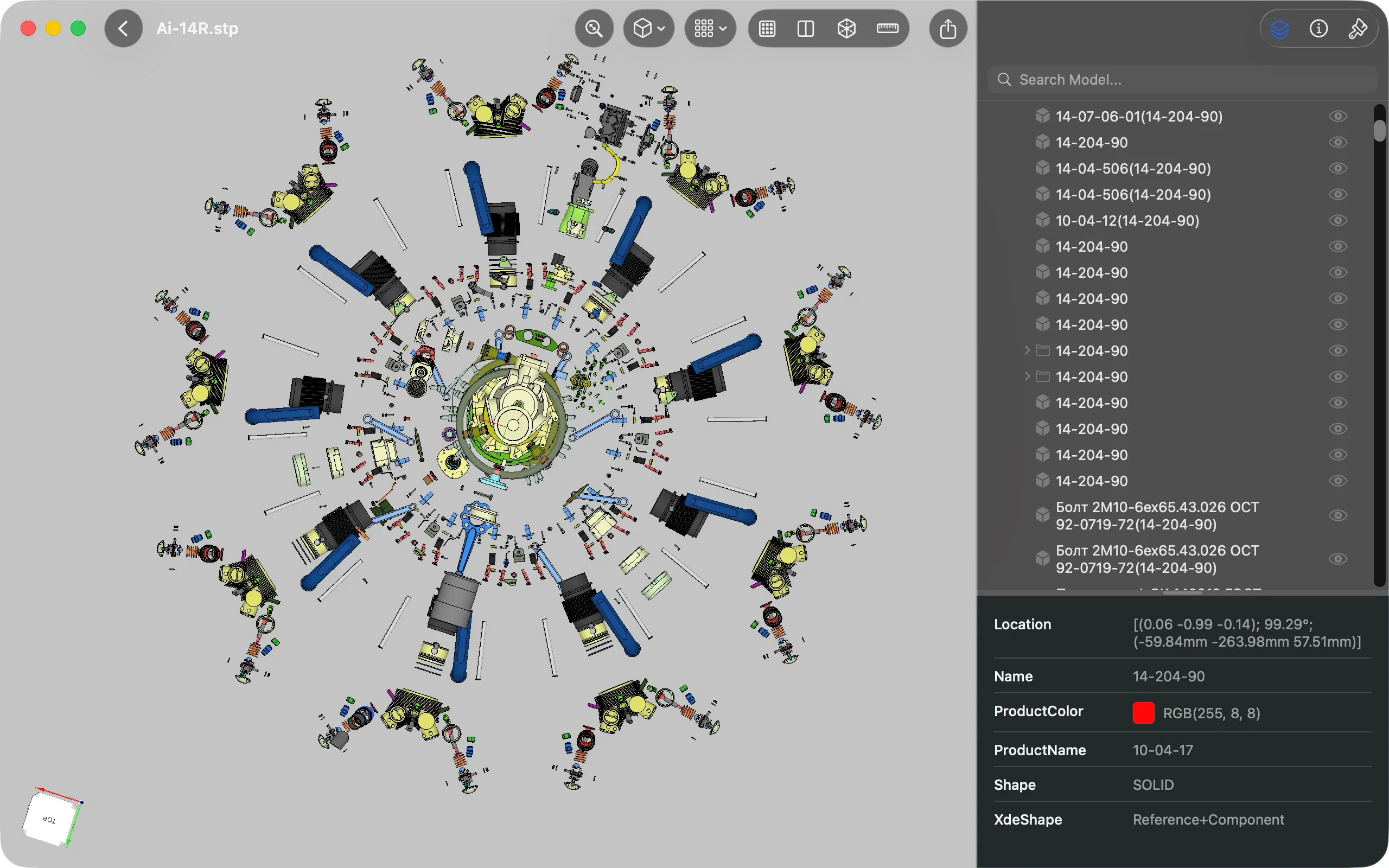
B-Rep Measurement
Measure distances, angles, and key dimensions directly from B-Rep geometry during inspection.
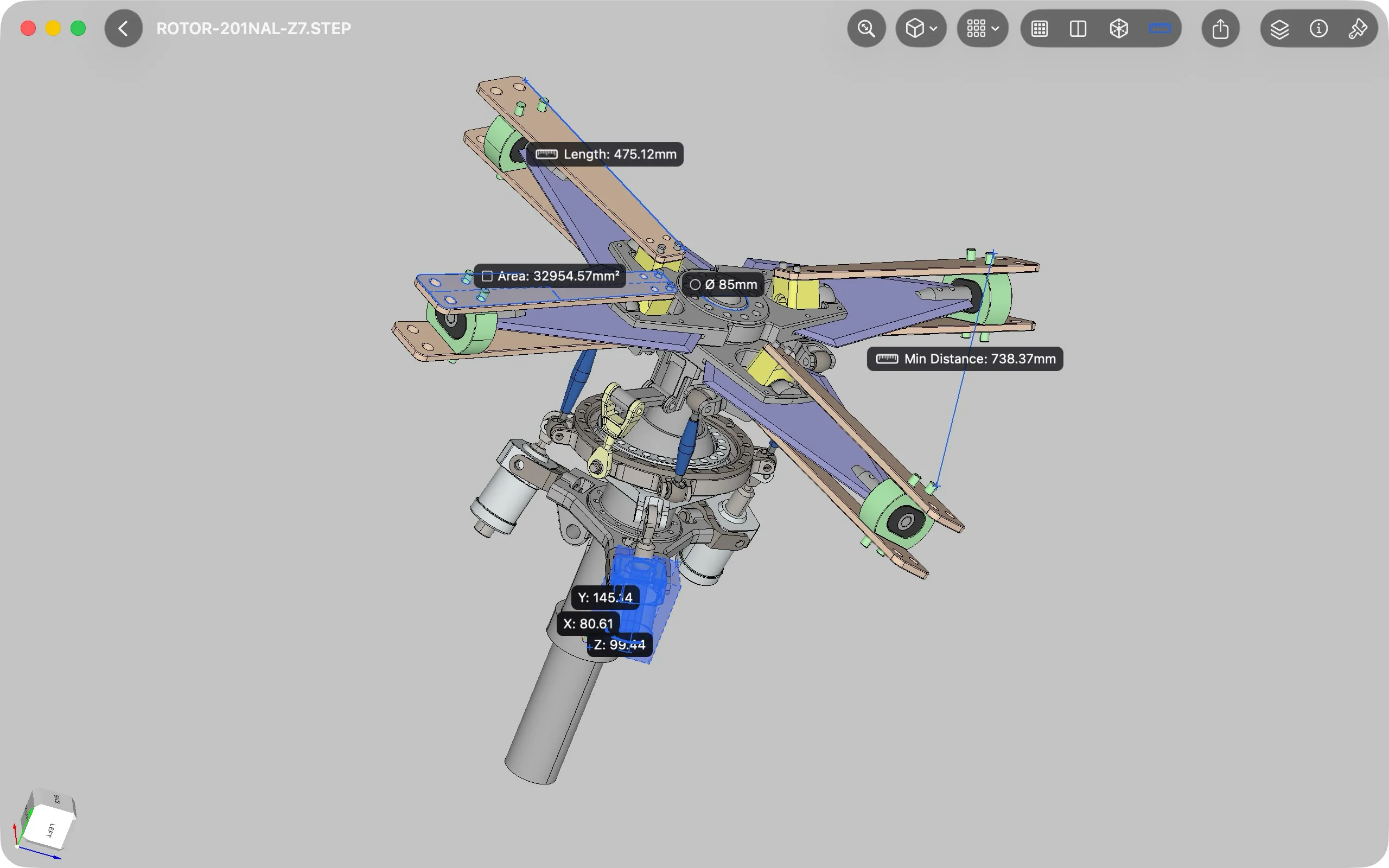
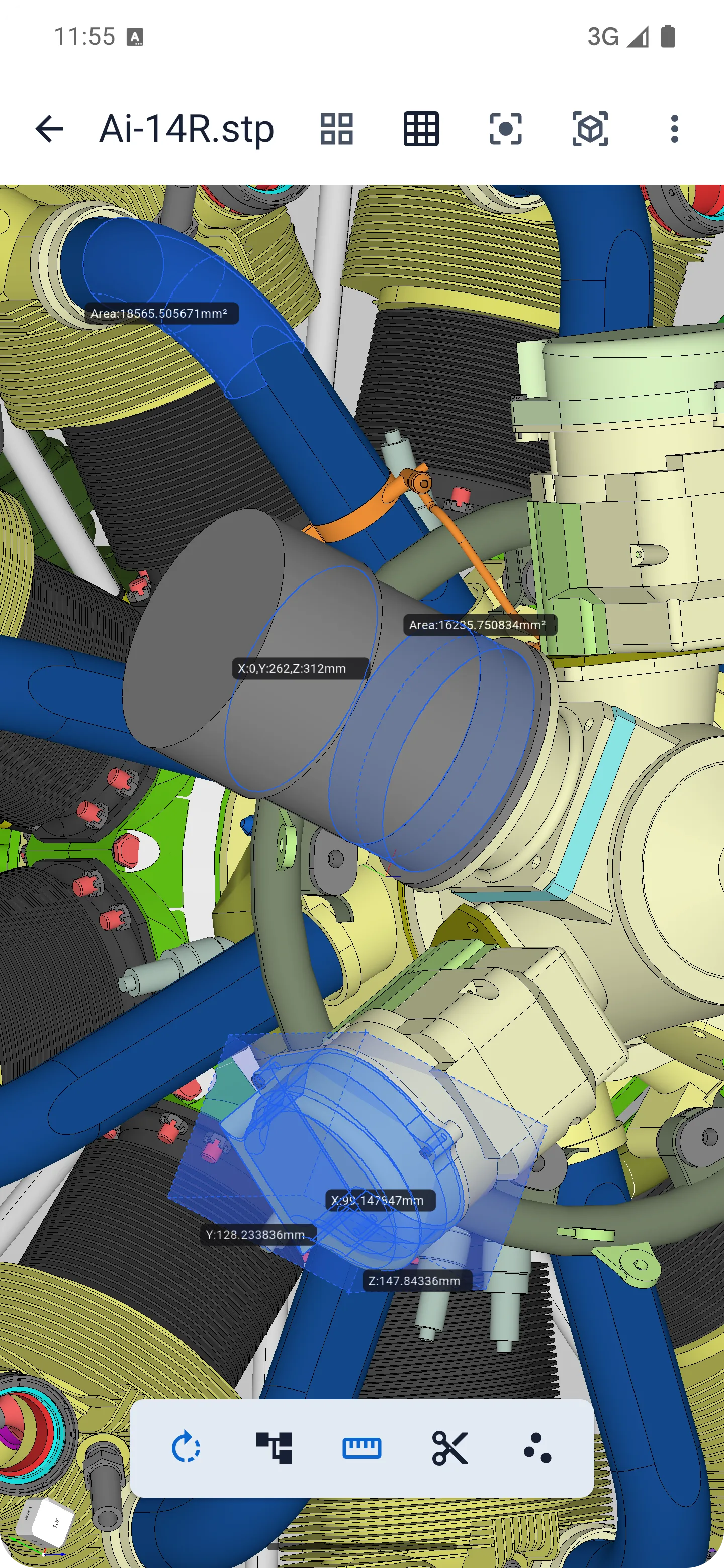
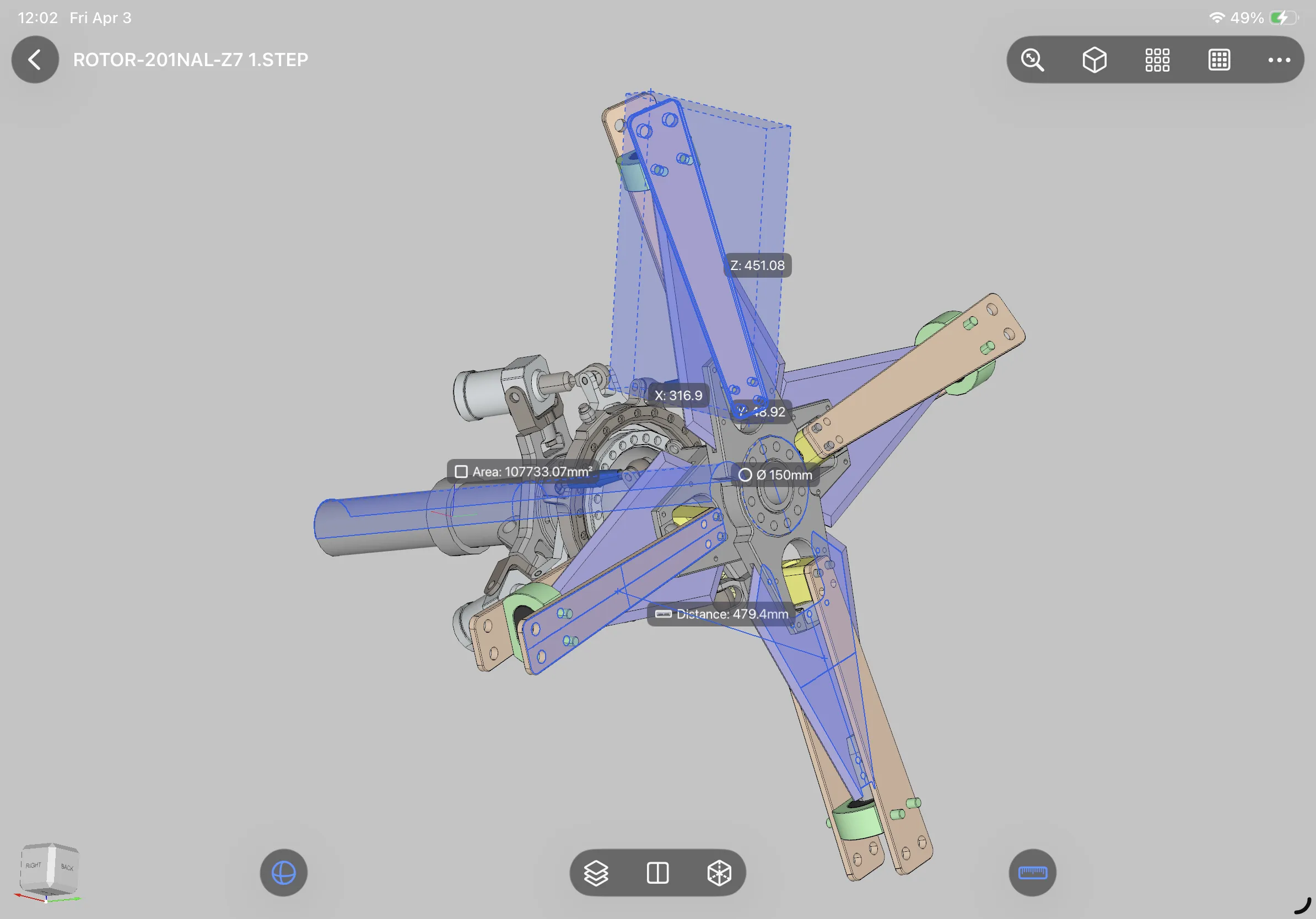
Viewra STEP is free for opening and reviewing STEP and IGES files. Advanced features require Pro access, available through an App Store or Google Play subscription, or as a lifetime Pro purchase.
Viewra STEP is available on iOS, macOS, and Android.
Viewra STEP supports STEP, STP, IGES, and IGS files.
No. Models are opened and reviewed locally on your device, with no account required and no cloud upload.
Yes. STEP and IGES files already stored on your device can be opened and reviewed locally. Downloading files or accessing external services may still require a network connection.
Viewra STEP includes assembly tree browsing, section view, exploded view, and B-Rep measurement tools.
Viewra STEP is designed for viewing, inspection, and measurement. It is not a full CAD modeling or editing tool.
Visit Support to contact us by email or join the Discord community.
Download Viewra STEP for your Apple or Android devices.